Summarize comments using Rovo
Save time and get the information you need to engage with teammates faster by generating a summary of general page comments using Rovo with AI (currently, it is not possible to summarize in-line comments).
AI is available and automatically activated for all apps on Standard, Premium, and Enterprise plans. Organization admins can manage AI preferences from Settings > AI-enabled apps in Atlassian Administration.
AI isn’t available for Atlassian Government apps.
Summarize general comments with Rovo
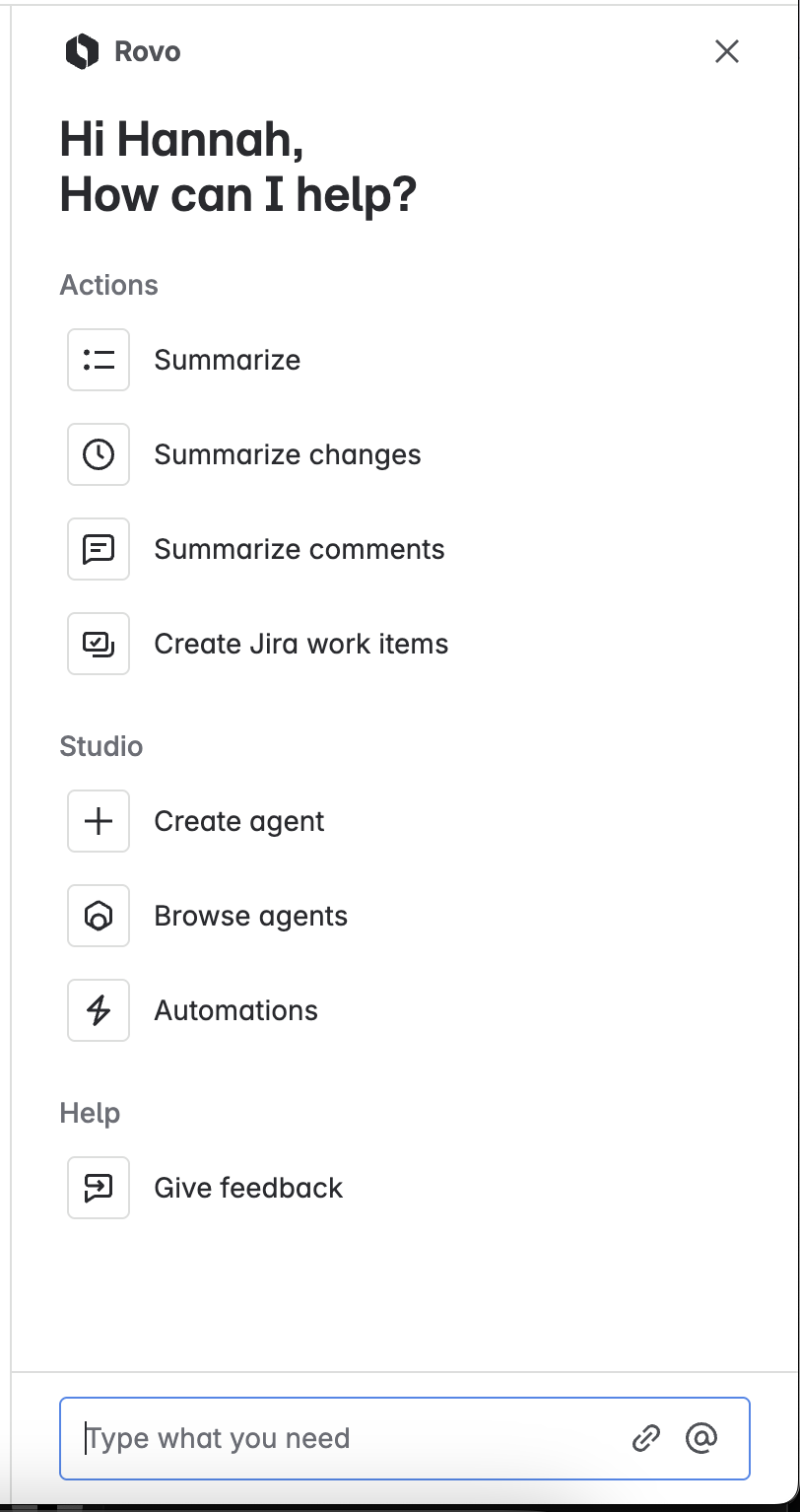
Open Rovo via the button at the bottom-right of your screen.
Select Summarize comments from the panel.
Rovo will generate a summary of general page or doc comments.
You can copy the summary to your clipboard, update it to include new comments as they’re added, rate the quality of the summary, and provide feedback on the feature.
Rovo will only generate a summary if there are at least two general comments, and it won’t generate a summary of comments that appear to violate Atlassian’s Acceptable Use Policy.
For more on how Rovo works, its limitations, and our commitment to privacy, visit the Atlassian Trust Center.
Was this helpful?