Transform content with Remix
Use Remix with Rovo to transform any content into a new format, structure, or medium. Ask Rovo to do a quick Remix on your existing content.
Remix provides a new way to visualize existing content, supporting readers with differing learning styles and preferences.
With Remix, you can:
Turn bullet points into an infographic.
Create an org chart from a table of names and team information
Create editable diagrams from complex data sets.
Generate an interactive map showing market research data and stats.
Create visually-rich slides using your pages, live docs, whiteboards, databases, and more.
Or use Rovo chat to ask for exactly what you want.
Just highlight source content in a page or live doc and watch Rovo Remix your existing work into something amazing.
Using Remix with Rovo
If you have edit access to a page or live doc, you have a couple of ways to start a remix:
Highlight selected text, then select Remix from the floating inline editor toolbar:

Select Remix in the element toolbar on and existing element:

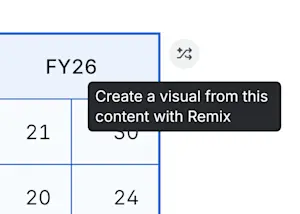
Select Remix in the right-side block action:
The Remix menu will appear and offer you four types of outputs, along with an open-ended chat box where you can ask for something specific.
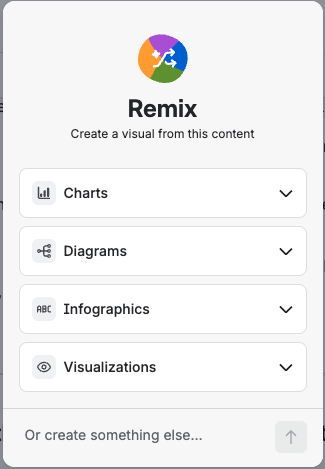 | Chart: Create a chart or graph when your selection contains numerical data. Choose the type of chart that best represents your work, like a line graph or pie chart, or you can ask Rovo to “Pick for me” and it will generate the chart that best fits with your selection. Diagram: Create a visual depiction of the relationships between the pieces of information you highlight via a flowchart or mindmap. You can add this to your document as an embedded whiteboard. Infographic: Add visual flare with a custom infographic, which acts as a storytelling companion piece for your content. Choose either Bold, Minimalist, or Sketch style and ask Rovo for any revisions. Visualization: Generate an interactive visual that can enhance the information or presentation of your original work. Examples include timelines, maps, org charts, flip cards, and more.
|
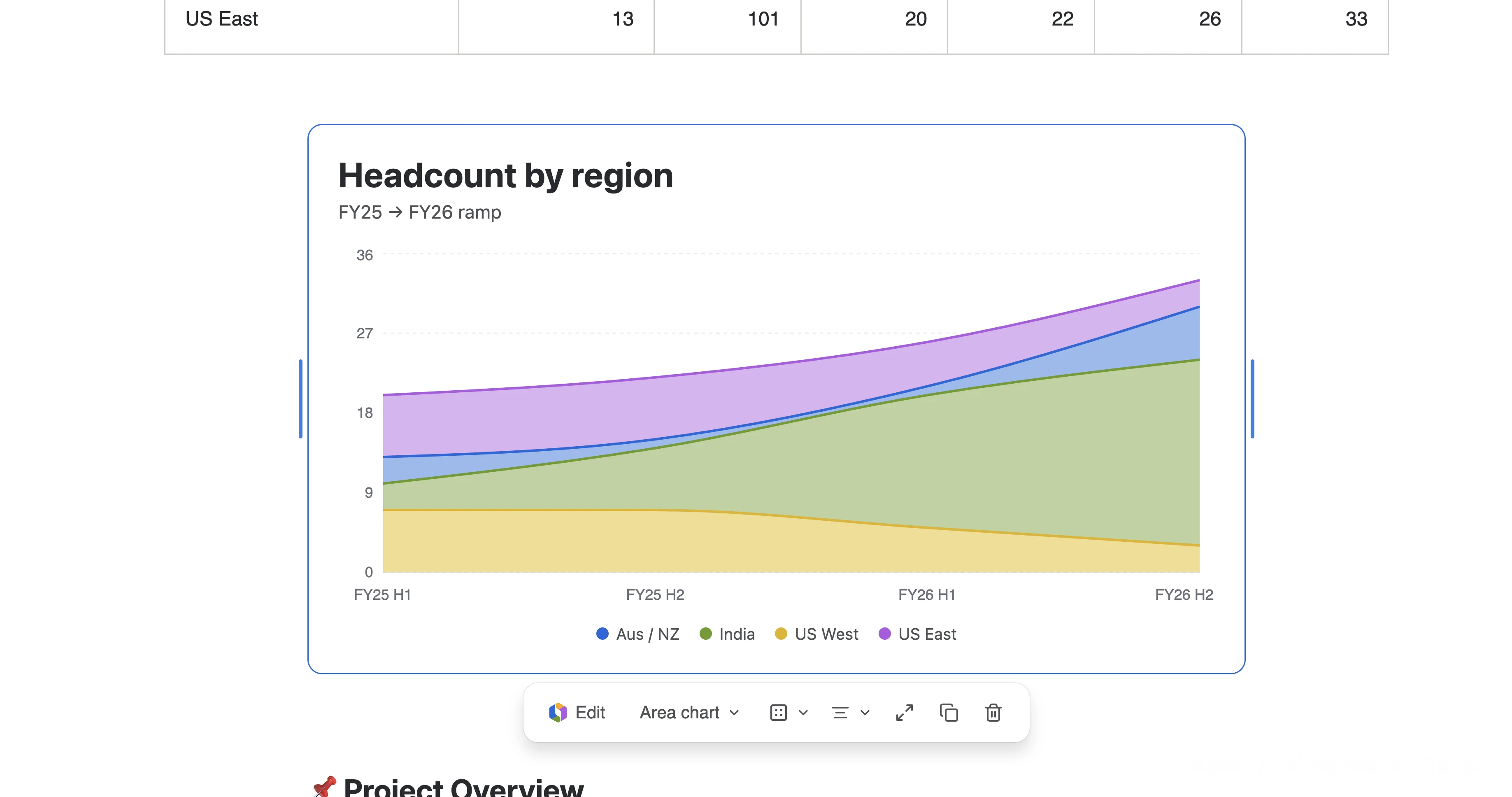
When the remix is complete, Rovo will automatically add the output underneath the content you selected to be remixed. Remixing is nondestructive, meaning it never overwrites or deletes your existing content.
You can also create Remix outputs via Create with Rovo, Rovo Chat, Atlassian MCPv2, and TWG CLI.
Use Remix with Rovo on read-only content
Don’t have edit permissions on a page or live doc? No problem. You can still create a Remix using right side block action on hover.
The only difference is that you won’t be able to save your Remix into the existing page since you don’t have edit access. Instead, you can select Copy and paste the Remix somewhere else in Confluence to save it.
Enterprise Compliance
Remix supports enterprise compliance capabilities, including data residency, data retention and deletion, backup and restore, searchable outputs, and rendering in the Confluence mobile app.
Remix with Rovo is a premium AI feature that consumes Rovo credits. Find out how Rovo credits work for premium AI features.
Was this helpful?