ワークスペースを削除する
If you’re a Workspace admin and want to delete your Workspace, click on the Trello logo to return to the Home page, then visit your Workspace settings page from within the sidebar.
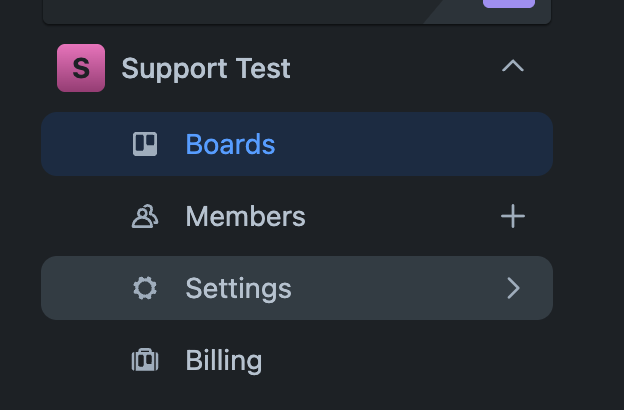
次に、ページ下部の [このワークスペースを削除] リンクをクリックします。ワークスペース設定にアクセスしてワークスペースを削除できるのは管理者だけです。
Deleting a Workspace is permanent and there is no undo. Boards within the Workspace won’t be deleted. Instead, your boards in this Workspace will be closed. You can find and reopen closed boards by visiting https://trello.com/my/boards. You will be required to select a Workspace for the board when reopening it, and you can only reopen a board if you were an admin of the board.
If the Workspace still has an active Standard or Premium subscription, then you will need to cancel the subscription first before being able to delete the Workspace.
この内容はお役に立ちましたか?