ボードを別のワークスペースに移動する
ワークスペースは、ボードのコンテナと考えることができます。ボードが属するワークスペースを変更するには、2つの方法があります。
To move a board to a new Workspace you must be an admin of the board, a member of the Workspace and a member of the Workspace you are moving the board to.
This action might impact the collaborators count on free Workspaces. See more here.
ワークスペースをボード メニューから変更する
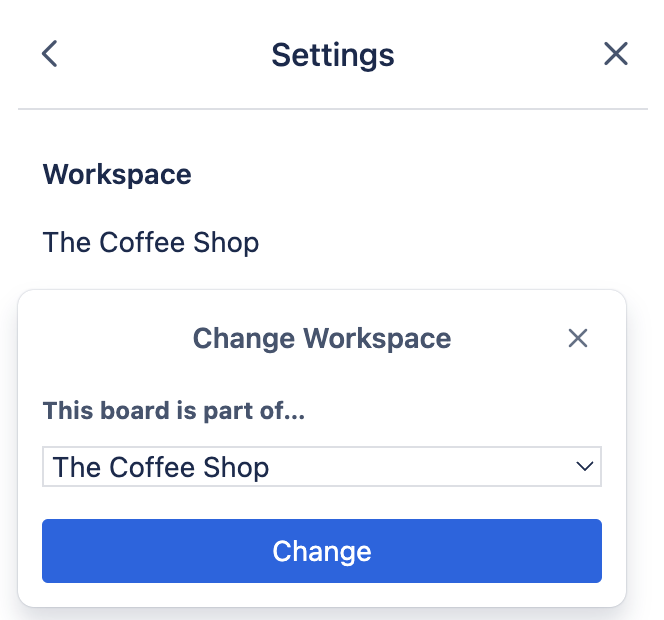
Open the Board menu and select Settings > Workspace name. Select the Workspace you would like your board to belong to from the drop-down menu. Members of a board will be added as Guests in the Workspace the board is moved to if they are not already members of the Workspace. In paid Workspaces, this would result in a charge if any of those members become Multi-board Guests.
ワークスペースのアップグレード後に、ボード上のカスタム フィールドや詳細チェックリストなどの Premium 機能にアクセスできなくなりますか?
これは、ボードが別の無料のワークスペースにある場合に発生する可能性があります。Premium 機能にアクセスするには、アップグレードされたワークスペースにボードを移動する必要があります。
この内容はお役に立ちましたか?