What happens when data is redacted or deleted from findings?
We’re gradually transitioning Guard Detect into Atlassian Administration. We’ll support Guard Detect until the Atlassian Administration experience includes all the same features (and new ones!).
The Findings page in Atlassian Administration is the first step in the transition.
Guard records a finding when potentially sensitive data is detected. If you determine that the data is sensitive and should not exist in the page or issue, you can choose to redact it, or if it’s within an attachment, delete it. How to redact sensitive data
Who can do this? |
What happens when data is redacted from findings?
リダクションを行うと、機密データは削除されて実線に置き換えられます。この実線は、テキストが実際に削除された場所を示しています。実線の長さは機密データの長さとは関係ないため、機密データの復元には使用できません。
必要に応じて、後でページまたは作業項目を編集して実線を削除できます。
The only way to restore redacted content is to use the Guard Detect API, and this must be actioned within 30 days of the redaction. You will need to provide the redaction ID, which is available in your audit log. See API request examples
どの場所のデータがリダクションの対象となるか
Sensitive data is detected in and redacted from:
Confluence (including live pages) page title, page body, and code blocks.
Confluence (including live pages) blog post title, blog post body and code blocks.
Jira work item fields, history, comments, work logs and code blocks.
次の場所の機密データは検出とリダクションの対象外です。
whiteboards or databases
space or project descriptions, sprint names, or other free text areas
text added via some third-party apps or macros
履歴のデータに対してリダクションが行われるか?
In Confluence, we only redact sensitive data in the current version of the page. However, you have the option to delete any historical versions that contain the sensitive data from the page history. This completely removes the page versions that contained the data, including any other edits that may have been made in that version, and the record of who contributed to those versions. A new version is added, with a comment to indicate that sensitive data was redacted. Page versions can’t be restored once deleted.
履歴を削除するかどうかは、組織の保存要件によって異なるため、チームと協力して履歴を削除することが適切かどうかを判断することをお勧めします。
Can I redact only selected instances?
Yes. Each finding represents a single instance of sensitive data. You can redact each finding individually, or select multiple findings to bulk delete them.
For example, if you have a Confluence page that contains three test credit cards and one real credit card, you will see four individual findings. You can choose to redact all four findings, or to redact only the real credit card, and leave the others in place.
Any time you leave sensitive data in place, a new finding will be generated when someone updates the content object in future.
データが編集されると、ユーザーには何が表示されますか?
アクターには、機密データのリダクションが行われたことを知らせるメールとアプリ内通知が届きます。
When they view the page or work item, they’ll see a solid bar to indicate the place where text was deleted. This experience is the same for anyone who views the page or work item.
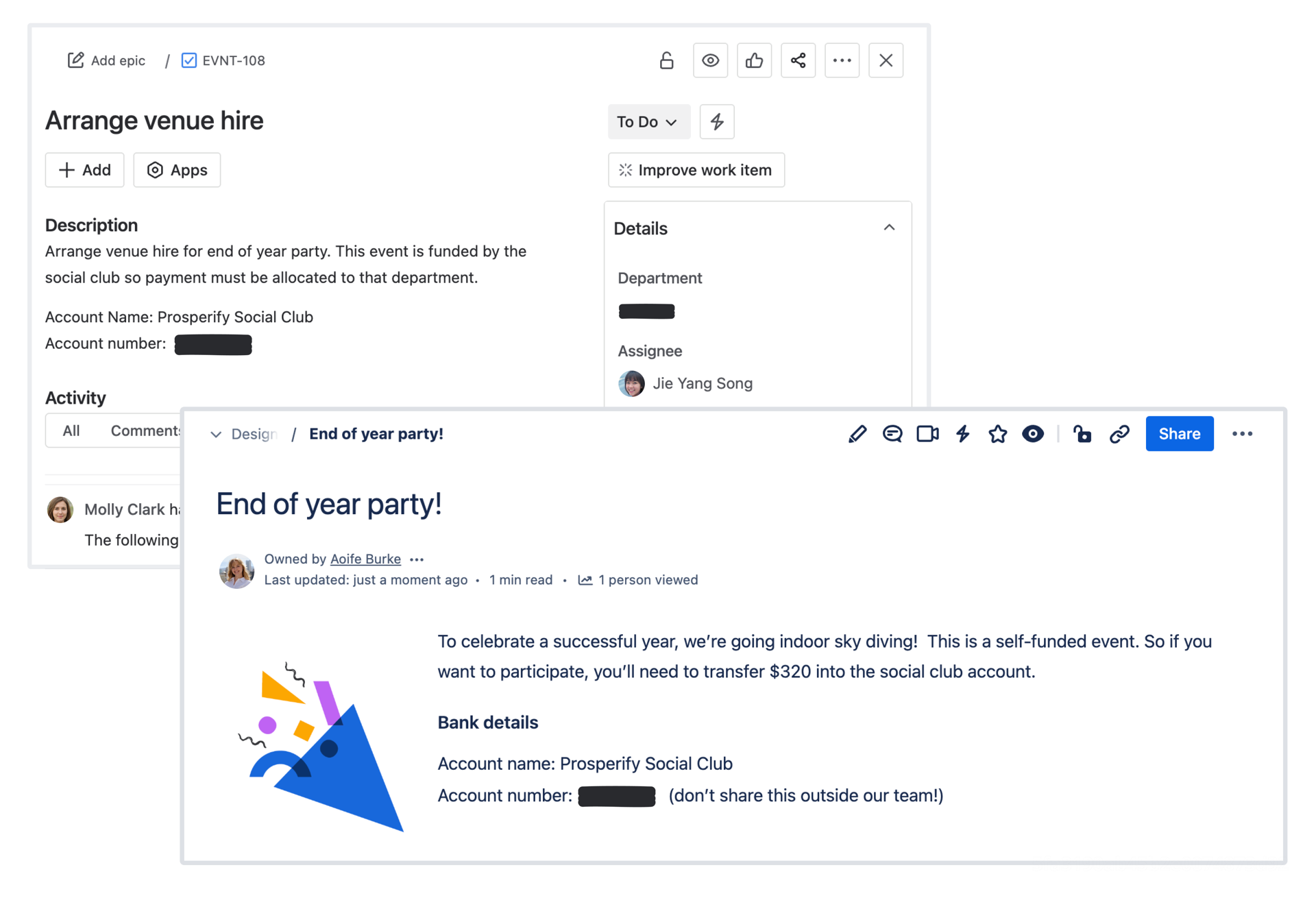
What happens when an attachment is deleted from findings?
When an attachment contains sensitive data, the finding will give you the option to delete the attachment. This option deletes the attachment and replaces it with a placeholder file in the current version of the page and any historical versions that contained the sensitive attachment. Guard can’t redact sensitive data in an attachment because attachments are files, not editable page content.
You can restore deleted sensitive attachments using the Guard Detect API within 30 days. You will need to provide the redaction ID, which is available in your audit log. After 30 days, the file is permanently deleted and cannot be recovered.
Where are attachments deleted?
Attachments containing sensitive data are detected and deleted from:
New uploaded attachments in pages, blog posts, or work items
Is an attachment deleted from the history?
When you delete an attachment from a Confluence page or blog post, it’s deleted from both the current version of the page and any historical versions of the page.
Can I redact only selected parts of an attachment?
An attachment can only be deleted as an entire file. Sensitive attachments support only deletion, and sensitive content in the attachments cannot be redacted individually.
What does the user see when an attachment is deleted?
When you delete an attachment, your users will see a placeholder image indicating that the file was deleted due to presence of sensitive data.
この内容はお役に立ちましたか?