Change password for portal-only customers
Changing password for customers is not available in the Atlassian Government environment.
Which user management experience do you have?
Go to Atlassian Administration. Select your organization if you have more than one. You can identify which user management experience you have by checking the Users page.
We’ll note these changes in the support documentation below.
Centralized | Original |
|---|---|
The Users page doesn’t contain the Site filter. 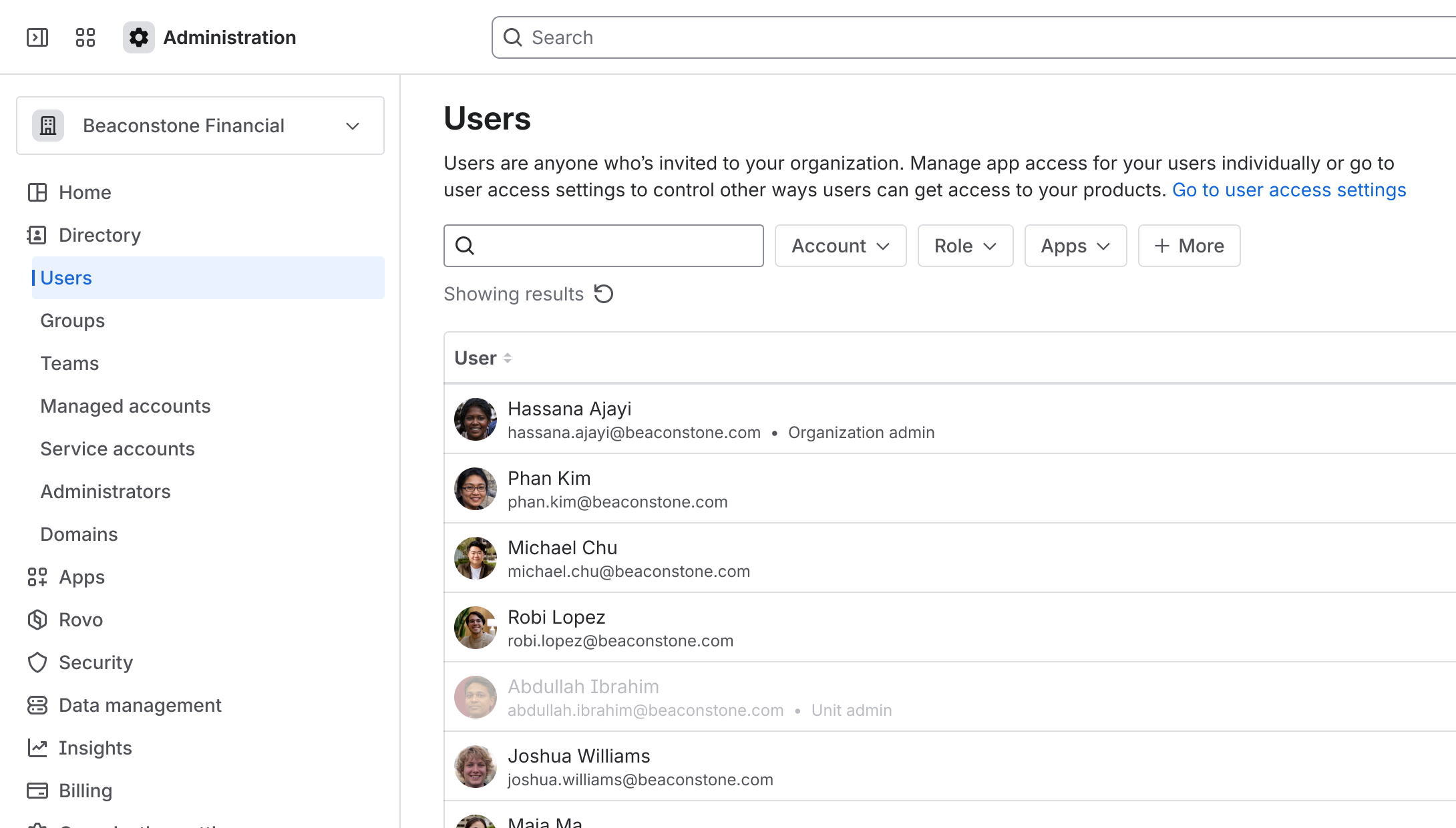 | The Users page contains the Site filter. 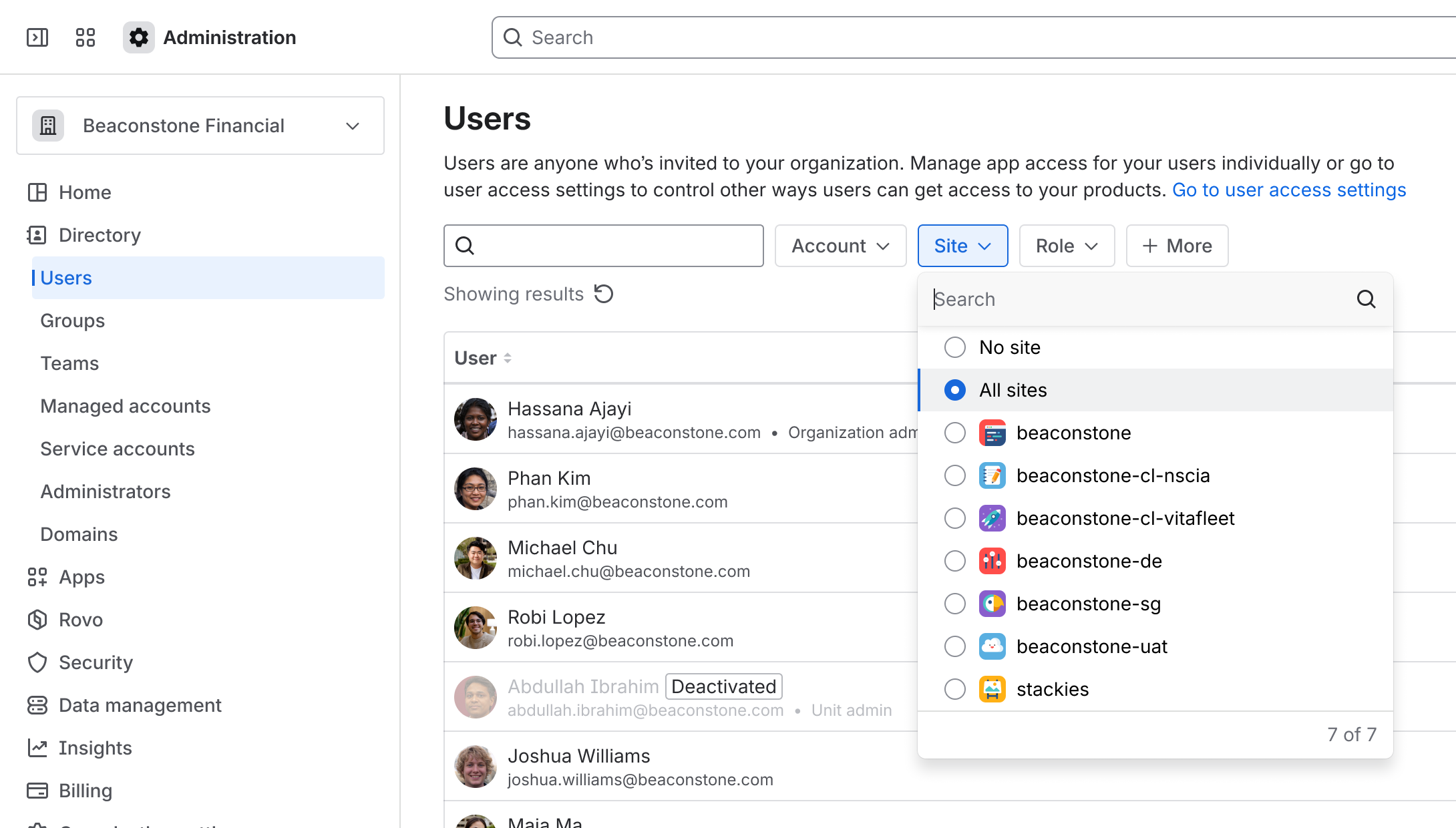 |
The first time customers raise a request in a Jira Service Management portal or send an email request to the service project, they will receive an email to set their password for their portal-only account.
To change the password associated with a portal-only account:
This procedure is different depending on your user management experience.
If you have the centralized user management:
Who can do this? |
Go to Atlassian Administration. Select your organization if you have more than one.
Select Products from the header.
Under Sites and products, select the site that contains Jira Service Management.
Under the Jira Service Management section on the nav bar, select Portal-only customers.
Next to the customer you want to change the password for, select (More option) > Change password.
Select Save password to confirm.
If you have the original user management:
Who can do this? |
Go to Atlassian Administration. Select your organization if you have more than one.
Select the site's name and URL.
Select Jira Service Management.
Find the customer you want to change the password for, and select (More option) > Change password.
Select Save password to confirm.
Was this helpful?