"There was a problem accessing this content" error message - Atlassian Cloud
Platform Notice: Cloud Only - This article only applies to Atlassian apps on the cloud platform.
Summary
The end user is trying to access an Atlassian Cloud product (Confluence, Jira, or Jira Service Management). Still, instead of being able to access the site successfully, the user faces the following exact error message:
Error: "There was a problem accessing this content"
Check your network connection and try again, or contact your administrator for help.
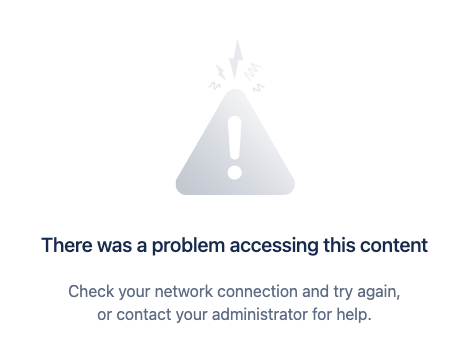
This article applies when an end user sees this exact error while accessing Confluence, Jira, or Jira Service Management on the cloud platform, and the network IP address is not on the list of allowed addresses for Atlassian Cloud access.
Environment
Confluence Cloud, Jira (Cloud), or Jira Service Management (Cloud).
Cause
This error occurs because your network's IP address is not on the list of allowed addresses for accessing Atlassian Cloud.
Solution
Before changing IP allowlist settings, check whether an existing IP allowlist is enabled in admin.atlassian.com > Security > IP allowlisting. An IP allowlist affects the site only when the Enabled column is ON. If multiple IP allowlists exist but none are enabled, this error should not occur.
If an allowlist is enabled and the user's IP is not included, visit the IP Allowlisting section in our documentation to learn how to manage your IP settings.
Was this helpful?