Data share errors
Platform Notice: Cloud Only - This article only applies to Atlassian apps on the cloud platform.
Summary
This page contains information on common errors users may see when trying to access or set up data shares from Atlassian Analytics.
Solution
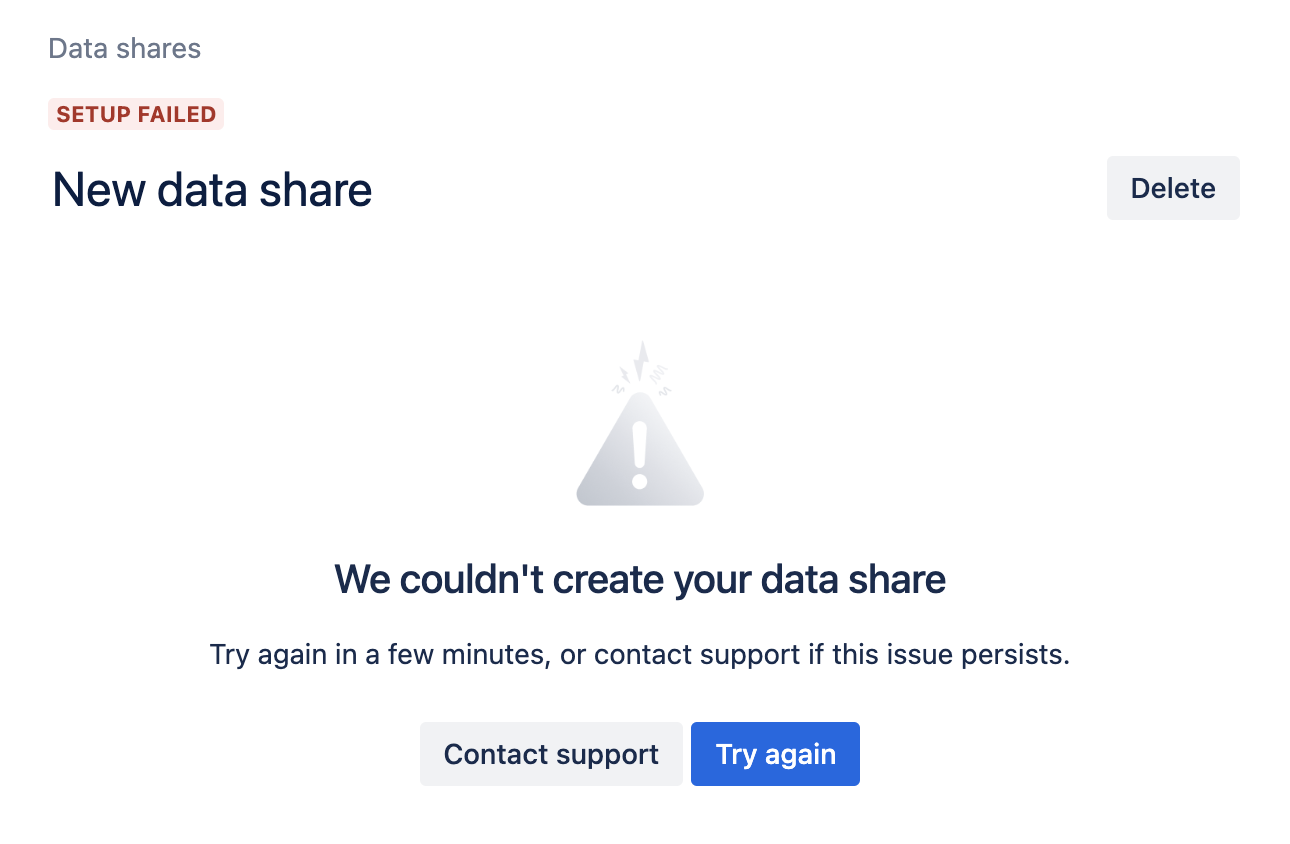
We couldn’t create your data share
If you are trying to create a new data share and the setup has failed, please open a support ticket for Atlassian Analytics, and our team will look into it.
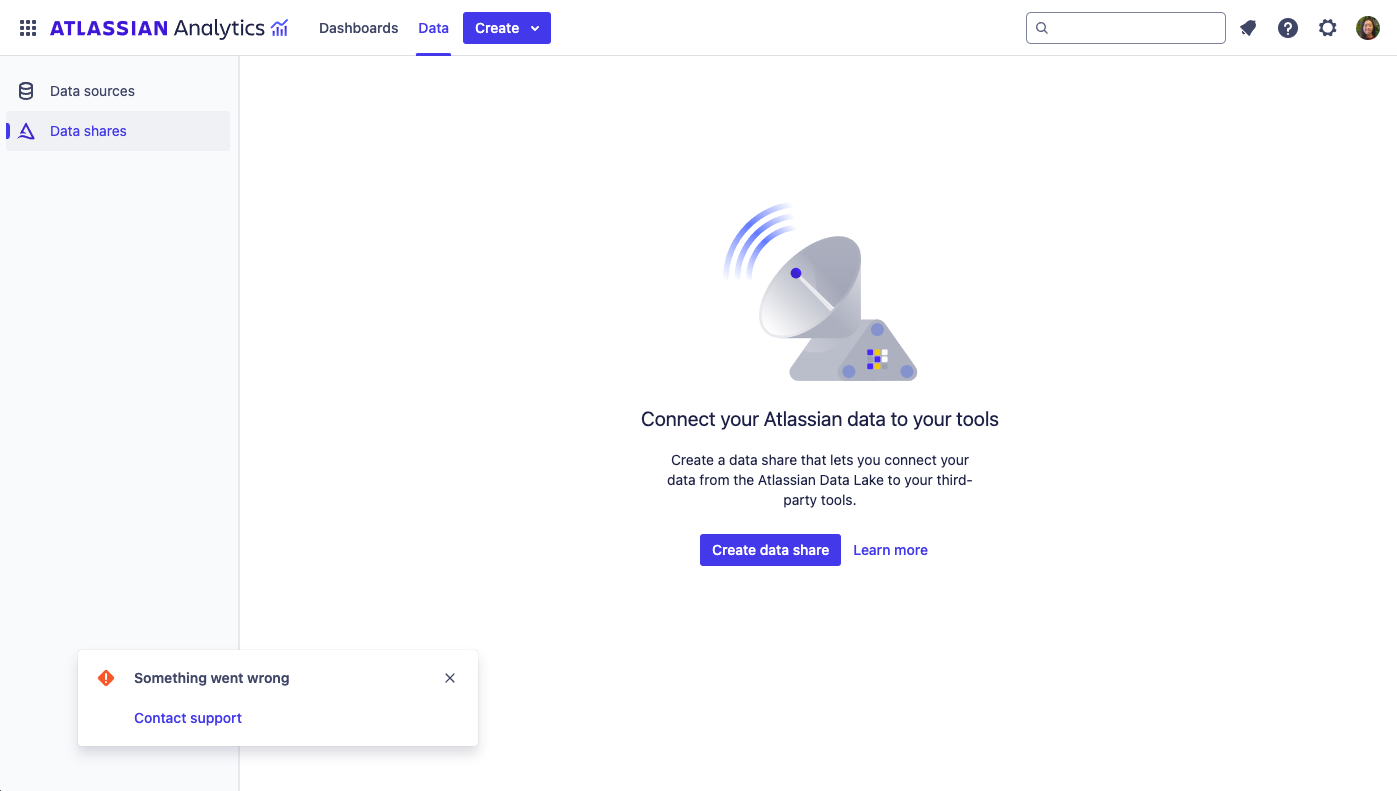
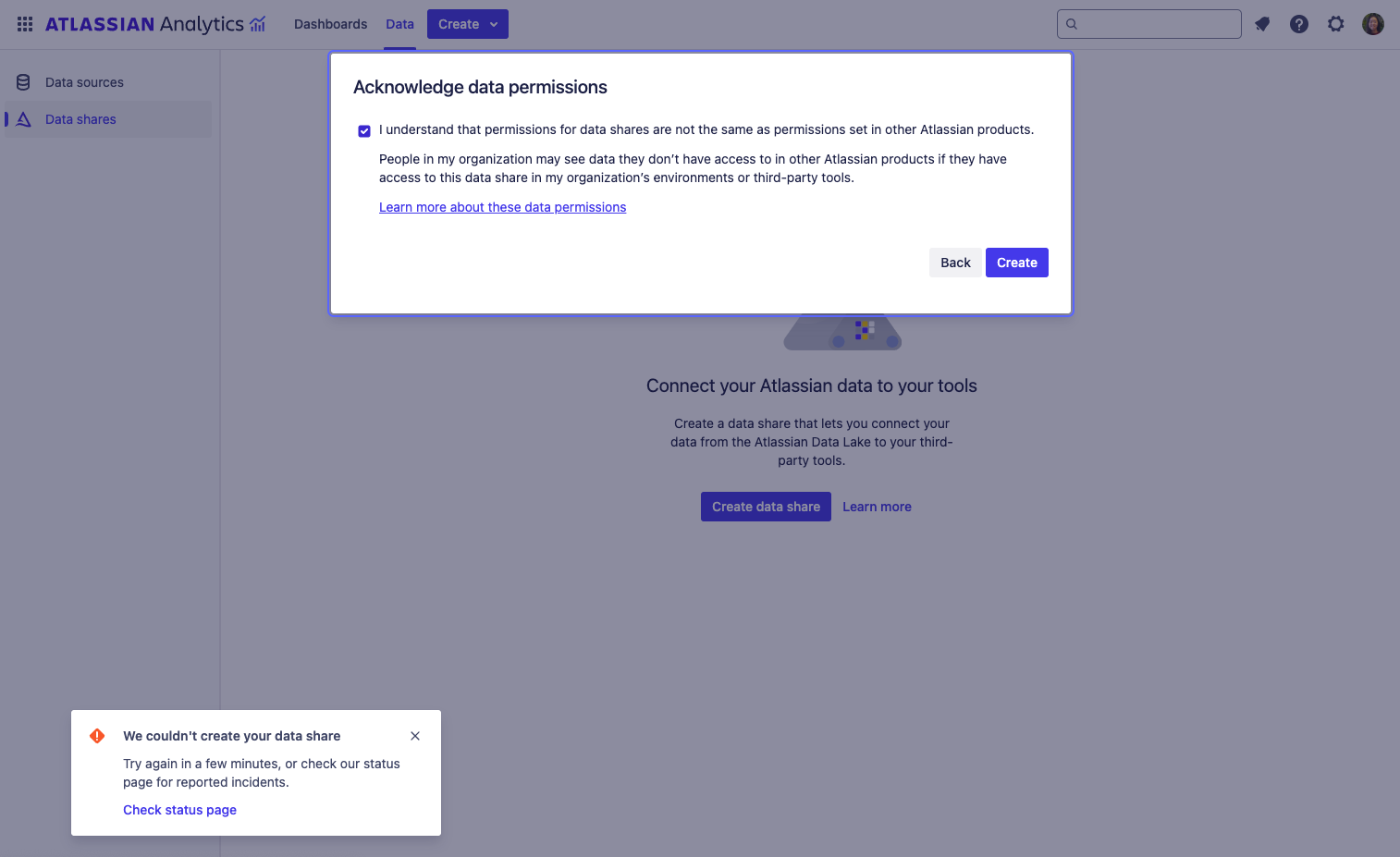
Something went wrong
If you access data shares and get a popup error saying, “Something went wrong” or “We couldn’t create your data share”, this may mean that you have not created an Atlassian Data Lake data source in Atlassian Analytics yet. Currently, data shares can’t be created if there is no existing Atlassian Data Lake connection on the site. From the “Data sources” page, add an Atlassian Data Lake connection before creating a data share.
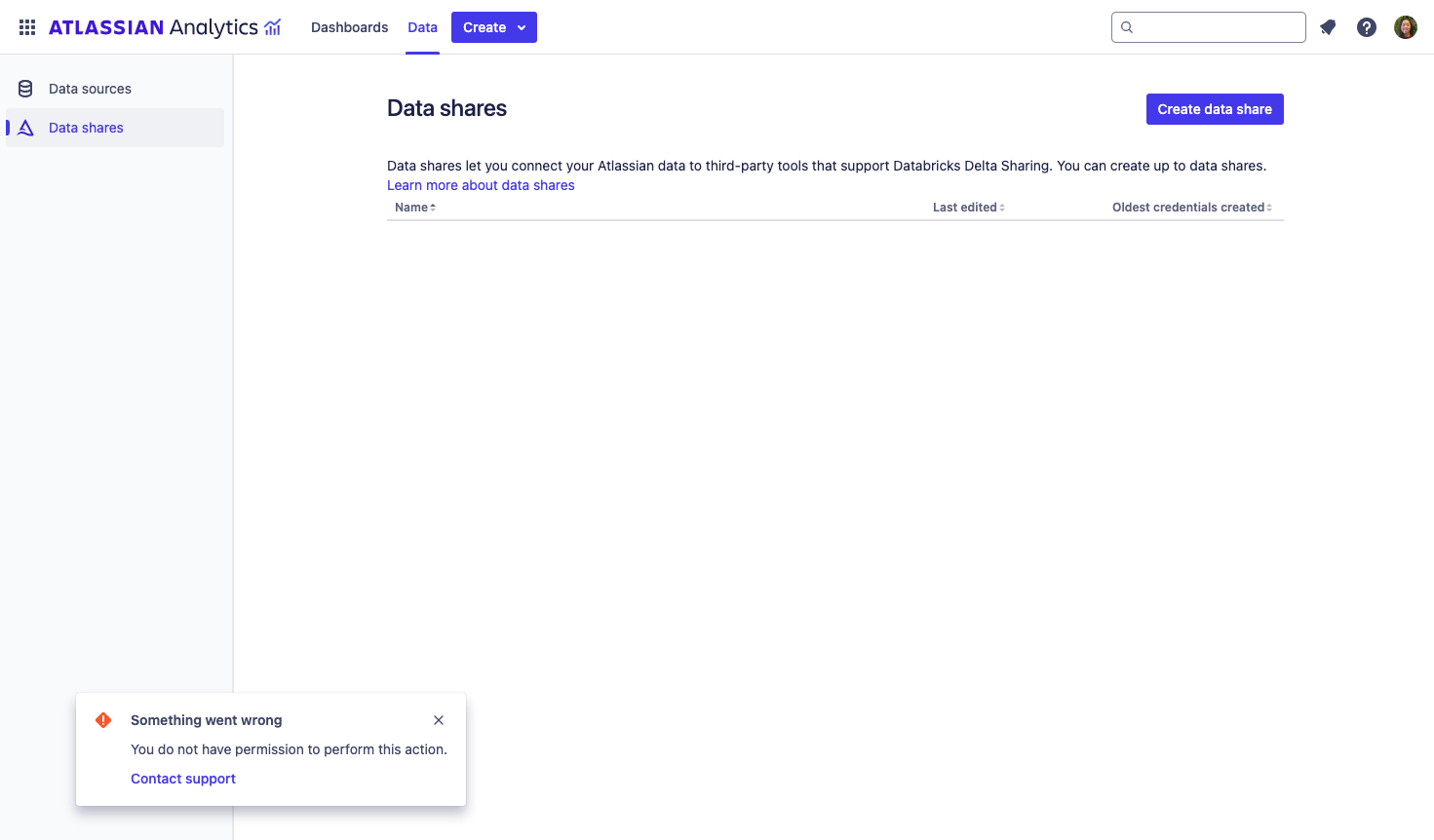
You do not have permission to perform this action
If you see this error when accessing the data shares page, please check that you have explicit product admin permissions to Atlassian Analytics. Organization admins still require product admin permissions to Atlassian Analytics, such as being a member of a group with admin access.
If you encounter data share errors not covered here or need further assistance, please contact support.
Was this helpful?