The information shown on the Portal page doesn't match what's set up in the Portal settings under Project settings
Platform Notice: Cloud Only - This article only applies to Atlassian apps on the cloud platform.
Summary
There is a data discrepancy between what is displayed on the Portal page and what is configured in Project settings > Portal settings.
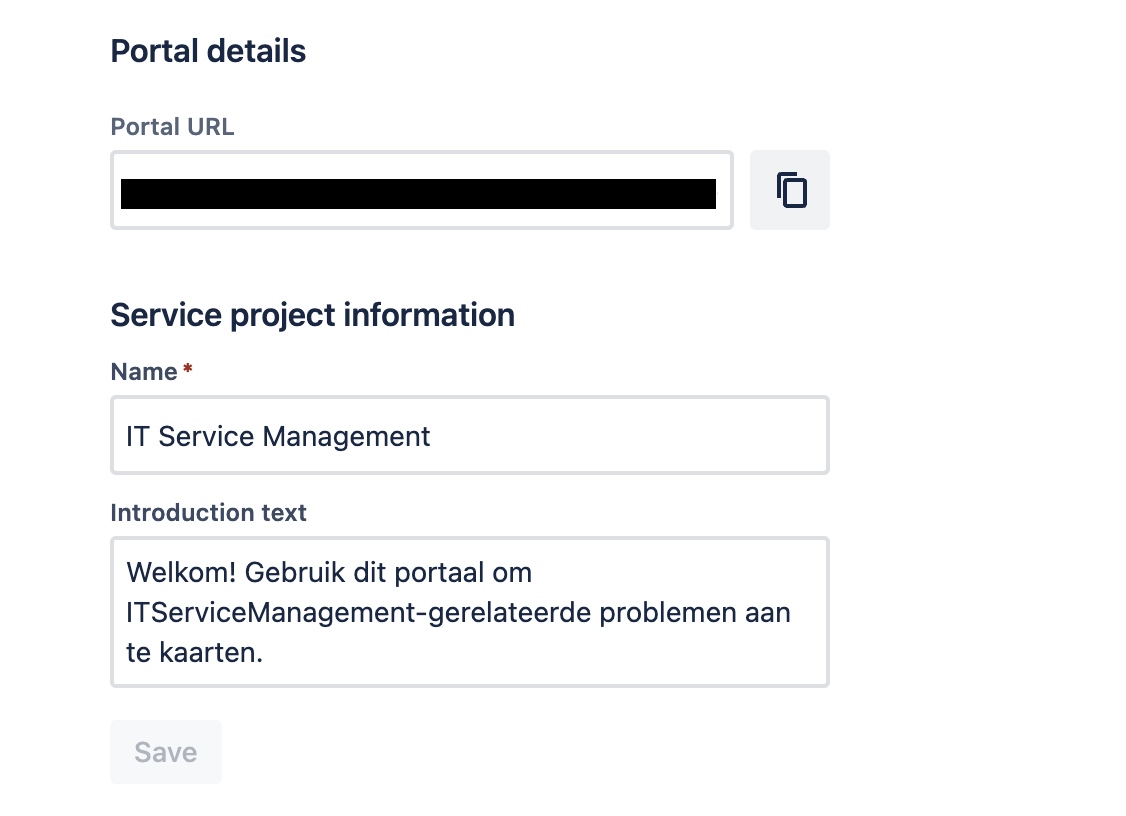
The client has made changes to the Name and Introduction text under Project Settings > Portal settings. However, the Portal view continues to show the previous Name and Introduction text. This issue may only affect a limited number of users and not all users may experience this problem.
Environment
Jira Service Management Cloud
Diagnosis
Only users with specific language configurations might face this issue.
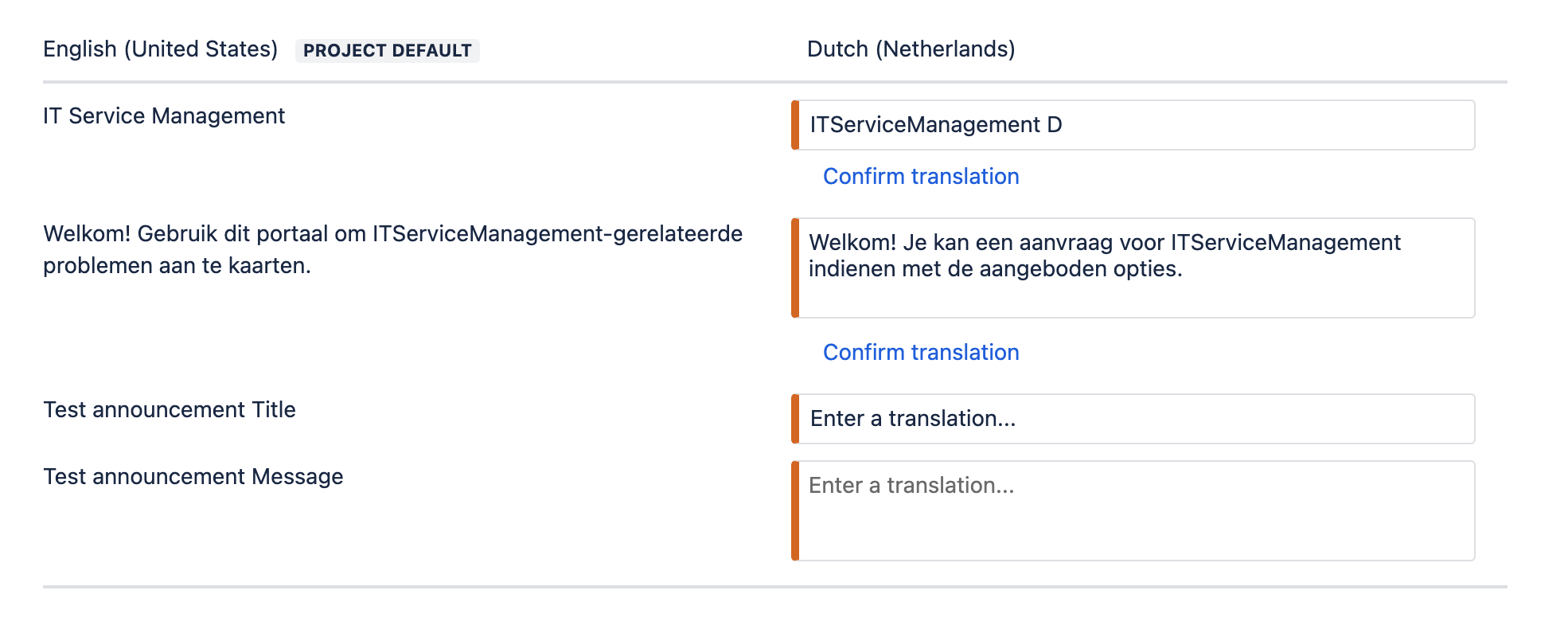
Upon examining the Project Settings > Language Support, non-default may languages indicate a need for translation review.
Portal Settings:
Portal Page:

Cause
Translation review is pending at Project Settings > Language Support for non-default languages.
Solution
Review or edit the translation at Project Settings > Language Support to fix the issue.
Was this helpful?