Restrict sub-task creation until the Parent is in a specific status
Platform Notice: Cloud Only - This article only applies to Atlassian apps on the cloud platform.
Summary
Limit the creation of sub-tasks in a space until the parent task is in a designated status.
Environment
Jira cloud
Note: This restriction applies only to the sub-task work item type that uses the workflow you configure. Other work item types in the space are unaffected.
Solution
To implement restrictions on the creation of subtasks within a space, depending upon the status of the parent work item:
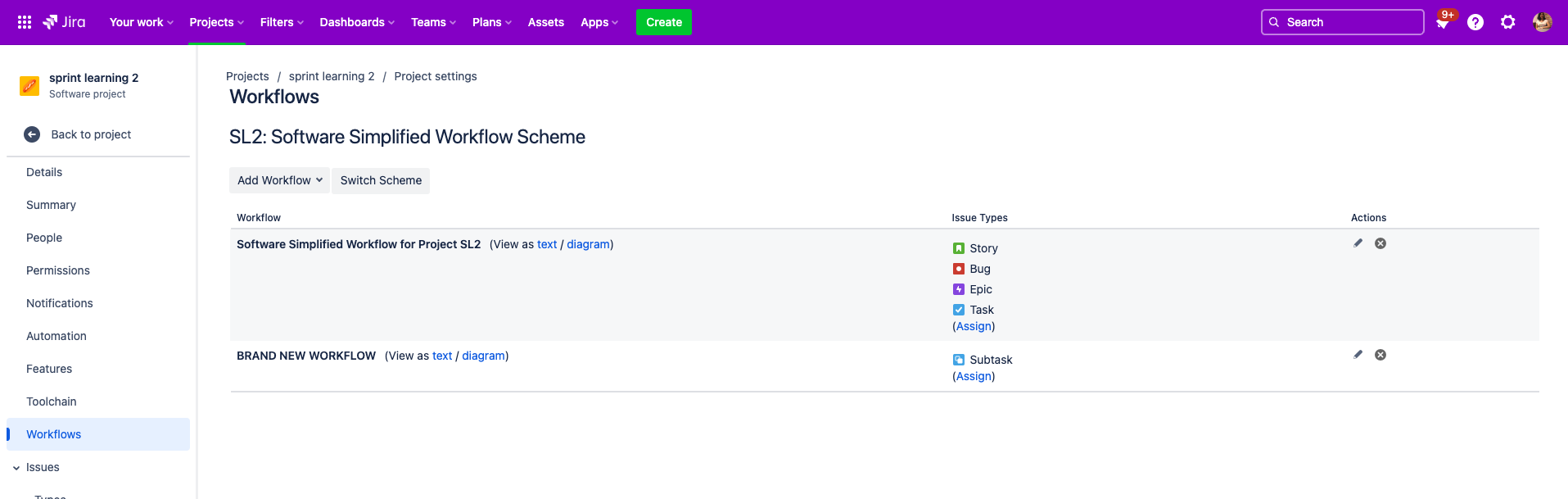
1. Add a separate workflow for the sub-task work item type in the space.
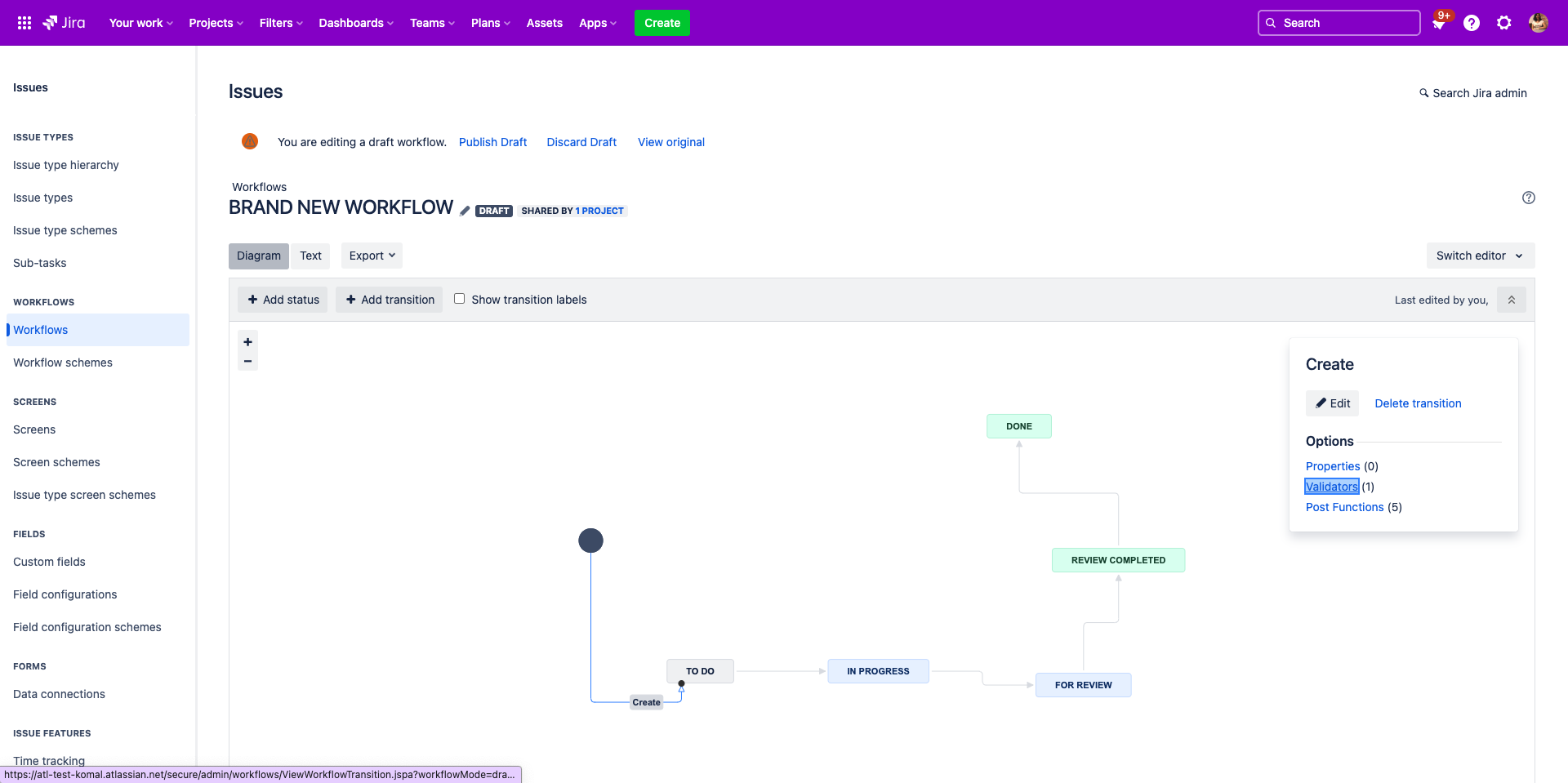
2. On the Create work item transition of that workflow, add a validator. Use the Parent Status Validator, which checks the parent work item's status before allowing sub-task creation.
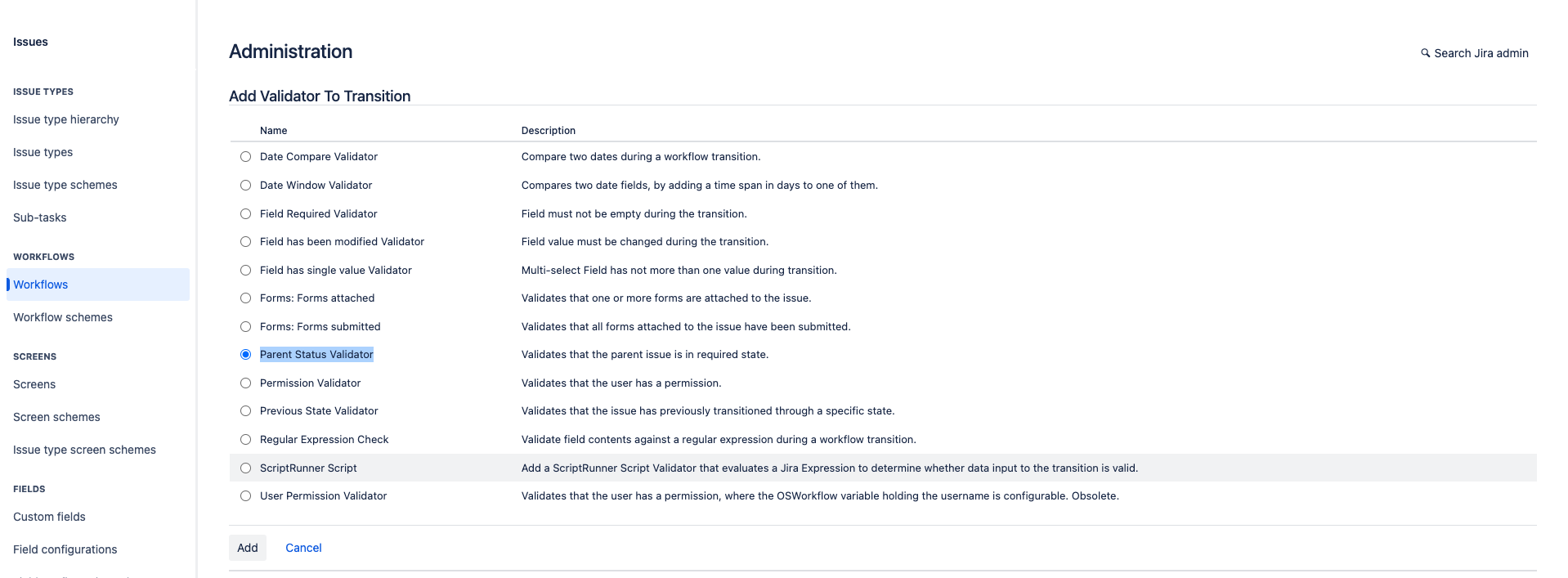
3. Configure the required parent status in the validator, add it, and publish your workflow changes.
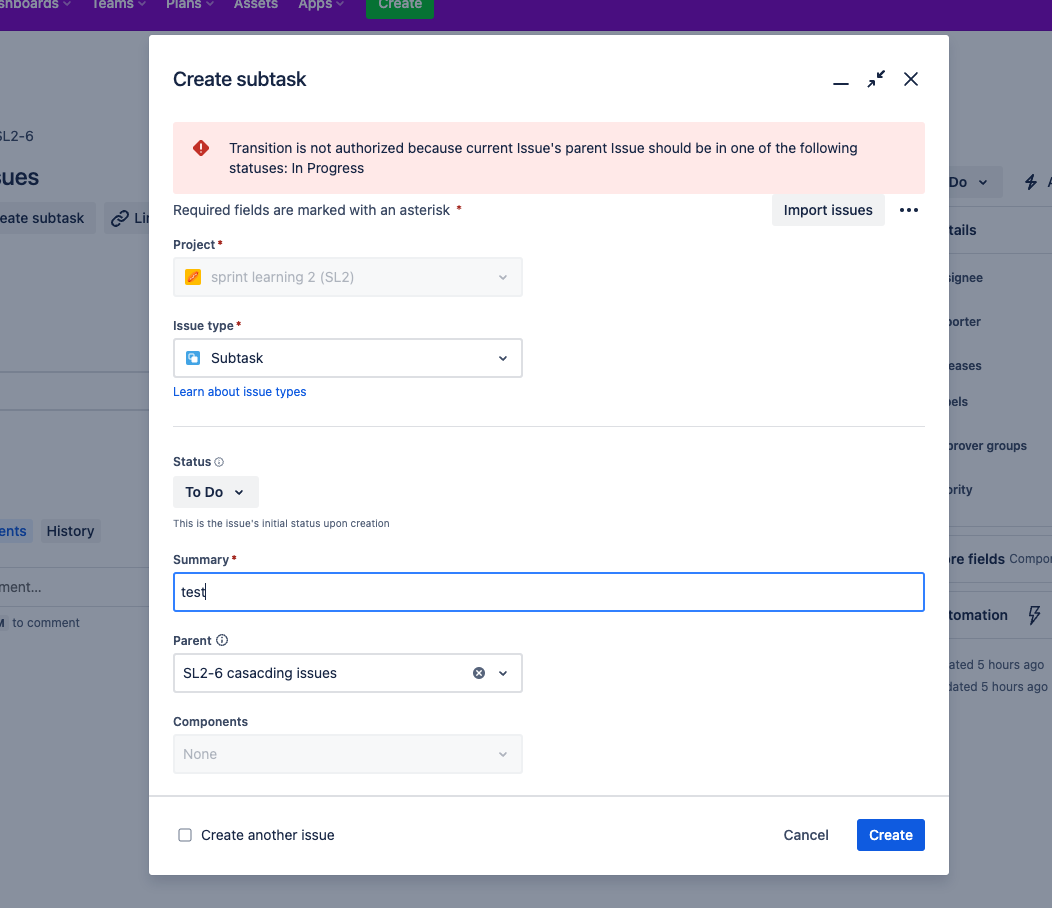
This stops people from creating a sub-task until the parent work item reaches the status you configured in the validator.
Was this helpful?