JSM - Knowledge Base Categories
Platform Notice: Cloud Only - This article only applies to Atlassian apps on the cloud platform.
Summary
Use knowledge base categories in your service project to help customers find and access articles in the customer portal before they raise a request.
Solution
To categorize a knowledge base article:
From your service project, go to Knowledge base.
Select the category you want to add the article to.
If the category does not yet exist, select New category in the sidebar. Enter a name and description for the category, then select Create.
To edit a category name, select the category and then hover over the name of the category on the right.
Select Add article, then select the plus icon + next to each article you want to add. Select Back to category.
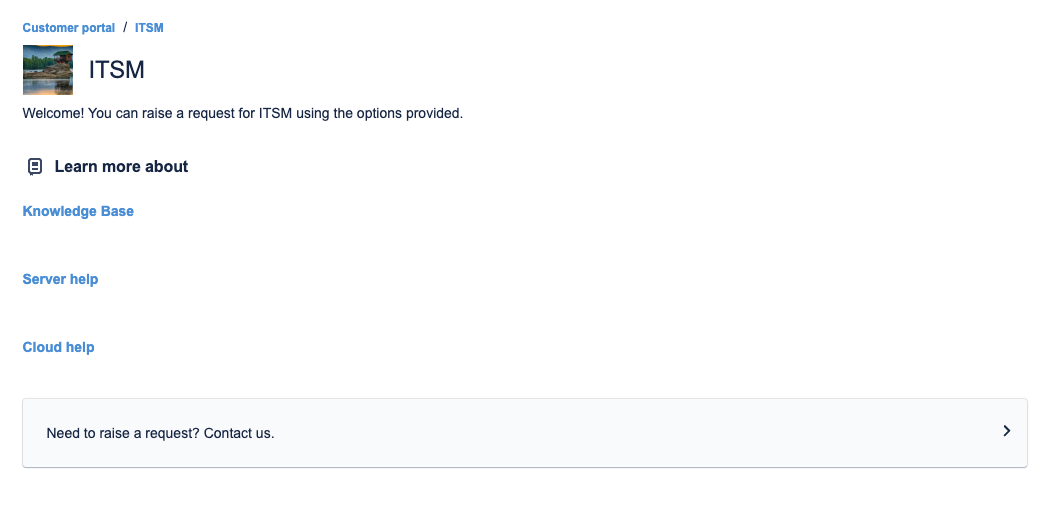
Here is how it looks if you have defined categories (in this example: Knowledge Base, Server help, Cloud help):
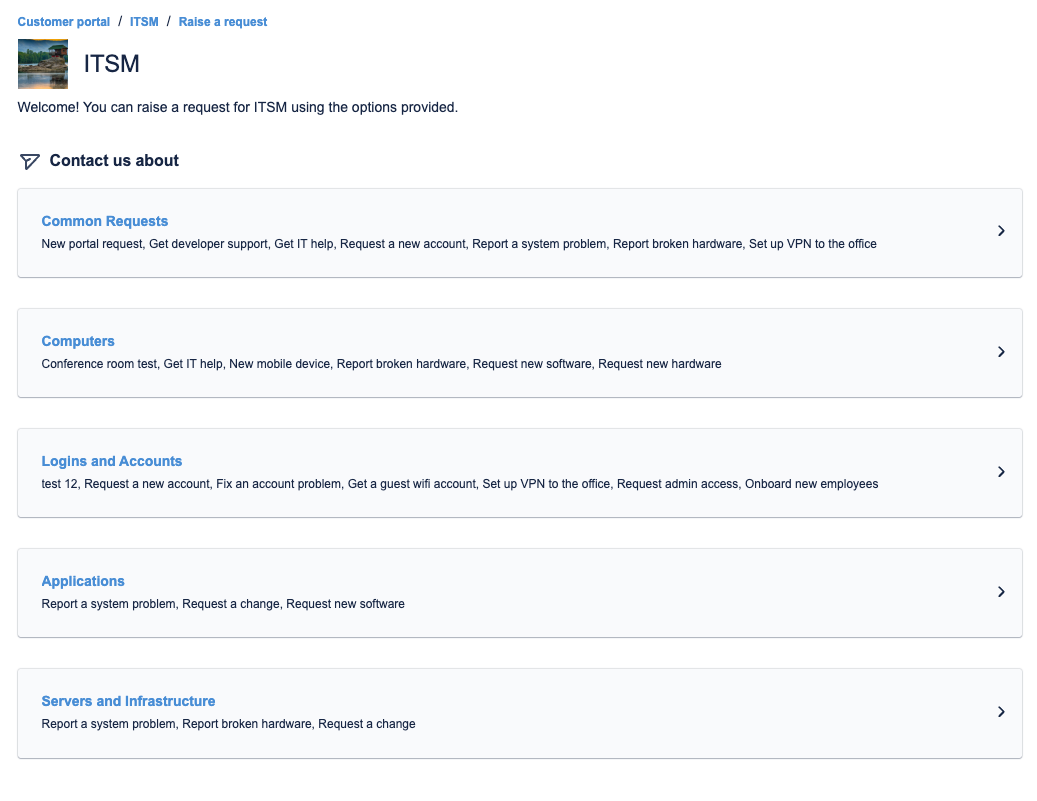
If you don't have defined categories, customers go straight to raising requests:
Was this helpful?