In an Automation Rule, the Asset Custom Field displays the Key value instead of showing the current value
Platform Notice: Data Center Only - This article only applies to Atlassian apps on the Data Center platform.
Note that this KB was created for the Data Center version of the product. Data Center KBs for non-Data-Center-specific features may also work for Server versions of the product, however they have not been tested. Support for Server* products ended on February 15th 2024. If you are running a Server product, you can visit the Atlassian Server end of support announcement to review your migration options.
*Except Fisheye and Crucible
Summary
An Automation Rule using Smart Values to display the value of an Assets Custom Field is returning the Key Value instead of the Current value.
Environment
Jira Service Management with Assets
Diagnosis
Executing a rule using Smart Values to display the value of an Assets Custom Field, instead of the actual value of the field, the Key Value is displayed.
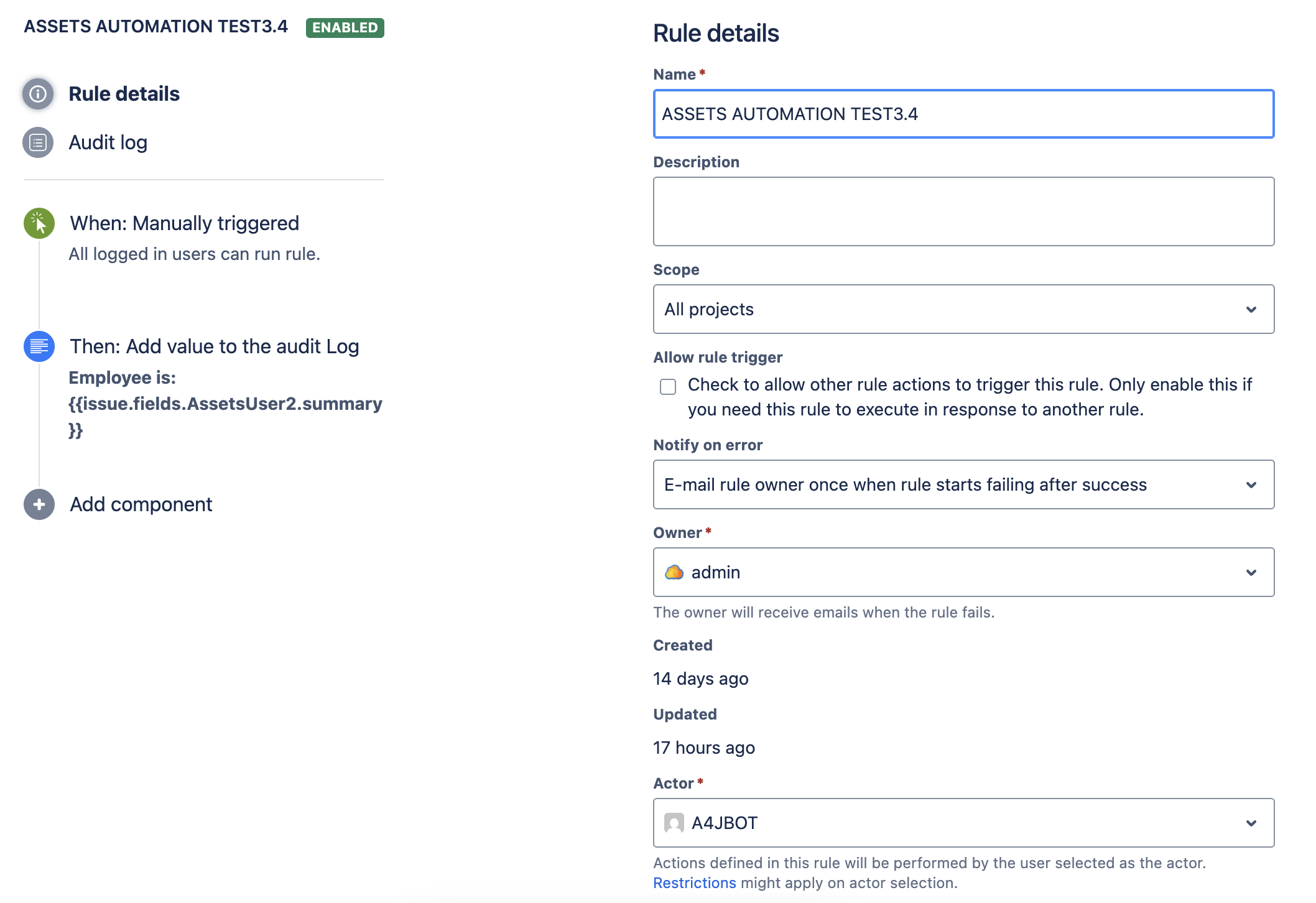
The rule is executed by a Rule Actor.
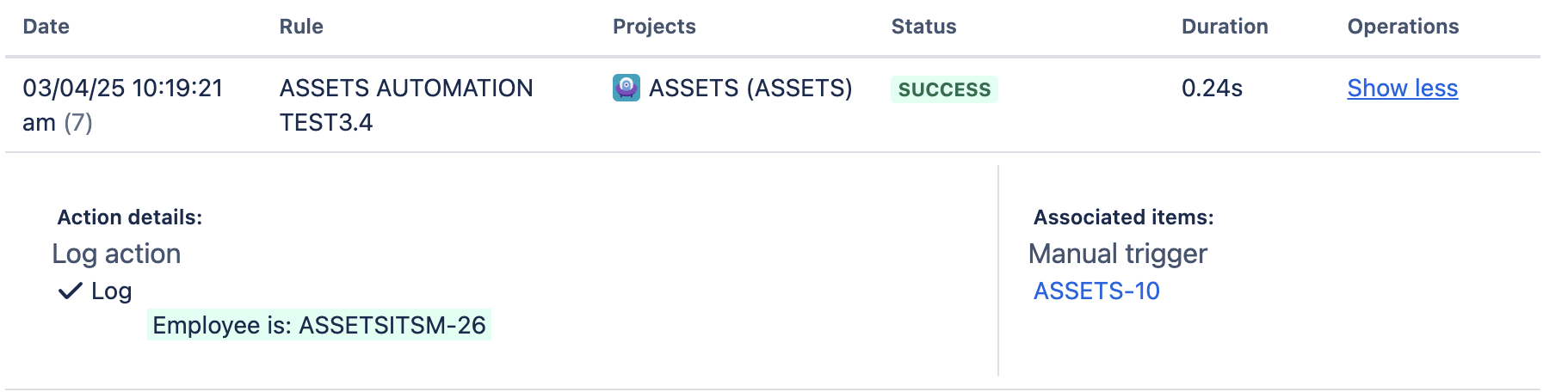
A4J Rule Example
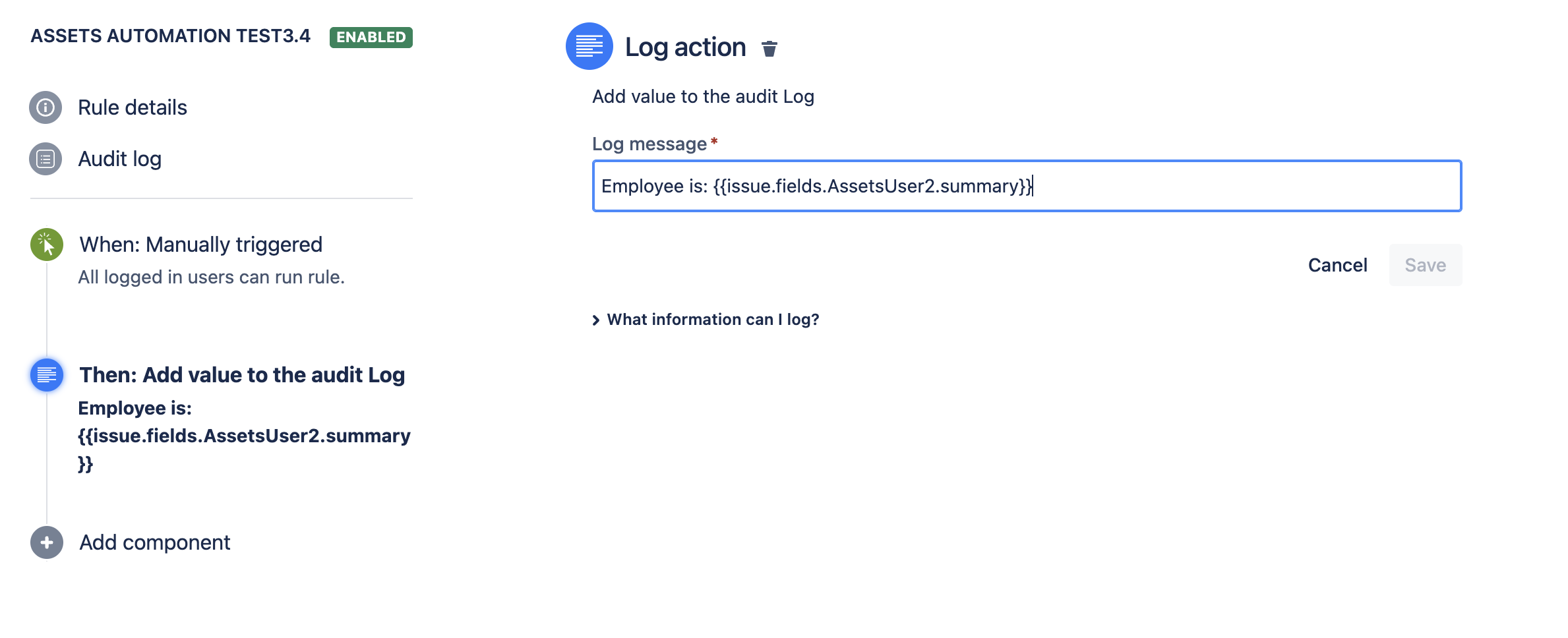
Assets Custom Field example
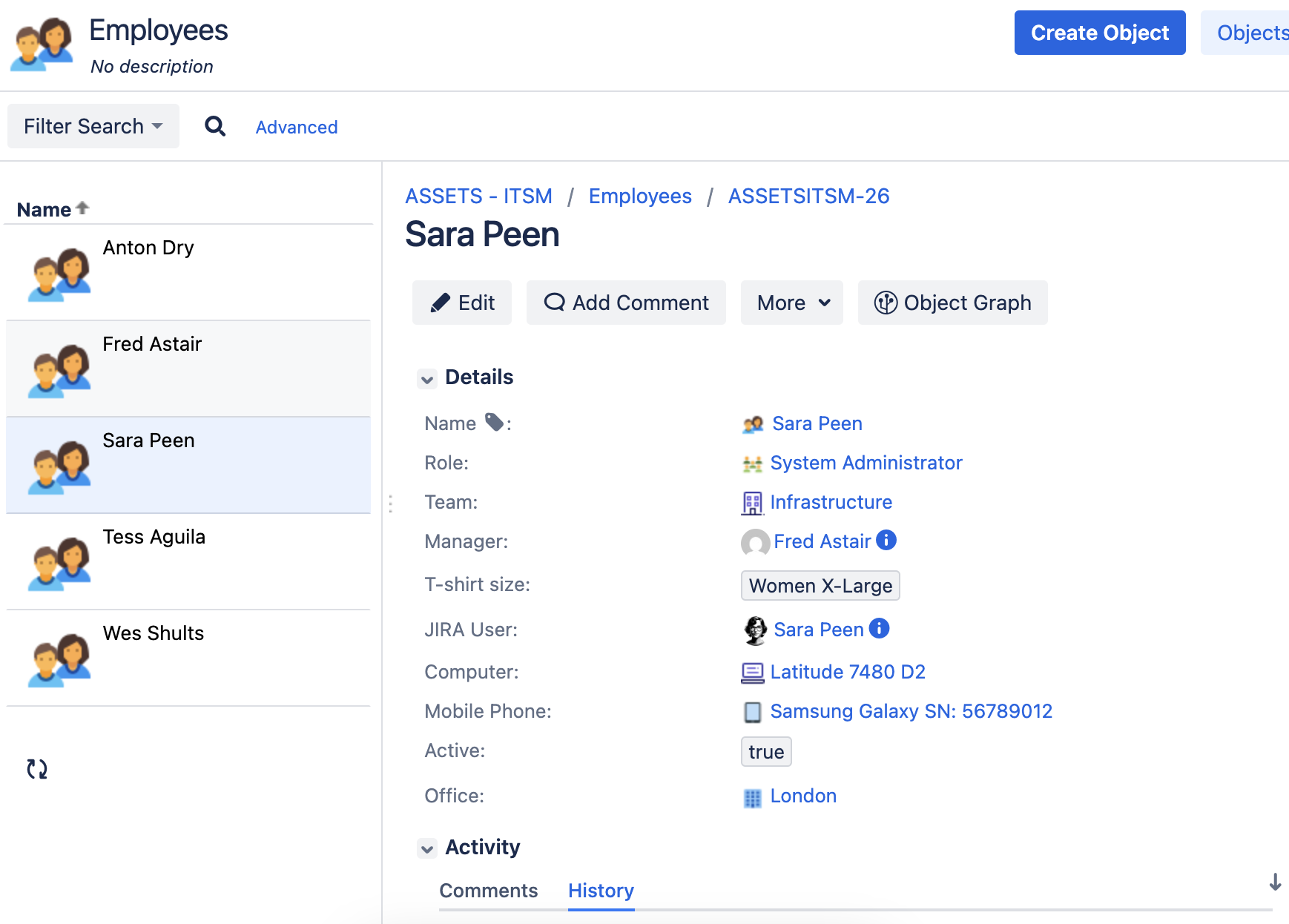
Cause
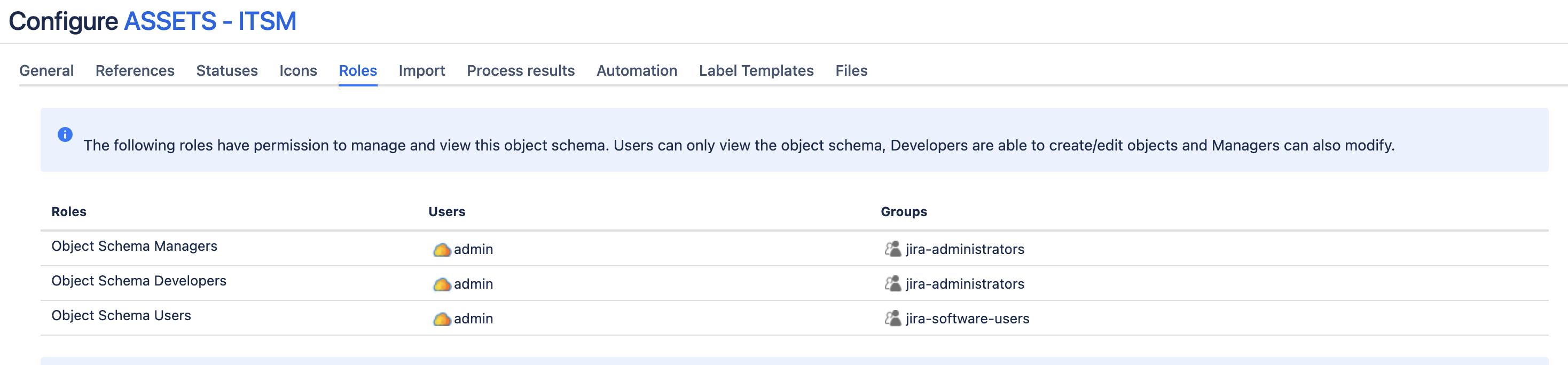
The account configured as Rule Actor doesn't belong to any Role that grants access to the Object Scheme.
Solution
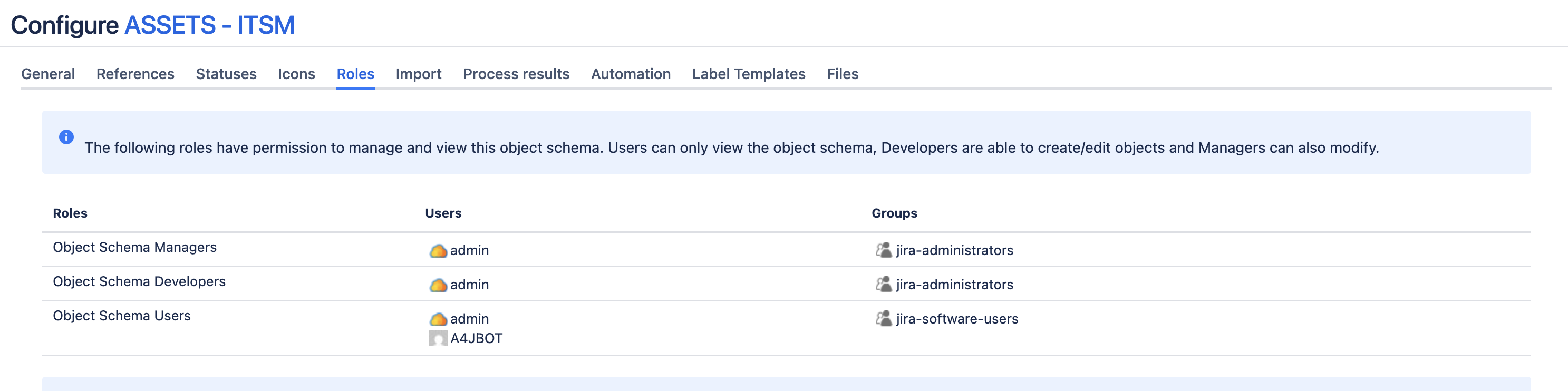
Navigate to Assets > Object Scheme > Roles > Make sure that the Rule Actor belongs, at least, to the 'Object Schema Users'.
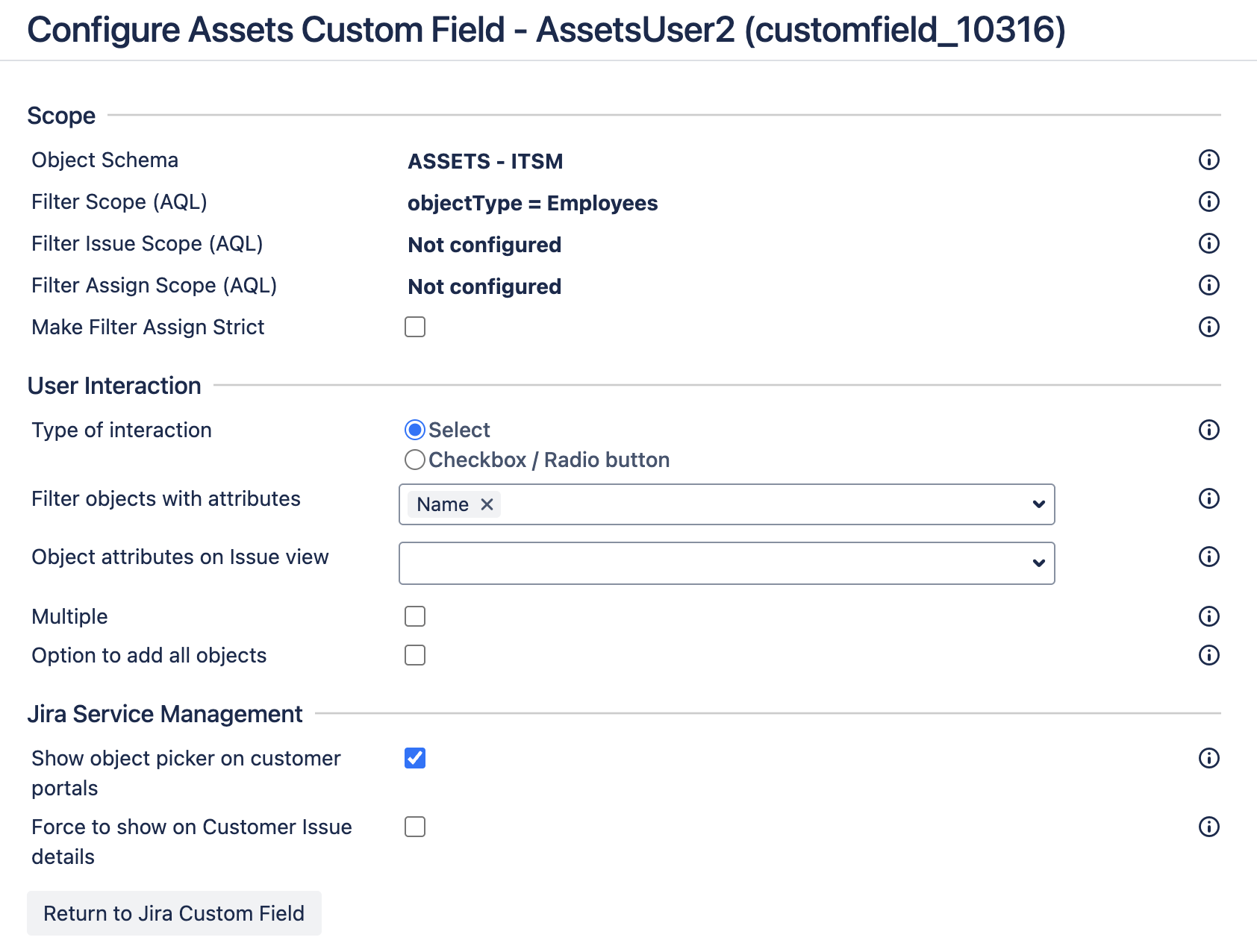
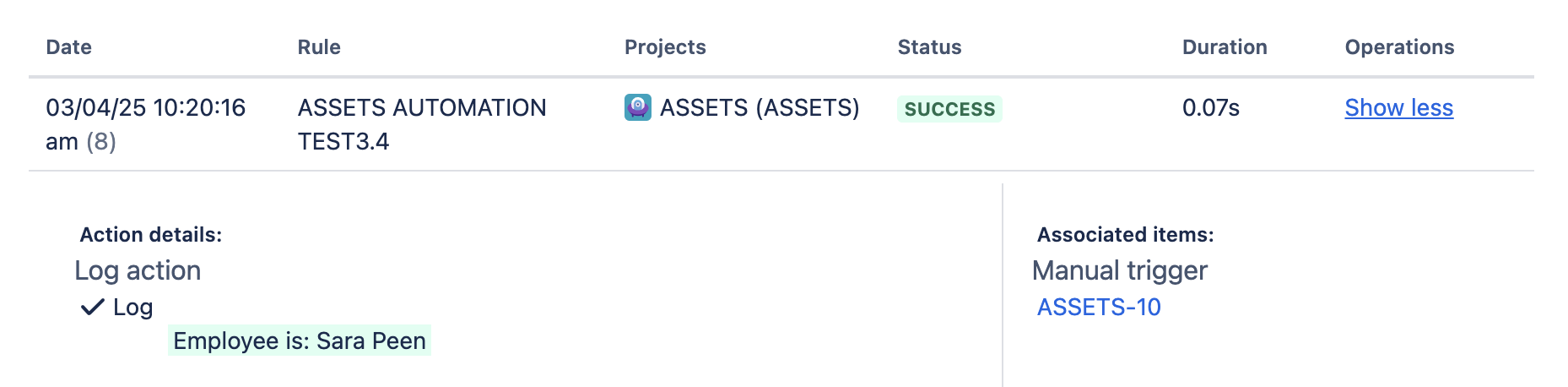
The rule will display the Assets Custom Field values:
Was this helpful?