How to disable asset related gadgets in dashboards ?
Platform Notice: Data Center Only - This article only applies to Atlassian apps on the Data Center platform.
Note that this KB was created for the Data Center version of the product. Data Center KBs for non-Data-Center-specific features may also work for Server versions of the product, however they have not been tested. Support for Server* products ended on February 15th 2024. If you are running a Server product, you can visit the Atlassian Server end of support announcement to review your migration options.
*Except Fisheye and Crucible
Summary
This knowledge base article describes a scenario where user wants to get disable all Assets related gadgets in dashboard.
Environment
9.x
Solution
Disable rlabs-gadget-widgets from Manage Apps -> Assets Plugin and with it asset based gadget was not being listed in search while adding gadget. Check images for reference.

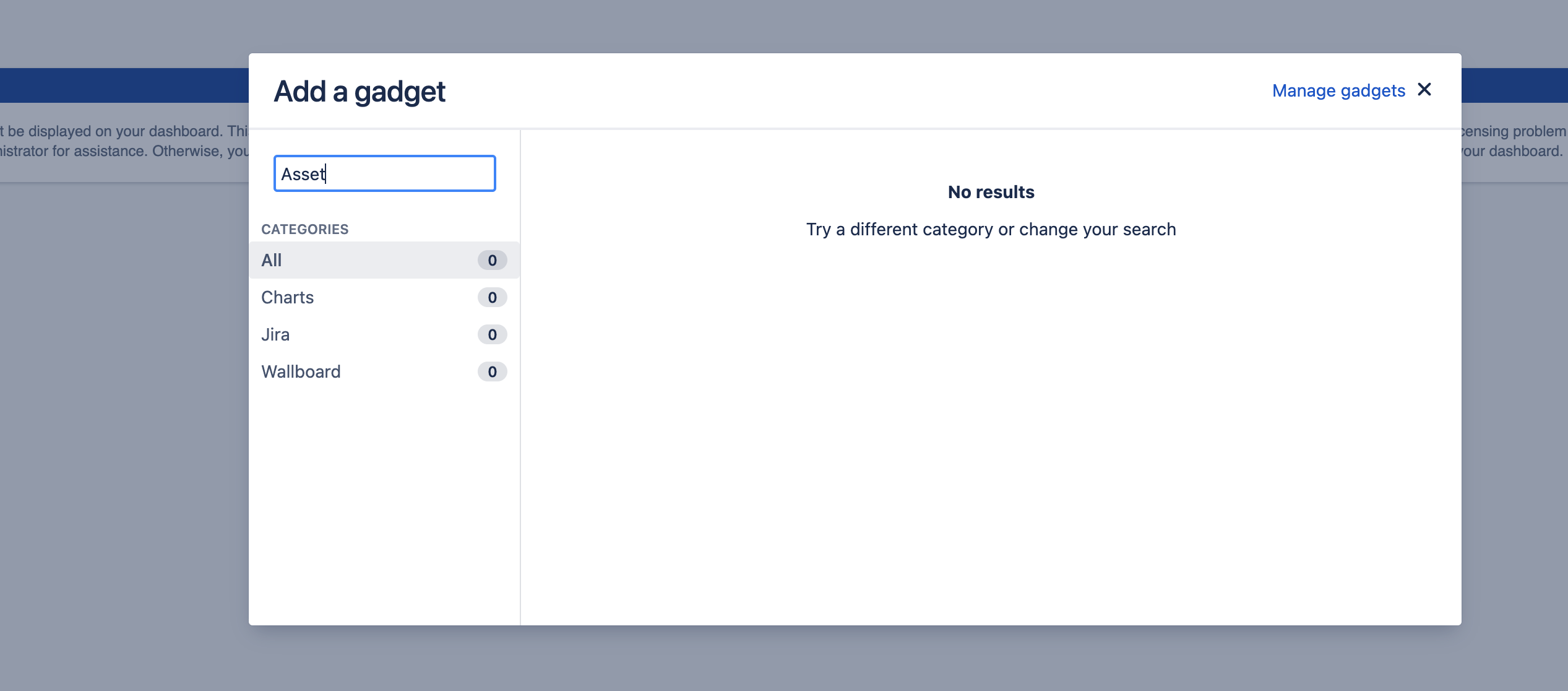
After we disable rlabs-gadget-widgets existing gadgets in dashboard would show message: This gadget cannot be displayed on your dashboard. This could be due to a licensing problem or an application error. If you need this gadget, contact your administrator for assistance. Otherwise, you can remove it from your dashboard.
Was this helpful?