How to Determine Project Visibility in Jira Cloud Using User Permissions
Platform Notice: Cloud Only - This article only applies to Atlassian apps on the cloud platform.
Summary
There are several areas of a Jira Cloud site where projects are listed by name. Project permissions determine their visibility.
Solution
Company-managed projects
To see a project in the Projects > View all projects list, a user must have the Browse Projects project permission or be a site admin.
To see a project in the Project dropdown in the Create issue modal (the popup that appears when you click the Create button), you need to have the Create issue permission for that project.
Important Note for company-managed projects
If you are using either of the following in your project permission scheme, you may be affected by a bug.
User custom field value
Group custom field value
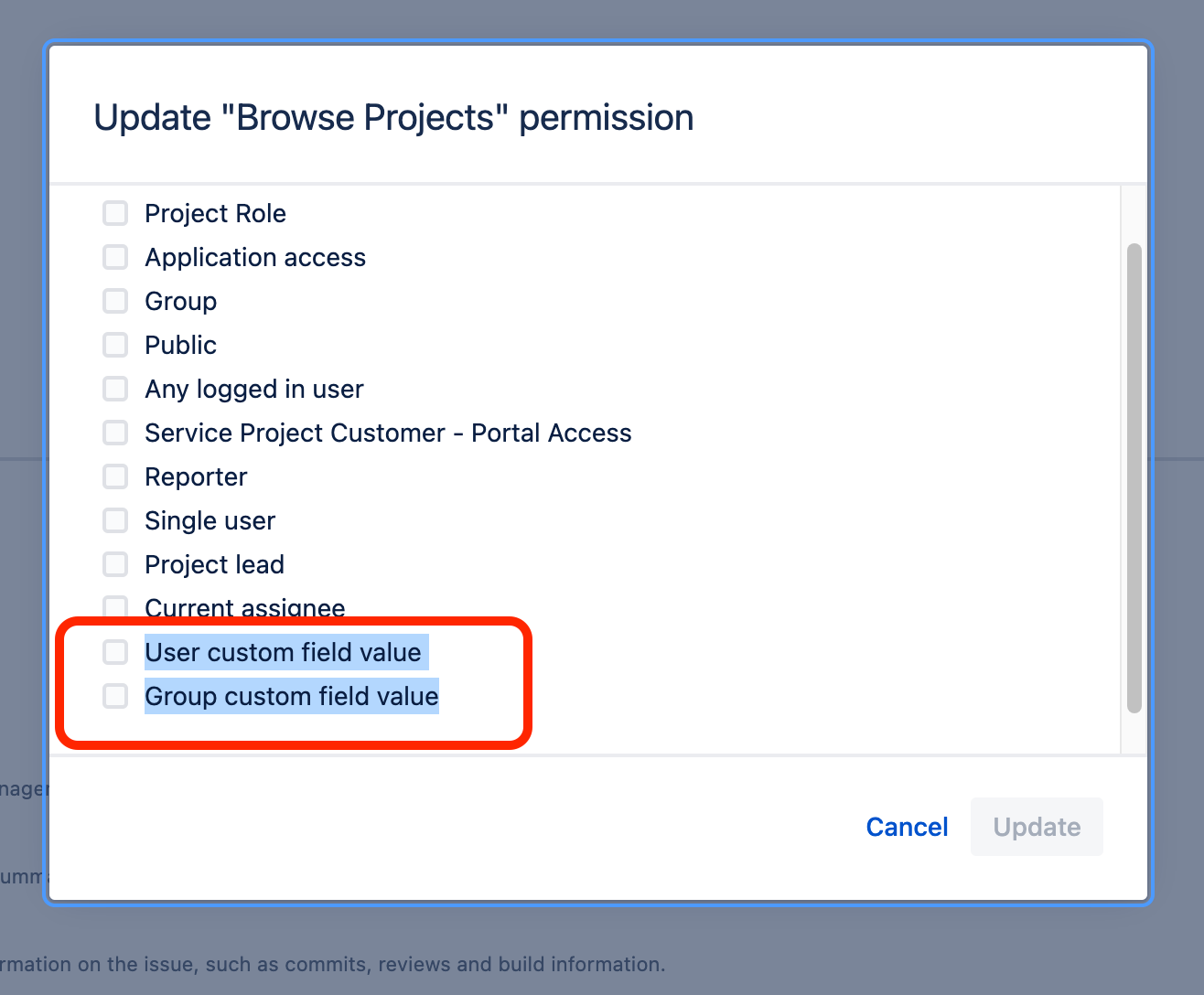
See JRACLOUD-75053 for details on how the 'Browse Project' permission affects visibility.
Team-managed projects
It's not possible to hide a team-managed project from the Projects > View all projects list.
To see a project in the Create Work Item modal you need a role with the "Create work iitem" permission.
Was this helpful?