Exception: Uncaught SyntaxError: Unexpected token ILLEGAL while using SCRUM board
Platform Notice: Data Center Only - This article only applies to Atlassian apps on the Data Center platform.
Note that this KB was created for the Data Center version of the product. Data Center KBs for non-Data-Center-specific features may also work for Server versions of the product, however they have not been tested. Support for Server* products ended on February 15th 2024. If you are running a Server product, you can visit the Atlassian Server end of support announcement to review your migration options.
*Except Fisheye and Crucible
Summary
Problem
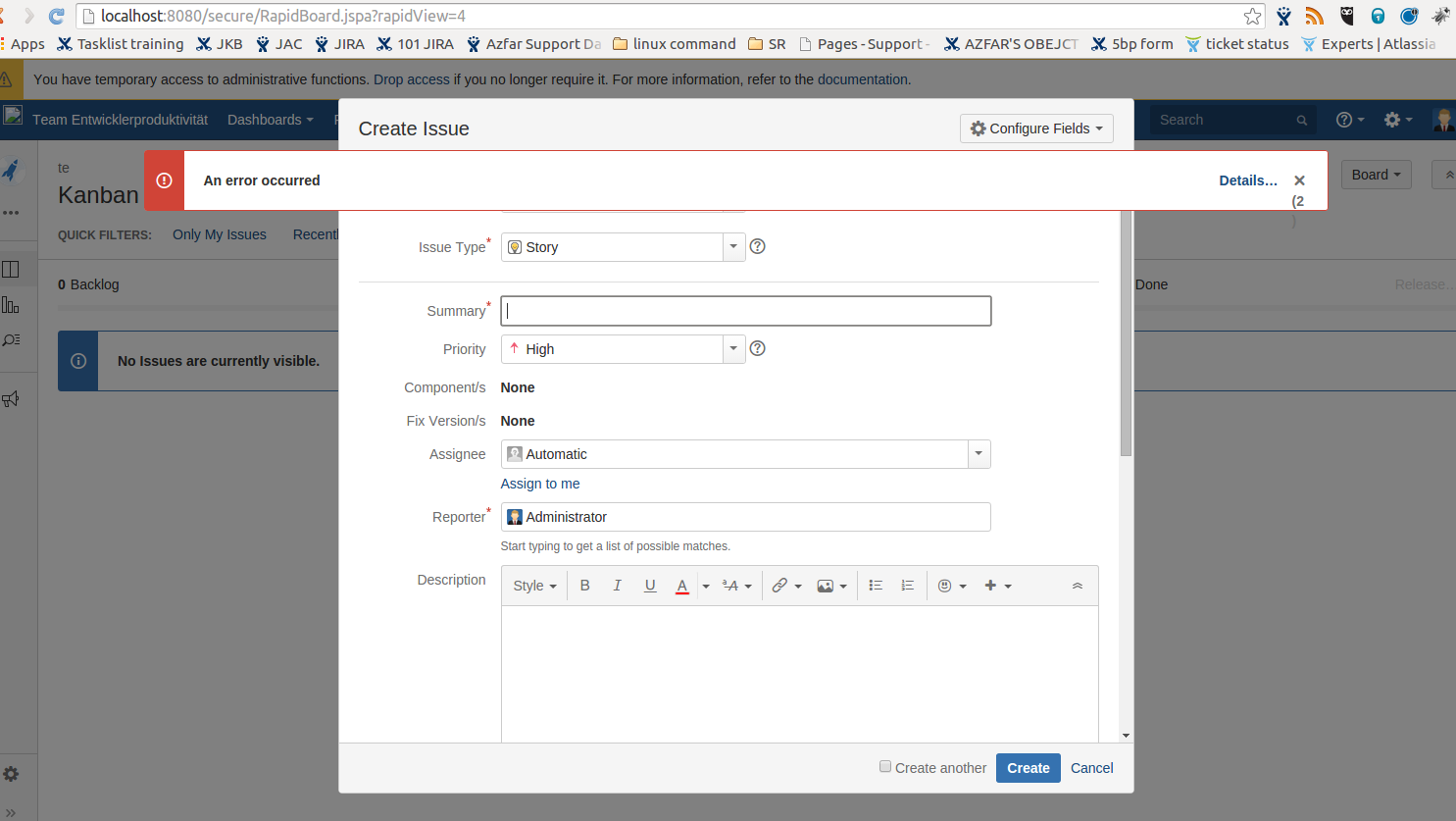
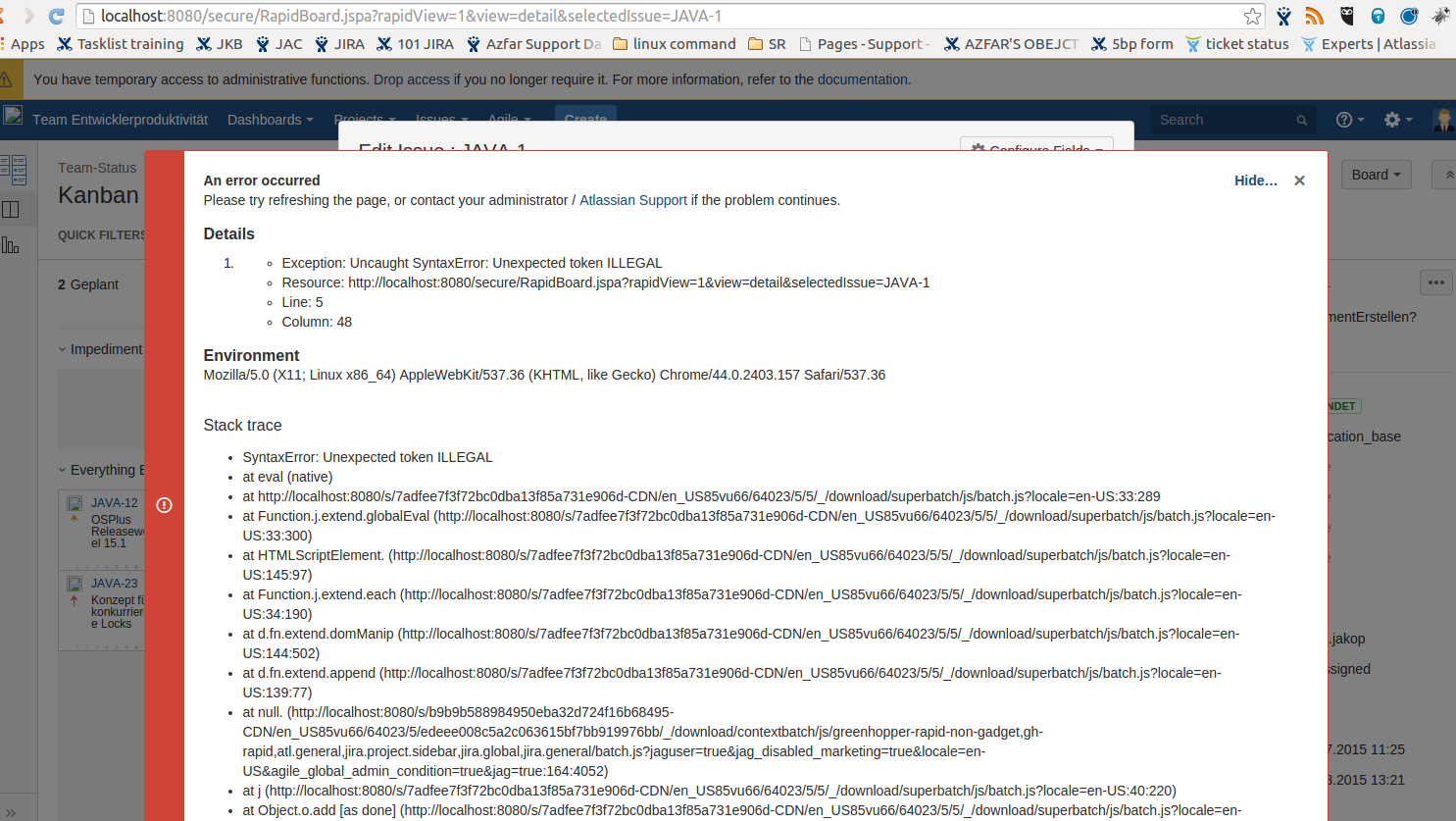
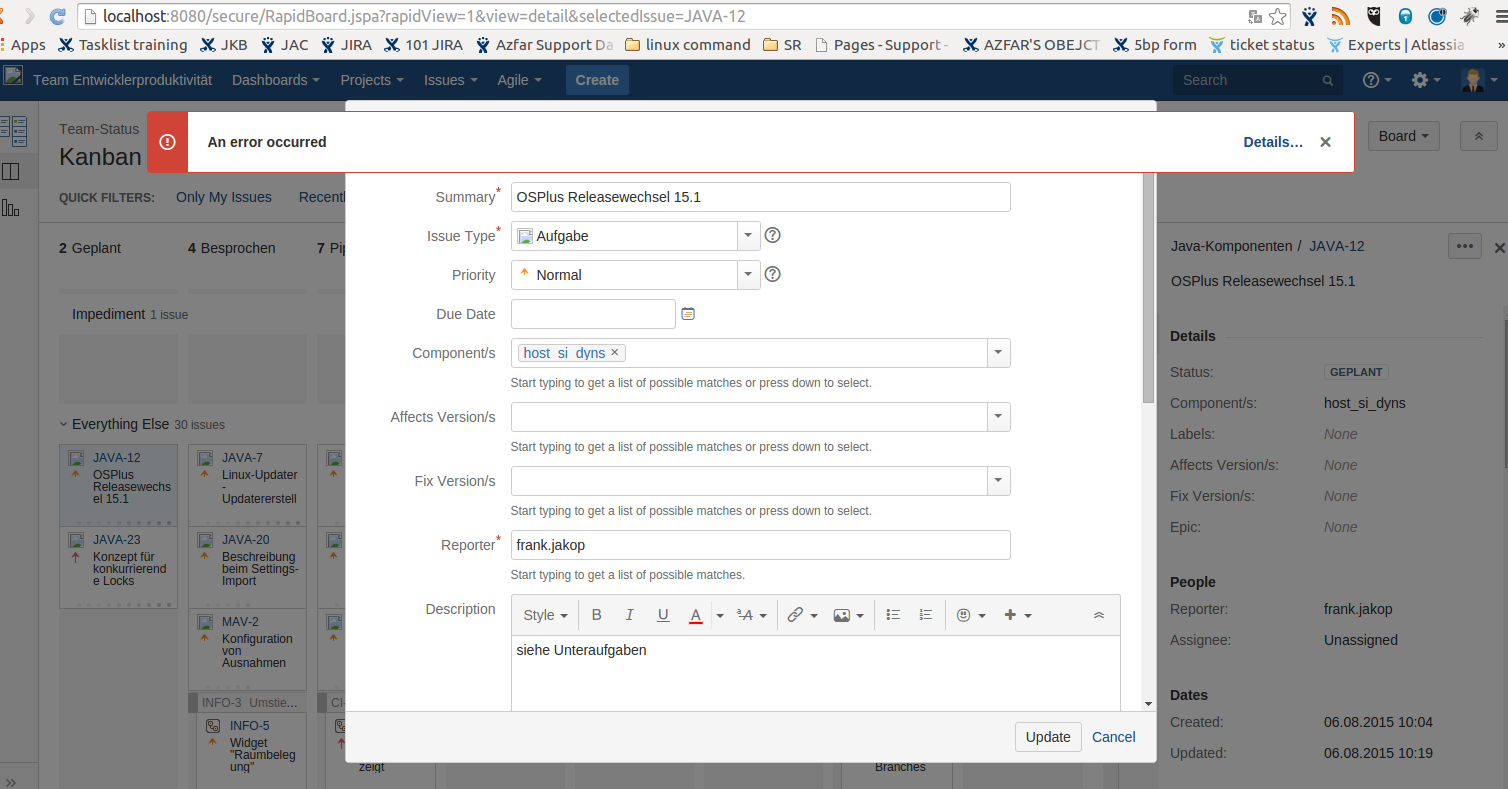
Using a SCRUM Board will lead to following exception as below:
Please try refreshing the page, or contact your administrator / Atlassian Support if the problem continues
Details
Exception: Uncaught SyntaxError: Unexpected token ILLEGAL
Resource: http://localhost:8080/secure/RapidBoard.jspa?rapidView=1&view=detail&selectedIssue=JAVA-6
Line: 5
Column: 48
Environment
Mozilla/5.0 (Windows NT 6.1; WOW64) AppleWebKit/537.36 (KHTML, like Gecko) Chrome/44.0.2403.157 Safari/537.36
Stack trace
SyntaxError: Unexpected token ILLEGAL
at eval (native)

Or

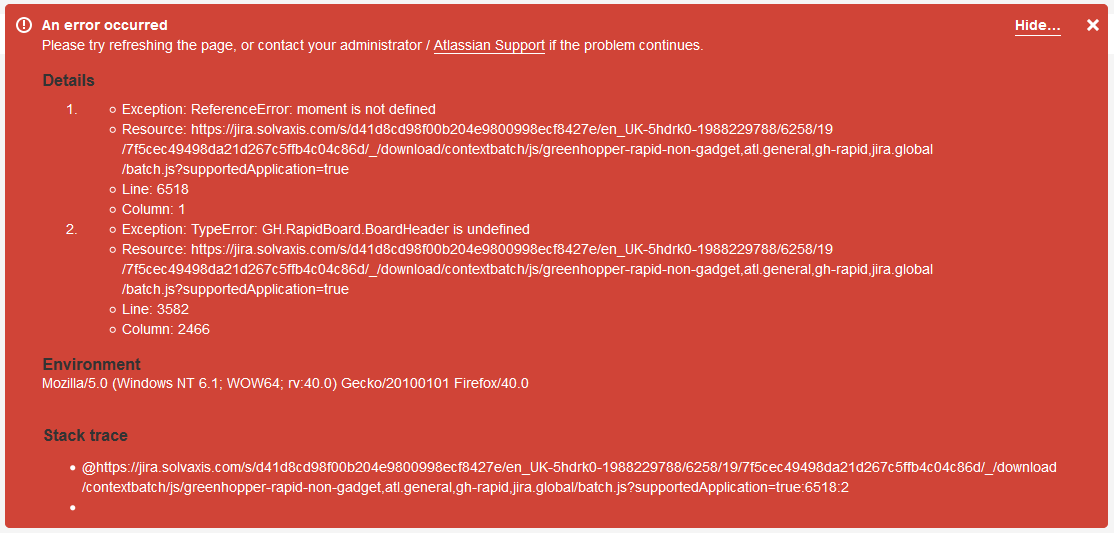
Exception: ReferenceError: moment is not defined

Or

Exception: TypeError: GH.RapidBoard.BoardHeader is undefined
Diagnosis
Error encountered in all browser type
Cause
This is caused by a javascript that is appended to JIRA through fields/announcement banner
The javascript might have syntax error or operation that conflicts with JIRA
Solution
Resolution
Turn on safe mode in
JIRA Administration > Add-ons > Manage Add-ons > Turn on Safe Modeto check if any add-ons that is causing this. Retest.Remove the Javascript by checking at Announcement Banner (
g+g > search for announcement banner)Run the following sql in your database to find which fields holds the JS
SELECT * FROM fieldlayoutitem WHERE lower(description) LIKE '%javascript%';
Was this helpful?