Docs, Sheets & Slides Chrome Extension Does Not Load Office Attachments
Platform Notice: Data Center Only - This article only applies to Atlassian apps on the Data Center platform.
Note that this KB was created for the Data Center version of the product. Data Center KBs for non-Data-Center-specific features may also work for Server versions of the product, however they have not been tested. Support for Server* products ended on February 15th 2024. If you are running a Server product, you can visit the Atlassian Server end of support announcement to review your migration options.
*Except Fisheye and Crucible
Summary
After Jira Upgrade to 8.16 ChromeOffice Editing for Docs, Sheets & Slides extension does not allow viewing Microsoft Word, Excel, and PowerPoint files with Google Docs, Sheets, and Slides attachments on Jira.
Users receive ERR_BLOCKED_BY_CLIENT. Note that these users might get the same error while performing other actions in Jira, so the error is not only limited to attachments.
Environment
Jira Server / Data Center, any version from 8.16.0
Diagnosis
When viewing a attachment, document is not downloaded or opened in Chrome for viewing byOffice Editing for Docs, Sheets & Slides
<Some_Jira_URL> is blocked
This page has been blocked by Chrome
ERR_BLOCKED_BY_CLIENT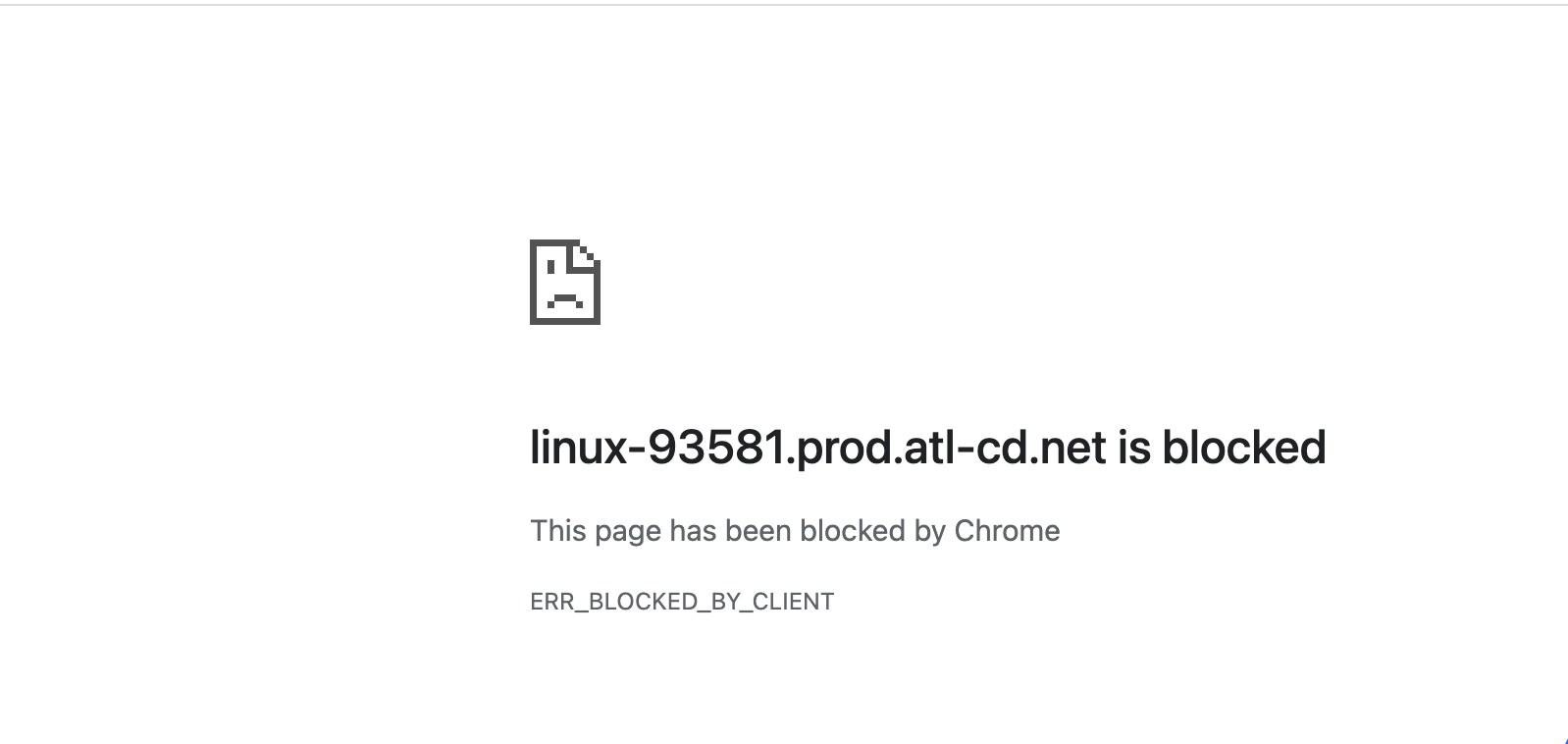
The page is viewed blank in Chrome in incognito mode
The same ERR_BLOCKED_BY_CLIENT error will be observed in the HAR file and/or Console file generated by the browser while replicating the issue
Cause
Cause 1 Jira Security Headers
Jira adds the X-Frame-Options and Content-Security-Policy security headers to each HTTP response. The headers block the content from being embedded in iframes, which might also affect pages that you want to be displayed in this way. If you don't like this change, you can create a list of paths to be excluded from this protection or disable the security headers or modify policy of specific contents on Jira
Jira 8.16 and before: content-security-policy: sandbox allow-same-origin
Later versions : content-security-policy: sandbox allow-same-origin
For more information please see Security headers in Jira document.
Cause 2 Browser Extensions
There is a browser extension installed in Chrome which blocks the URL that Jira needs to load. Some examples of add-ons which are known to cause this issue are listed below:
Adblock (or any other Browser Safety extension), as explained in the article How to Solve ERR_BLOCKED_BY_CLIENT
Solution
The solution will depend on the extension that is causing the error:
Solution 1 Browser Extensions
If the error is coming from a browser safety extension such as Adblock:
Disable the extension. This is the simplest solution. If you choose to want to see the resources which are being blocked, simply disable the Adblock extension which is generating the error.
Whitelist the domain. In many extensions that produce this error, you as a user can also whitelist particular domains. Therefore if you trust a domain and don't want to block any resources, this will also resolve the ERR_BLOCKED_BY_CLIENT error.
Solution 2 Jira Security Headers
If the error is happening because of Office Editing for Docs, Sheets & Slides and you can not view the Excel Sheets or Word Documents
Go to Administration > System > General configuration and select Advanced Settings.
Change the value of "jira.security.csp.sandbox.excluded.content.type" to "application/vnd.openxmlformats-officedocument.spreadsheetml.sheet"
You can add multiple content types with semicolon ";" between, i.e for example adding word document
application/vnd.openxmlformats-officedocument.spreadsheetml.sheet;application/vnd.openxmlformats-officedocument.wordprocessingml.document
Save
You will see the excel and word files will be immediately opened in the Chrome with the Office Editing for Docs, Sheets & Slides extension
Was this helpful?