Clicking Search for Issue under Issues menu result in ERROR [500ErrorPage.jsp] Exception caught in 500 page For input string: ""
Platform Notice: Data Center Only - This article only applies to Atlassian apps on the Data Center platform.
Note that this KB was created for the Data Center version of the product. Data Center KBs for non-Data-Center-specific features may also work for Server versions of the product, however they have not been tested. Support for Server* products ended on February 15th 2024. If you are running a Server product, you can visit the Atlassian Server end of support announcement to review your migration options.
*Except Fisheye and Crucible
Symptoms
After upgrading from JIRA 4.4.5 to JIRA 6.0.7, when clicking at Issues >Search for Issues the following stack trace is shown in the web browser window:
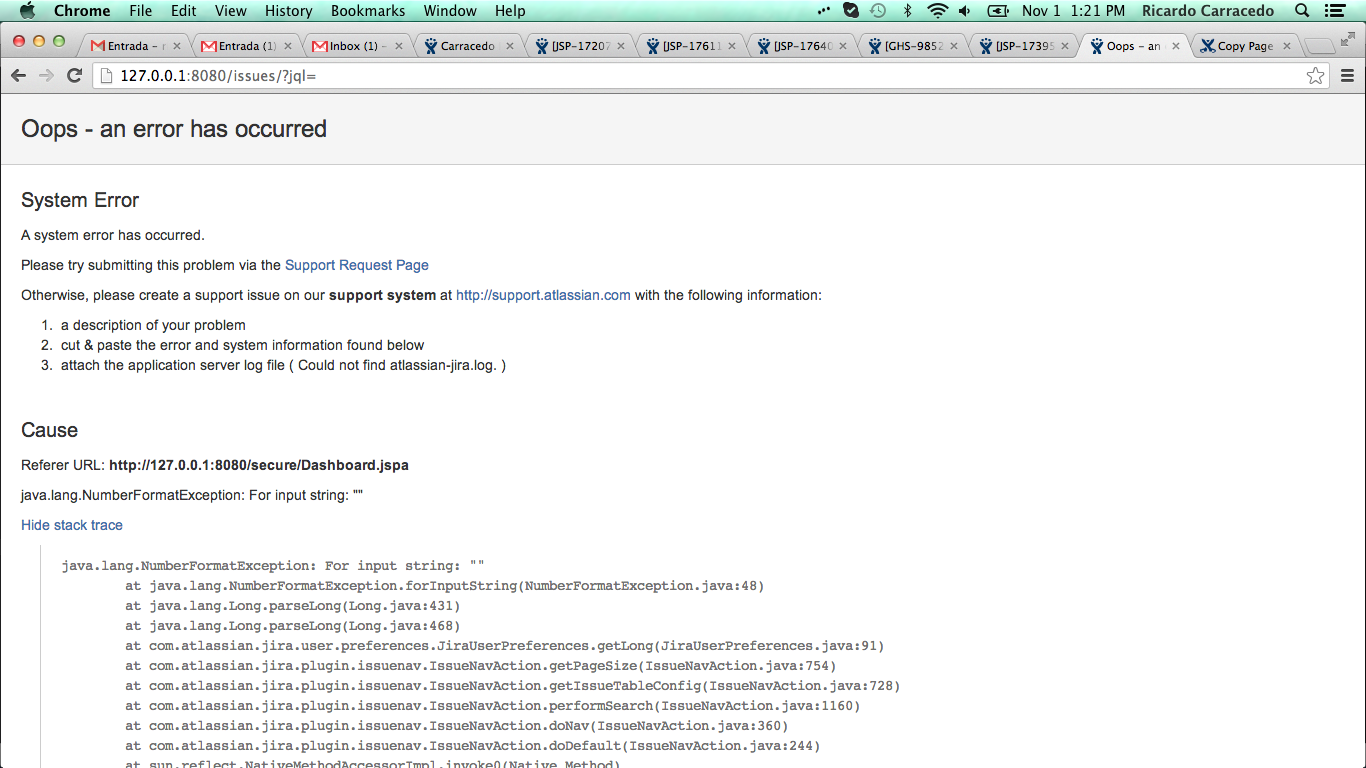
The following stack trace is appearing in the logs:
2013-11-01 12:15:29,089 http-bio-8080-exec-16 ERROR [500ErrorPage.jsp] Exception caught in 500 page For input string: ""
java.lang.NumberFormatException: For input string: ""
 at java.lang.NumberFormatException.forInputString(NumberFormatException.java:48)
 at java.lang.Long.parseLong(Long.java:431)
 at java.lang.Long.parseLong(Long.java:468)
 at com.atlassian.jira.user.preferences.JiraUserPreferences.getLong(JiraUserPreferences.java:91)
 at com.atlassian.jira.plugin.issuenav.IssueNavAction.getPageSize(IssueNavAction.java:754)
 at com.atlassian.jira.plugin.issuenav.IssueNavAction.getIssueTableConfig(IssueNavAction.java:728)
 at com.atlassian.jira.plugin.issuenav.IssueNavAction.performSearch(IssueNavAction.java:1160)
 at com.atlassian.jira.plugin.issuenav.IssueNavAction.doNav(IssueNavAction.java:360)
 at com.atlassian.jira.plugin.issuenav.IssueNavAction.doDefault(IssueNavAction.java:244)
 at sun.reflect.NativeMethodAccessorImpl.invoke0(Native Method)
Cause
This happens because there is no information in the User Default Settings under Number of Issues displayed per Issue Navigator page.
Resolution
As an Administrator click in User Management > User Preferences and add a value 100 under Number of Issues displayed per Issue Navigator page.
Was this helpful?