After the upgrade, the Application Navigator is no longer visible in the Jira header.
Platform Notice: Data Center Only - This article only applies to Atlassian apps on the Data Center platform.
Note that this KB was created for the Data Center version of the product. Data Center KBs for non-Data-Center-specific features may also work for Server versions of the product, however they have not been tested. Support for Server* products ended on February 15th 2024. If you are running a Server product, you can visit the Atlassian Server end of support announcement to review your migration options.
*Except Fisheye and Crucible
Summary
The application navigator, located on the far left of the Jira Data Center header, becomes invisible after the Jira upgrade.

What is the application navigator?
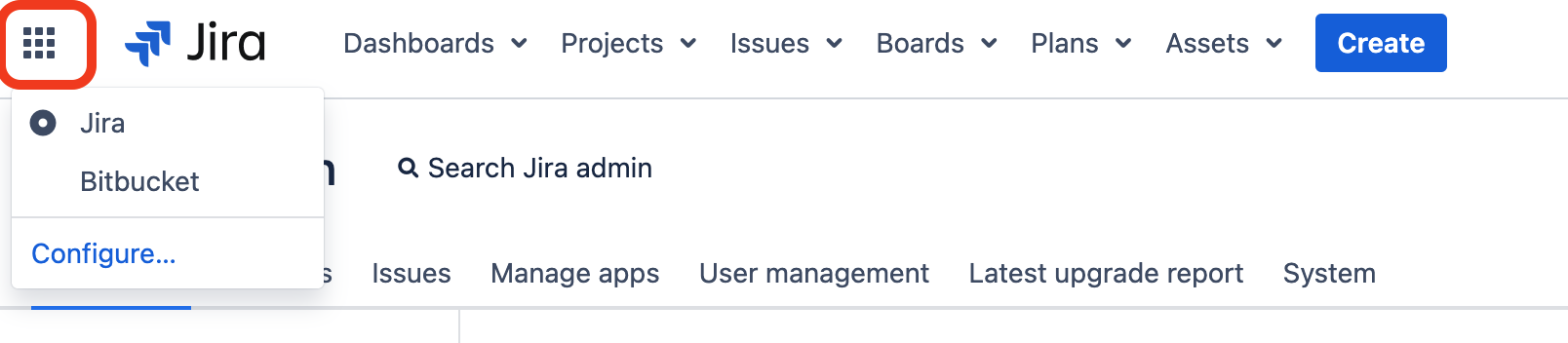
The application navigator presents a menu of links to various applications. It is displayed to users only when there is more than one link available. This feature enables you to effortlessly switch between your applications, such as Confluence and Bitbucket, or any other web application, all from the Jira header.
Environment
Jira Data Center
Cause
There are several scenarios in which the Application Navigator may not be visible:
Scenario 1: The application links between Jira and other applications are broken following an upgrade.
Scenario 2: The application links are functioning correctly, but the entries in the Application → Application Navigator are missing.
Solution
Users will only have access to the application navigator if multiple links are configured.
Scenario 1: To ensure the Application Navigator page is visible, you need to recreate the application links between Jira and other applications. Once there are multiple entries on the Application Navigator page, it will become accessible.
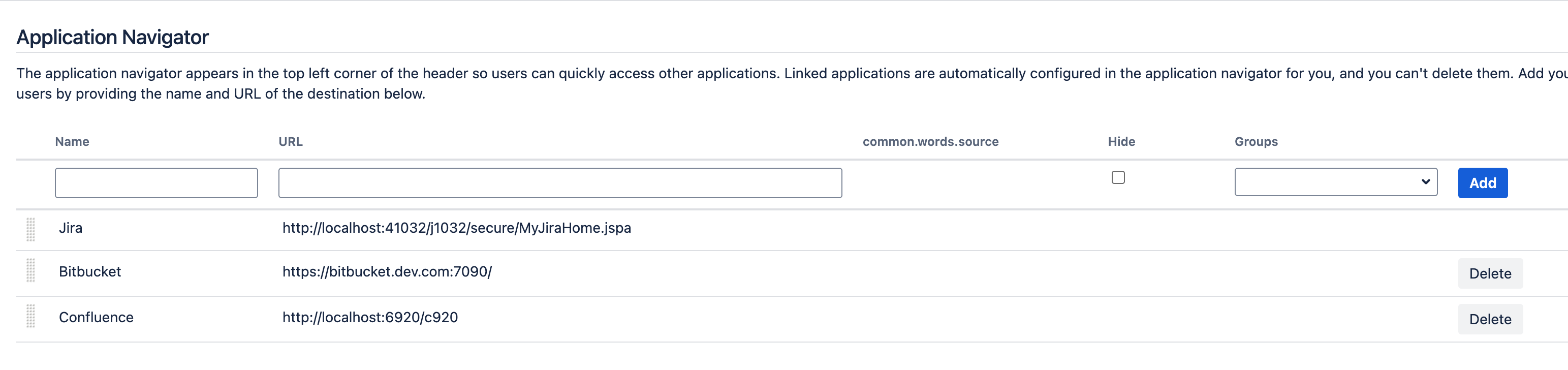
Scenario 2: Occasionally, even after establishing application links, they may not appear on the Application → Application Navigator page. In this situation, you can manually add the links.
Was this helpful?