"Recovering" a deleted Objective in Jira Align
Summary
A deleted Objective can’t be recovered/restored from Recycle Bin and/or Trash
Solution
There is no native way to recover/restore a deleted Objective.
It can be also confirmed in the "pop-up window" presented when you click to delete an Objective:
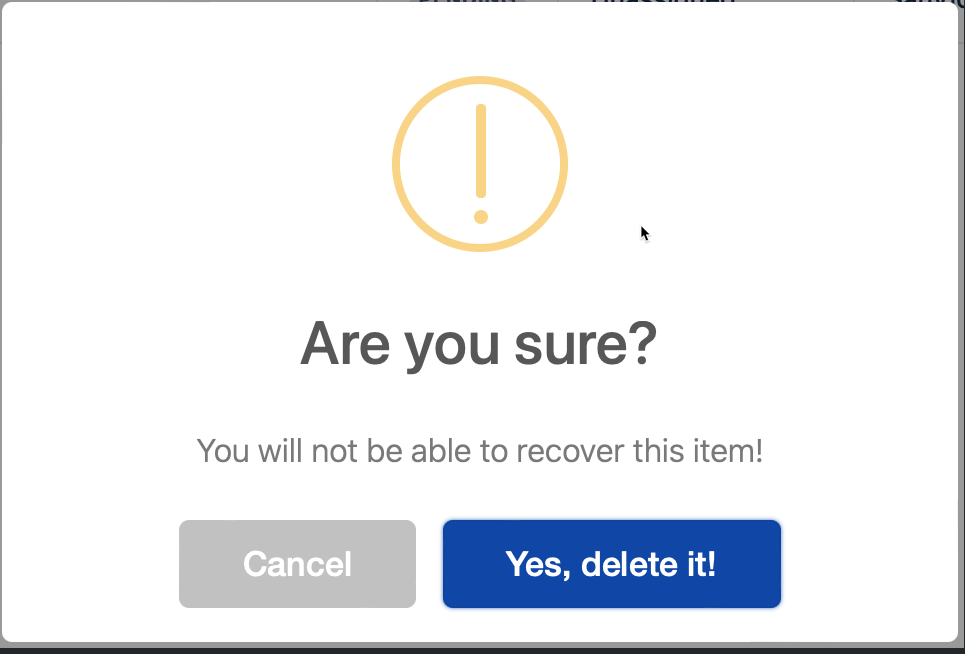
As detailed in the document More actions for objectives a deleted Objective is removed from all reports and views.
As a possible workaround, the Jira Align Administrator can create the Objective from scratch using the information available under Change Activity Log (Jira Align Administration > LOGS section > Changes.
From there, apply some filters searching for the entries tied to the deleted Objective.
The "Objectives Created" entry can provide some data to "recreate" the Objective.
Updated on September 26, 2025
Was this helpful?
Still need help?
The Atlassian Community is here for you.