Jira Align User import fails with city highlighted as invalid
Summary
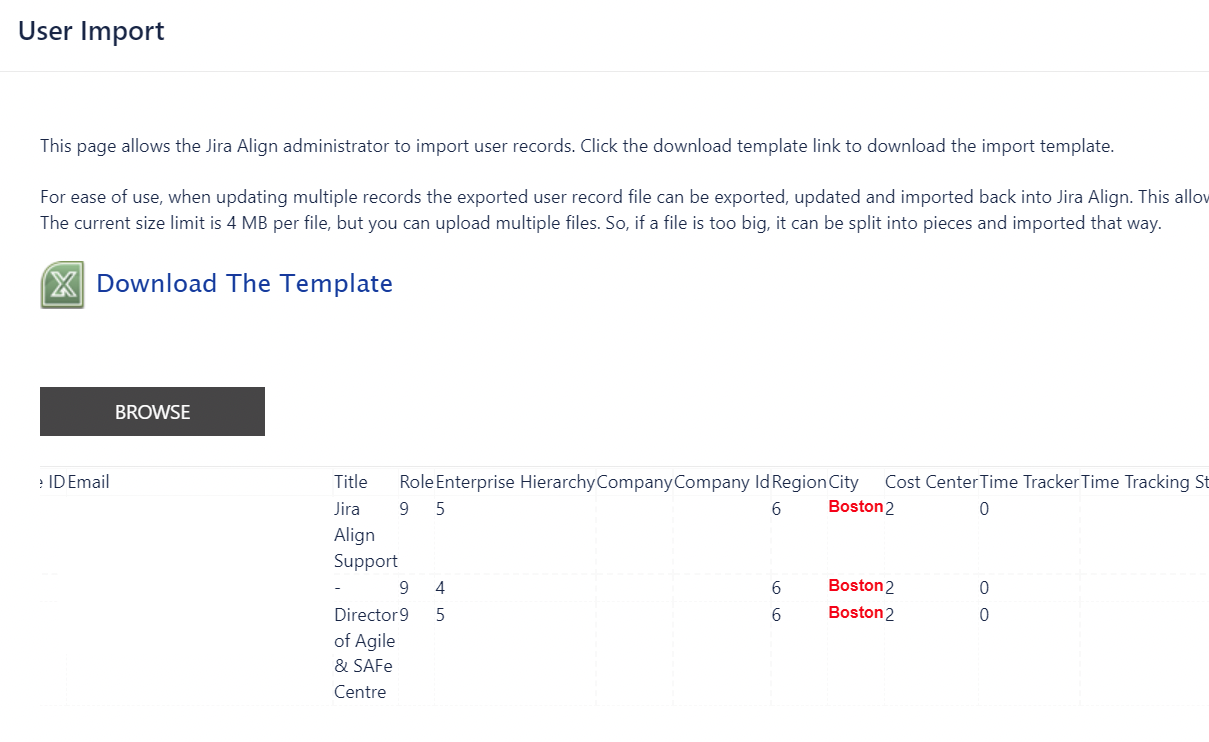
When importing users using an xls file into Jira Align, the process fails and highlights the city in red:
Environment
Jira Align
Cause
The problem can occur if the highlighted city is not assigned to the correct region.
Solution
Go to Administration > Cities, open the city in question and assign it to the correct region.
Reinitiate the import which should be successful now.
Updated on September 25, 2025
Was this helpful?
Still need help?
The Atlassian Community is here for you.