Error 500.0 after upgrading Jira Align Self-Hosted if OLE DB driver install is bad or missing
Summary
After upgrading to Jira Align 10.123.2 or higher, a 500.0 error is returned by IIS when accessing the Jira Align website
Environment
Jira Align Self-Hosted
Diagnosis
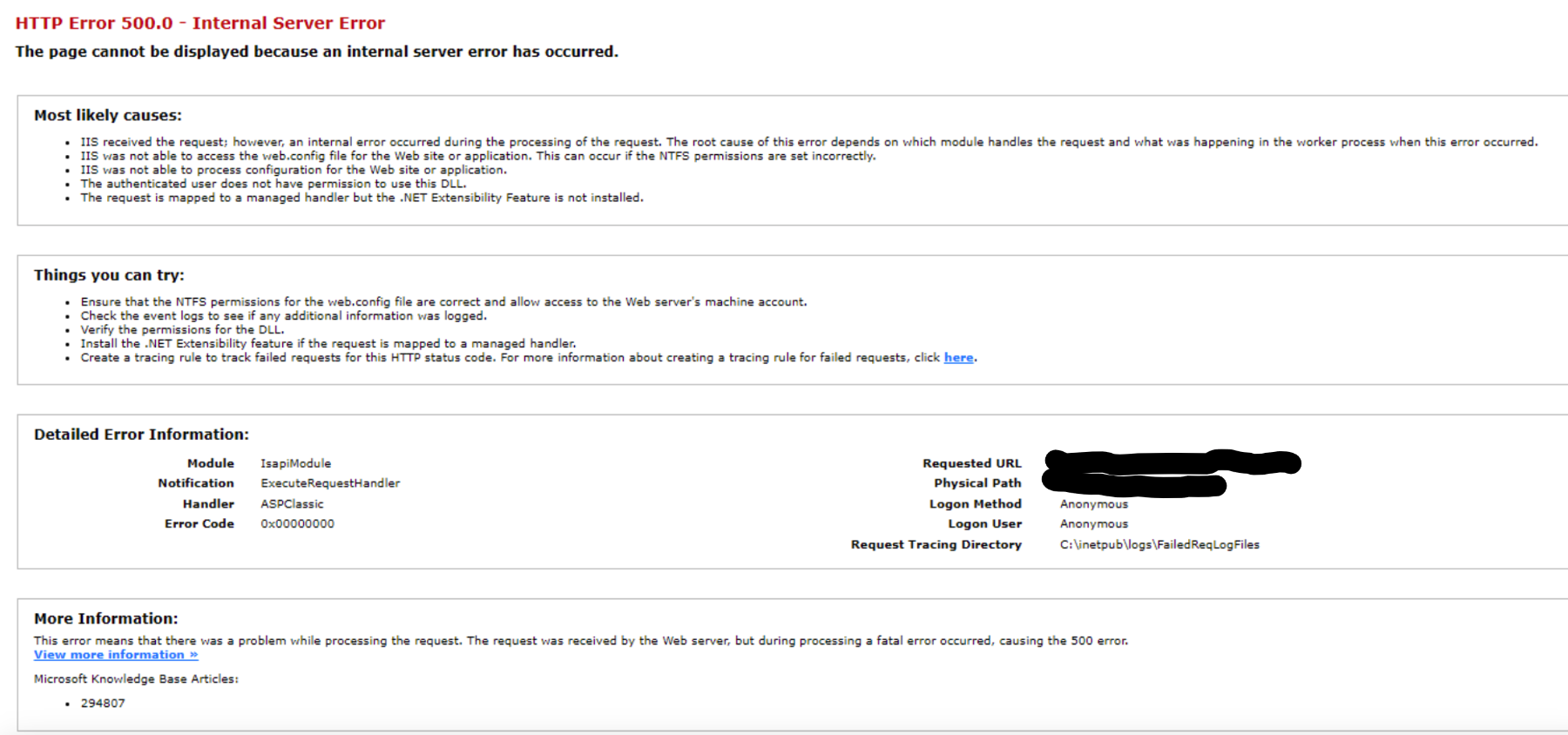
The following error is displayed when accessing the site:
HTTP Error 500.0 - Internal Server Error. The page cannot be displayed because an internal server error has occurred
The following error is reported in the IIS access log (%SystemDrive%\inetpub\logs\LogFiles\W3SVC2\*.log):
Provider_cannot_be_found._It_may_not_be_properly_installed.Cause
This issue can occur if there is a problem with the OLE DB driver installation or the driver has not been installed.
Beginning with 10.123.2, Jira Align requires OLE DB driver version 18.
Solution
Install OLE DB driver version 18.6.6 or higher
Updated on September 26, 2025
Was this helpful?
Still need help?
The Atlassian Community is here for you.