Unable to create a Github branch after creating a repository in Jira
プラットフォームの注記: Cloud のみ - This article only applies to Atlassian apps on the クラウド プラットフォーム上のアトラシアン製品にのみ適用されます。
要約
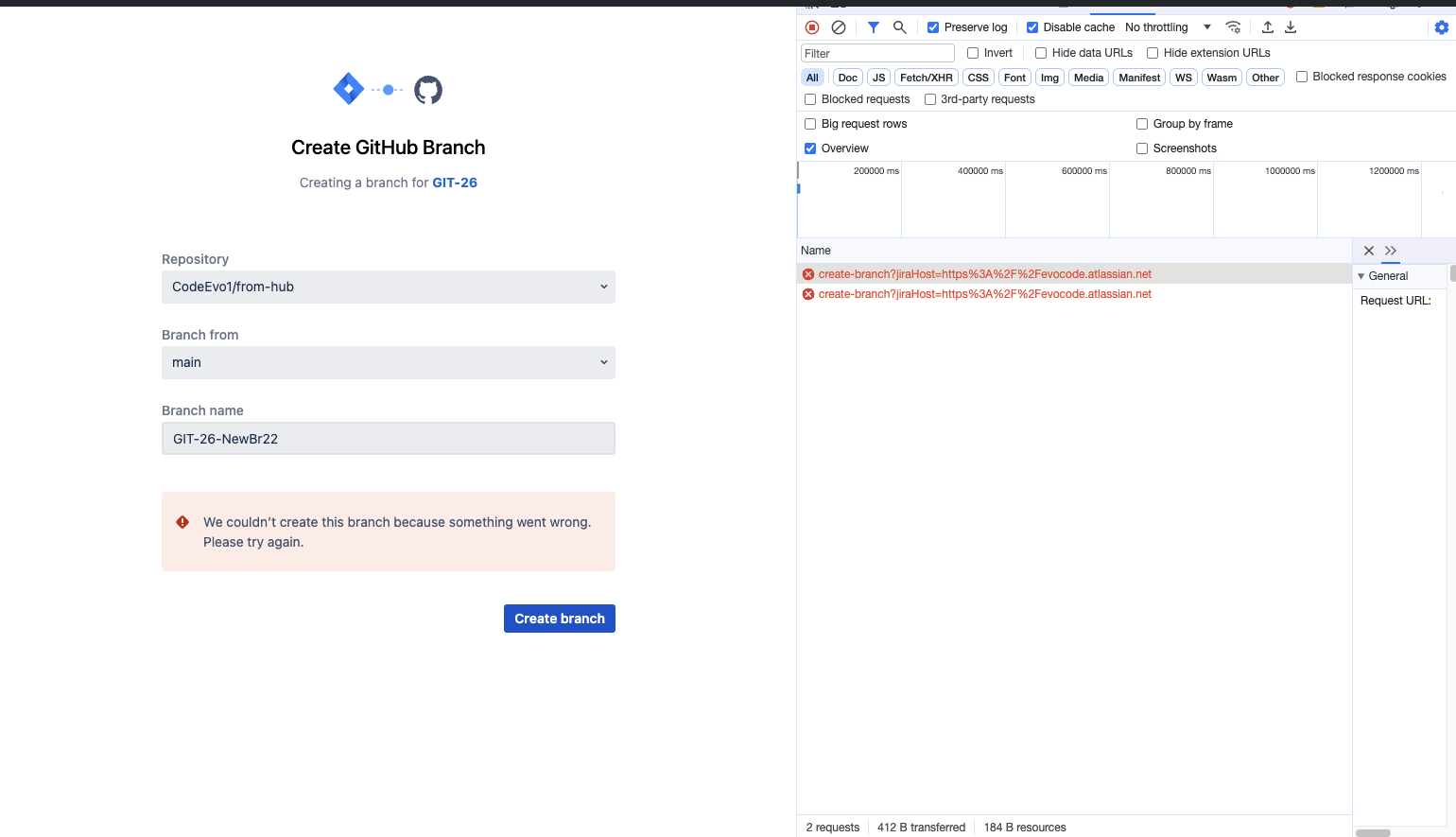
After creating a repository in Github users are unable to create a branch in that repository, Error "We couldn't create this branch because something went wrong. Please try again"
環境
Jira Cloud
原因
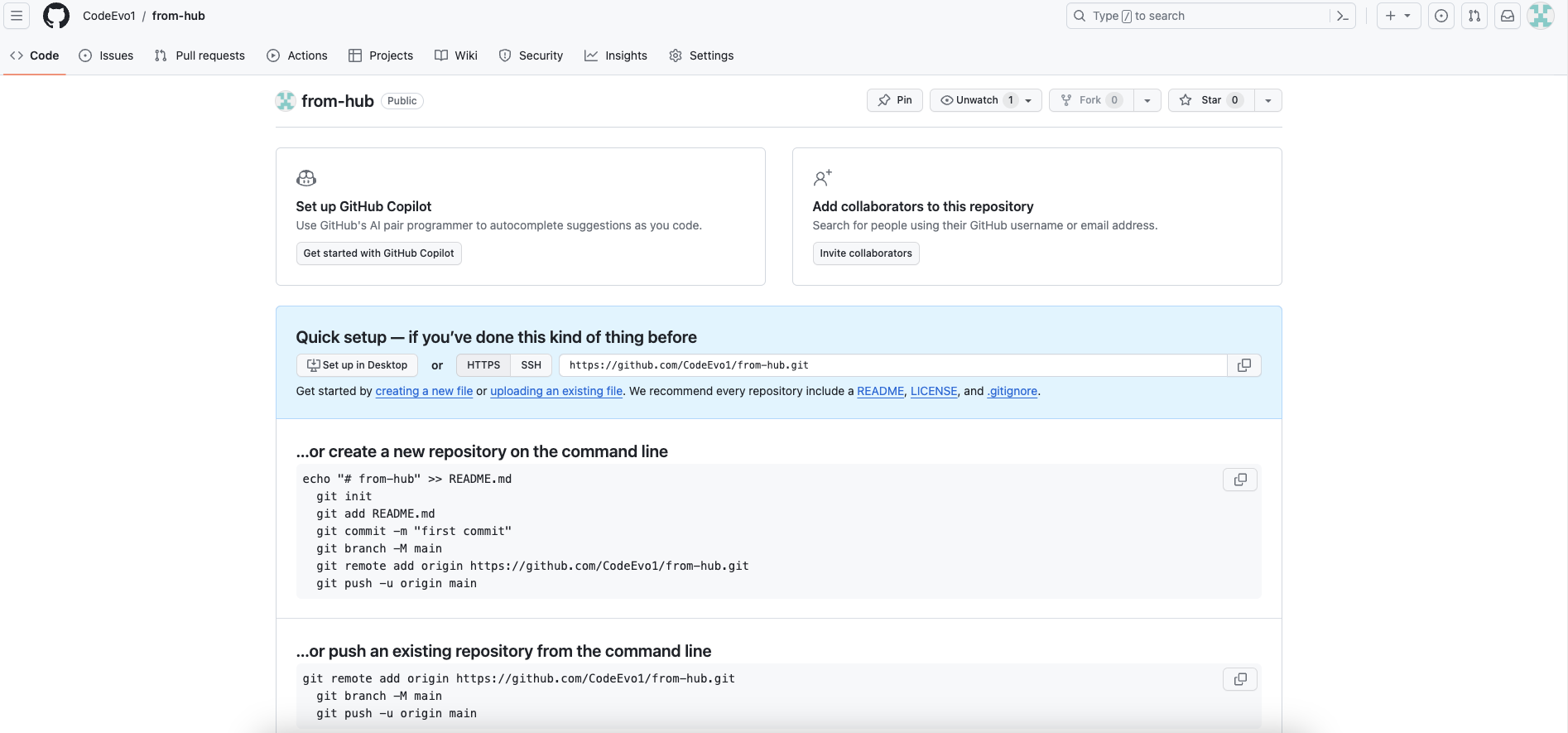
While checking the HAR we can see that there is a 409 conflict error from GitHub, this is due to "Git repository being empty" . When a repository is created from toolchain section of Jira or If a repo was created with no files it is not possible to create a branch
ソリューション
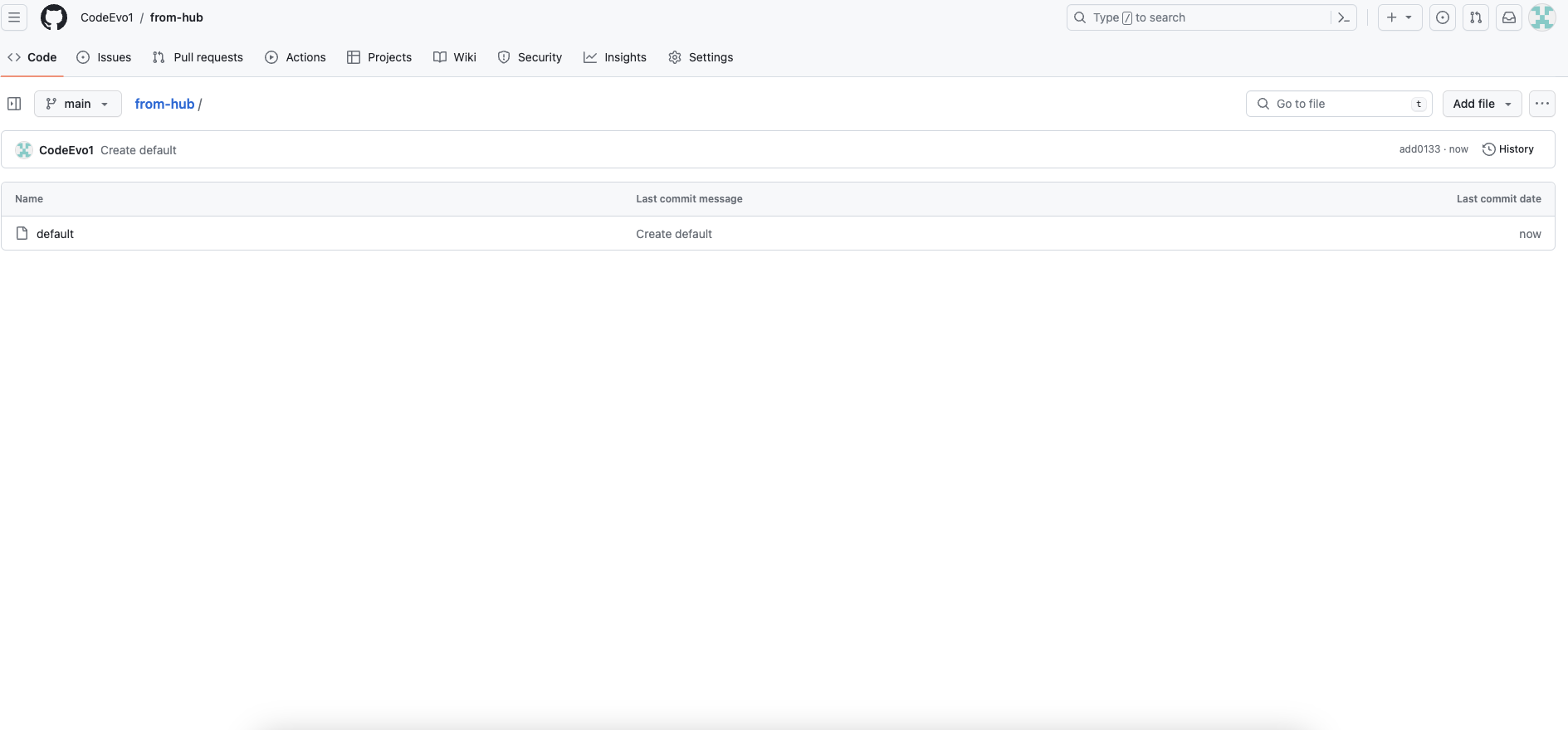
Create a file within the repo and this will allow for Jira to create a branch from the development panel
更新日時: September 25, 2025
この内容はお役に立ちましたか?
さらにヘルプが必要ですか?
アトラシアン コミュニティをご利用ください。