Unable to assign additional roles to users in a project
プラットフォームの注記: Cloud のみ - This article only applies to Atlassian apps on the クラウド プラットフォーム上のアトラシアン製品にのみ適用されます。
要約
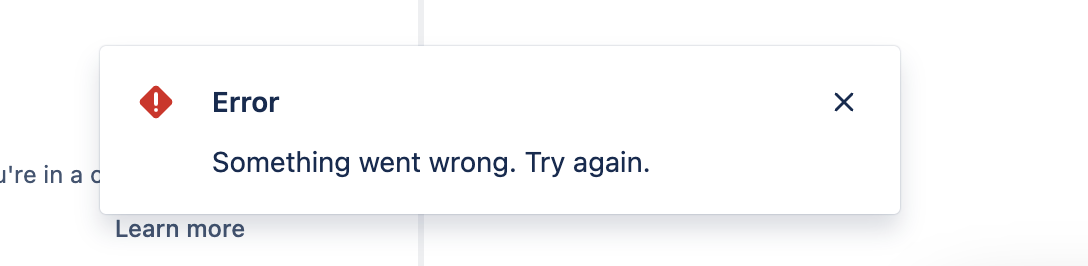
When a project administrator grants additional project roles to users already added to the project (under Project Settings > People) the below error is seen:
環境
Jira Cloud
原因
The "Browse Users and Groups" global permission is required to be able to view and select users in any user picker fields. If the administrator granting roles to existing users doesn't have this permission, it will result in the above error.
ソリューション
The site administrator can grant the "Browse Users and Groups" global permission to the required users to fix this issue. The detailed steps to grant global permissions to a group of users can be found in this article:
更新日時: September 25, 2025
この内容はお役に立ちましたか?
さらにヘルプが必要ですか?
アトラシアン コミュニティをご利用ください。