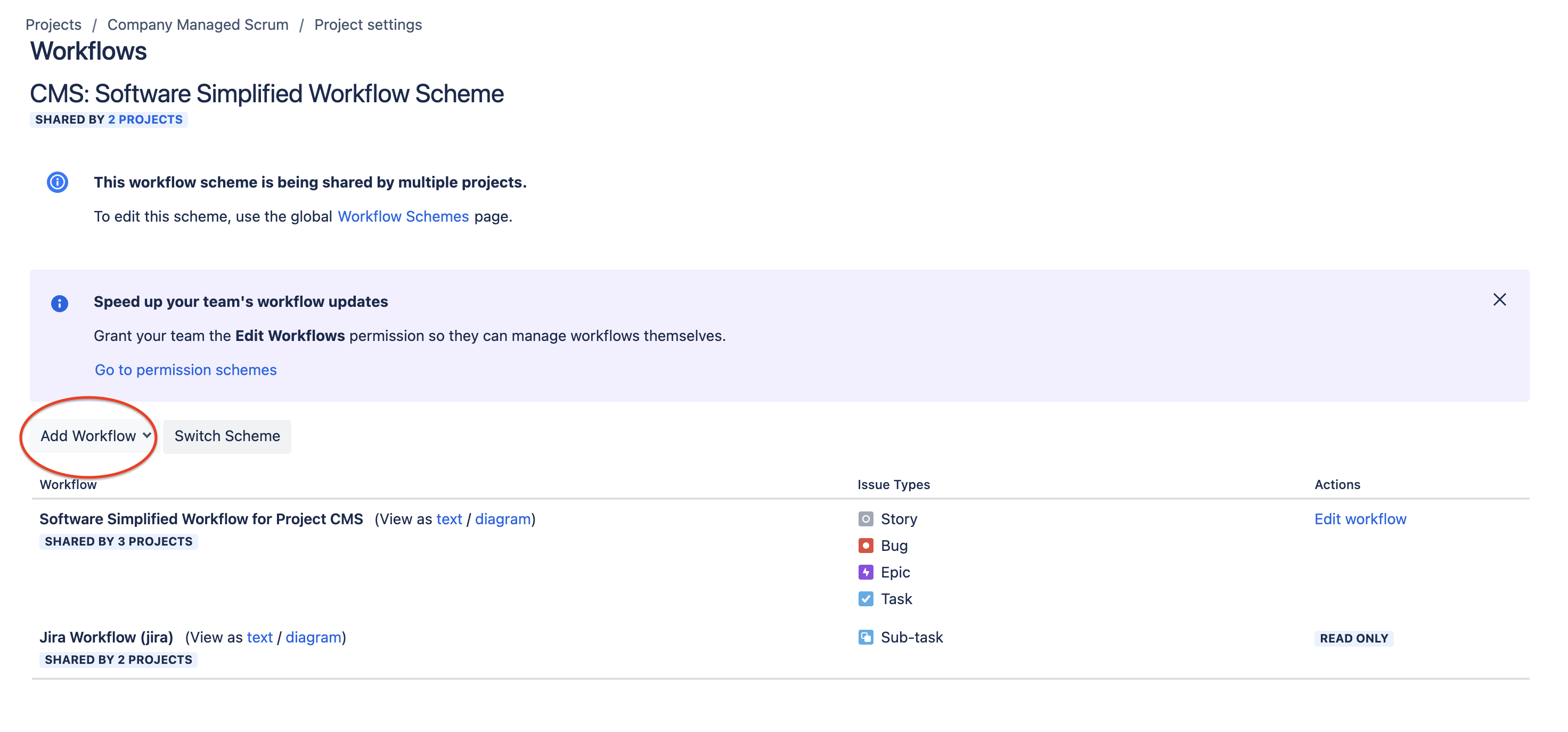
The "Add Workflow" button is unresponsive and does not trigger any action when clicked.
プラットフォームの注記: Cloud のみ - This article only applies to Atlassian apps on the クラウド プラットフォーム上のアトラシアン製品にのみ適用されます。
要約
The "Add Workflow" button under Project Settings → Workflows is unresponsive when trying to add a new workflow to a workflow scheme that is associated with the project. This prevents the addition or modification of workflows within the scheme for that project.
環境
クラウド
診断
該当なし
原因
When a workflow scheme is shared across multiple projects, attempting to add or modify workflows through the Project Settings → Workflows page results in the "Add Workflow" button becoming unresponsive. This occurs because workflow schemes that are used by more than one project cannot be modified directly within the individual project settings.
ソリューション
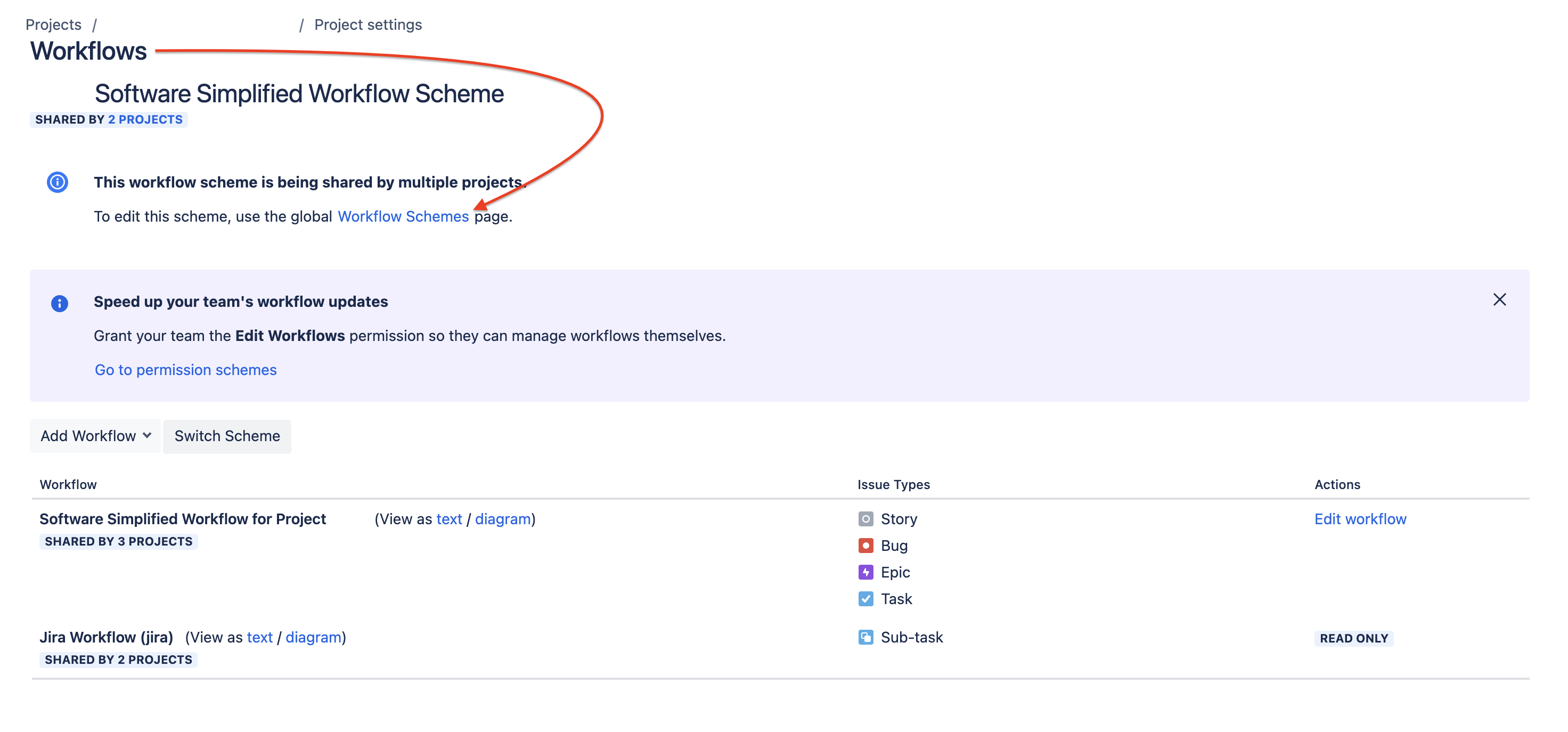
To modify a workflow scheme that is shared across multiple projects, you need to make changes through the Global Workflow Scheme page. Click on the pointer "To edit this scheme, use the global workflow schemes page".
This is because workflow schemes that are associated with more than one project cannot be edited directly within the project settings. By accessing the Global Workflow Scheme page, you can make changes to the scheme itself, which will then apply to all projects that use it. This allows you to add or modify workflows and manage the scheme at a global level, ensuring consistent updates across all linked projects.
この内容はお役に立ちましたか?