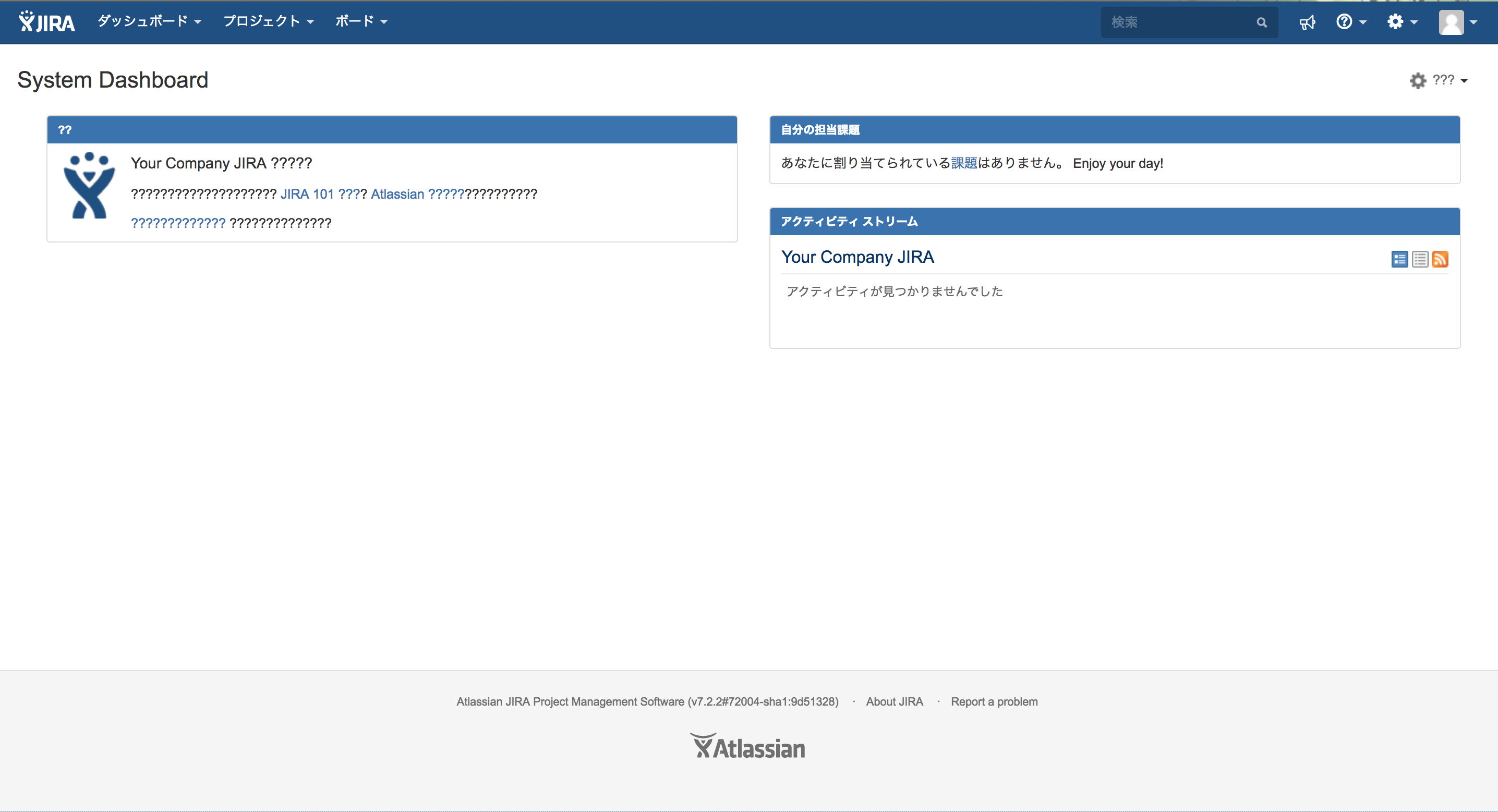
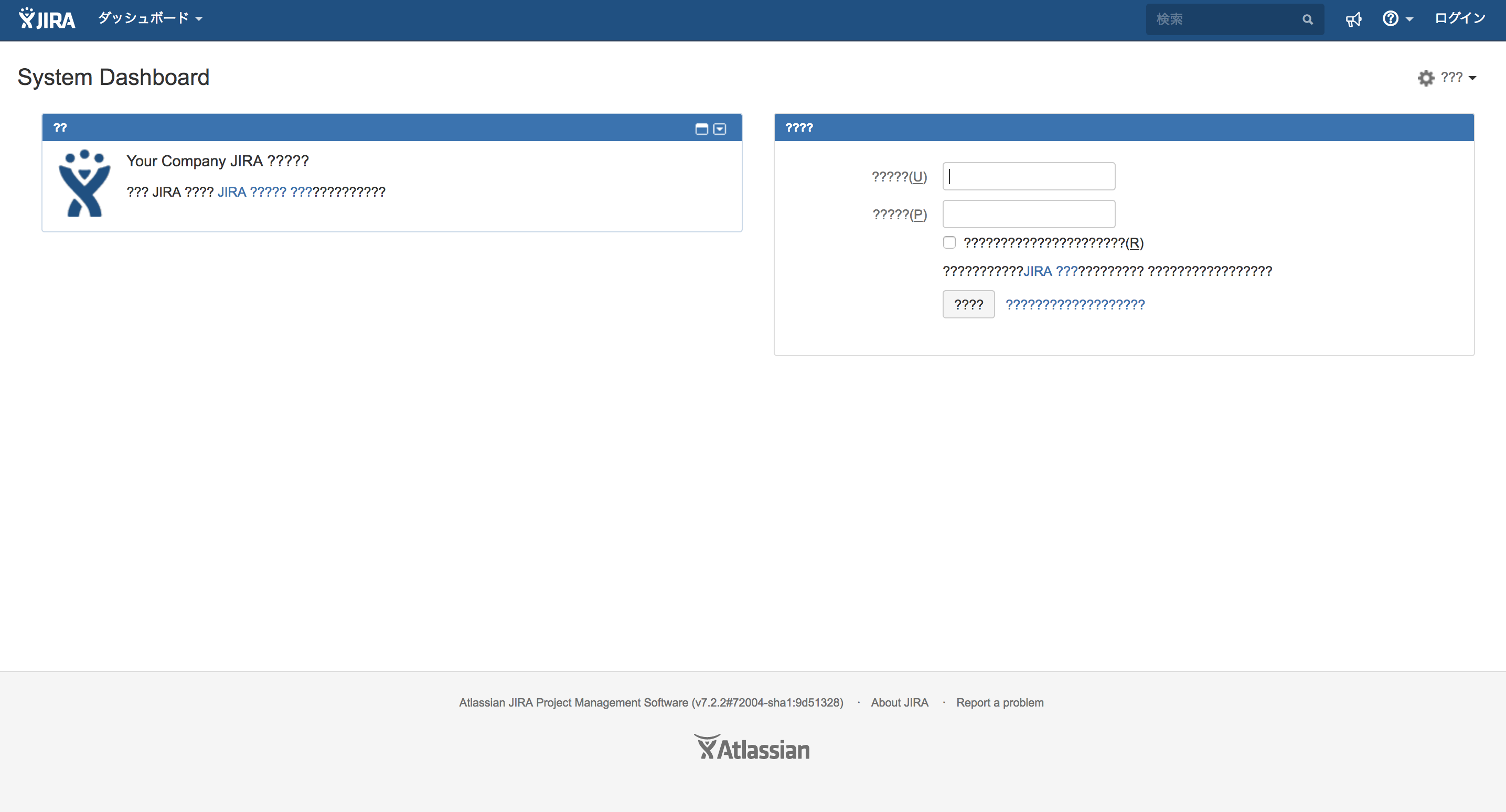
言語が日本語、韓国語、中国語に設定されている場合に、ダッシュボード上のマルチバイト文字が文字化けする
プラットフォームについて: Data Center のみ。 - This article only applies to Atlassian apps on the Data Center プラットフォーム。
この KB は Data Center バージョンの製品用に作成されています。Data Center 固有ではない機能の Data Center KB は、製品のサーバー バージョンでも動作する可能性はありますが、テストは行われていません。 Server* 製品のサポートは 2024 年 2 月 15 日に終了しました。Server 製品を実行している場合は、 アトラシアン Server サポート終了 のお知らせにアクセスして、移行オプションを確認してください。
*Fisheye および Crucible は除く
要約
問題
システム及びユーザーの言語が日本語/韓国語/中国語に設定されている場合に、ダッシュボード上 (およびログイン画面) のマルチバイト文字が文字化けする。
診断
Go to JIRA Administration > System > System info page and check if System Encoding is set to other than UTF-8.
原因
The encoding used by JVM is other than UTF-8.
ソリューション
ソリューション
Please add -Dfile.encoding=UTF-8 JVM startup option with following the way introduced in Setting properties and options on startup.
ℹ️ This problem is also tracked on JRASERVER-62659 - Some multi-byte characters on dashboard are garbled in case that user/system language is set to Japanese/Korean/Chinese and fixed in Jira 10.1.0 and later
この内容はお役に立ちましたか?