Jira Server 8.0 or later fails with library not loaded error when starting up on MacOS
プラットフォームについて: Data Center のみ。 - This article only applies to Atlassian apps on the Data Center プラットフォーム。
この KB は Data Center バージョンの製品用に作成されています。Data Center 固有ではない機能の Data Center KB は、製品のサーバー バージョンでも動作する可能性はありますが、テストは行われていません。 Server* 製品のサポートは 2024 年 2 月 15 日に終了しました。Server 製品を実行している場合は、 アトラシアン Server サポート終了 のお知らせにアクセスして、移行オプションを確認してください。
*Fisheye および Crucible は除く
問題
When starting Jira Software/Core 8.0 or Jira Service Management 4.0 later with AdoptOpenJDK 8 on MacOS for development or evaluation purposes, start up fails with the following error in the atlassian-jira.log -
2019-04-05 10:59:09,665 Jira-Bootstrap ERROR      [c.a.jira.startup.ComponentContainerLauncher] An Error occurred during ComponentContainerLauncher servlet context initialisation - /<path to adoptopenjdk>/jre/lib/libfontmanager.dylib: dlopen(/<path to adoptopenjdk>/jdk8u192-b12/Contents/Home/jre/lib/libfontmanager.dylib, 1): Library not loaded: @rpath/libfreetype.6.dylib
      Referenced from: /<path to adoptopenjdk>/jdk8u192-b12/Contents/Home/jre/lib/libfontmanager.dylib
      Reason: image not found.
java.lang.UnsatisfiedLinkError: /<path to adoptopenjdk>/jdk8u192-b12/Contents/Home/jre/lib/libfontmanager.dylib: dlopen(/<path to adoptopenjdk>/jdk8u192-b12/Contents/Home/jre/lib/libfontmanager.dylib, 1): Library not loaded: @rpath/libfreetype.6.dylib
  Referenced from: /<path to adoptopenjdk>/jdk8u192-b12/Contents/Home/jre/lib/libfontmanager.dylib
  Reason: image not found
	at java.lang.ClassLoader$NativeLibrary.load(Native Method)
	at java.lang.ClassLoader.loadLibrary0(ClassLoader.java:1941)
	at java.lang.ClassLoader.loadLibrary(ClassLoader.java:1845)
	at java.lang.Runtime.loadLibrary0(Runtime.java:870)
	at java.lang.System.loadLibrary(System.java:1122)
	at sun.lwawt.macosx.LWCToolkit$1.run(LWCToolkit.java:93)
	at sun.lwawt.macosx.LWCToolkit$1.run(LWCToolkit.java:80)
	at java.security.AccessController.doPrivileged(Native Method)
	at sun.lwawt.macosx.LWCToolkit.<clinit>(LWCToolkit.java:79)
	at java.lang.Class.forName0(Native Method)
	at java.lang.Class.forName(Class.java:264)
	at java.awt.Toolkit$2.run(Toolkit.java:860)
	at java.awt.Toolkit$2.run(Toolkit.java:855)
	at java.security.AccessController.doPrivileged(Native Method)
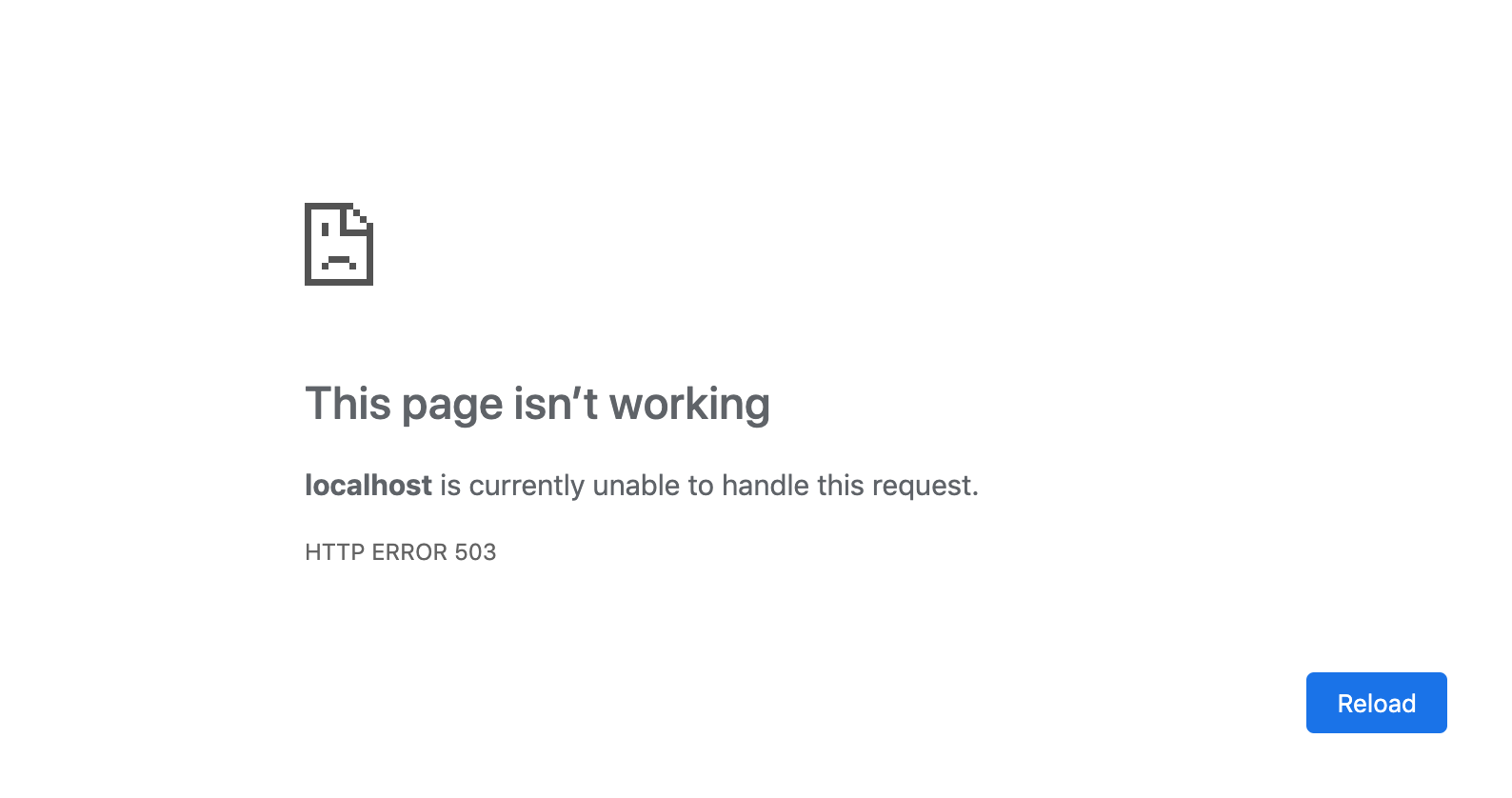
You would also see on the browser that it will got o https://<yourURL>/secure/errors.jsp
原因
There is a known issue where AdoptOpenJDK 8 has a broken dependency on libfreetype.6.dylib in its libfontmanager.dylib. Read more about the issue here: https://github.com/AdoptOpenJDK/openjdk-build/issues/202
回避策
As a workaround you can copy libfreetype.dylib.6as libfreetype.6.dyliband then change the install name of libfreetype.6.dylib, using the following commands.
$ cp <path to adoptopenjdk>/jdk8u192-b12/Contents/Home/jre/lib/libfreetype.dylib.6 <path to adoptopenjdk>/jdk8u192-b12/Contents/Home/jre/lib/libfreetype.6.dylib
$ install_name_tool -id @rpath/libfreetype.6.dylib <path to adoptopenjdk>/jdk8u192-b12/Contents/Home/jre/lib/libfreetype.6.dylibこの内容はお役に立ちましたか?