Error while searching when linking JIRA Board to Confluence Space
プラットフォームについて: Data Center のみ。 - This article only applies to Atlassian apps on the Data Center プラットフォーム。
この KB は Data Center バージョンの製品用に作成されています。Data Center 固有ではない機能の Data Center KB は、製品のサーバー バージョンでも動作する可能性はありますが、テストは行われていません。 Server* 製品のサポートは 2024 年 2 月 15 日に終了しました。Server 製品を実行している場合は、 アトラシアン Server サポート終了 のお知らせにアクセスして、移行オプションを確認してください。
*Fisheye および Crucible は除く
要約
問題
The following error is thrown when linking a JIRA board to a Confluence Space.
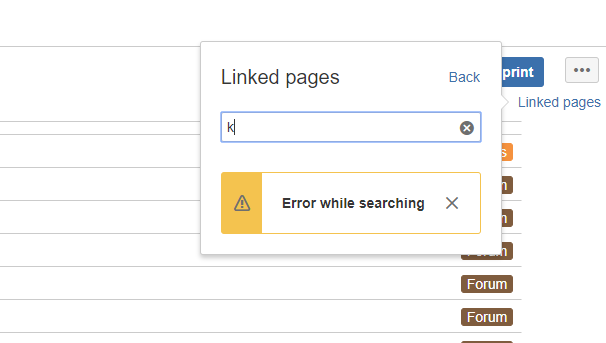
Error while searching診断
診断ステップ
Development tools panel show the following error:

Got an error response with text that we don't know how to parse: The application link for the Confluence server has invalid credentials. Please check the authentication settings. 原因
Context path was not used when creating the link.
ソリューション
ソリューション
Ensure that the context path was added to the link. For example:
更新日時: September 26, 2025
この内容はお役に立ちましたか?
さらにヘルプが必要ですか?
アトラシアン コミュニティをご利用ください。