Automation Rules missing from Export File
プラットフォームの注記: Cloud のみ - This article only applies to Atlassian apps on the クラウド プラットフォーム上のアトラシアン製品にのみ適用されます。
要約
All of the automation rules can be exported in one go from Jira settings > System > Global Automation > ... > Export Rules.
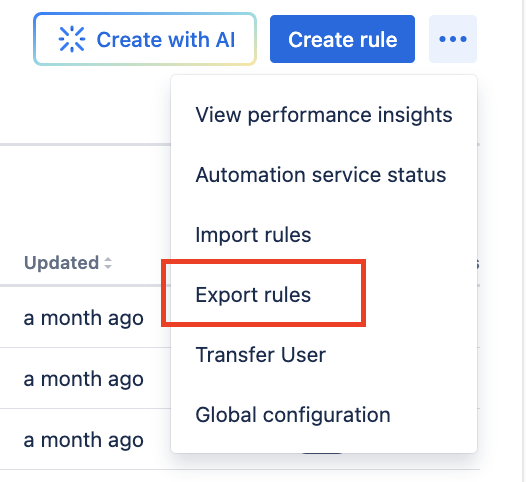
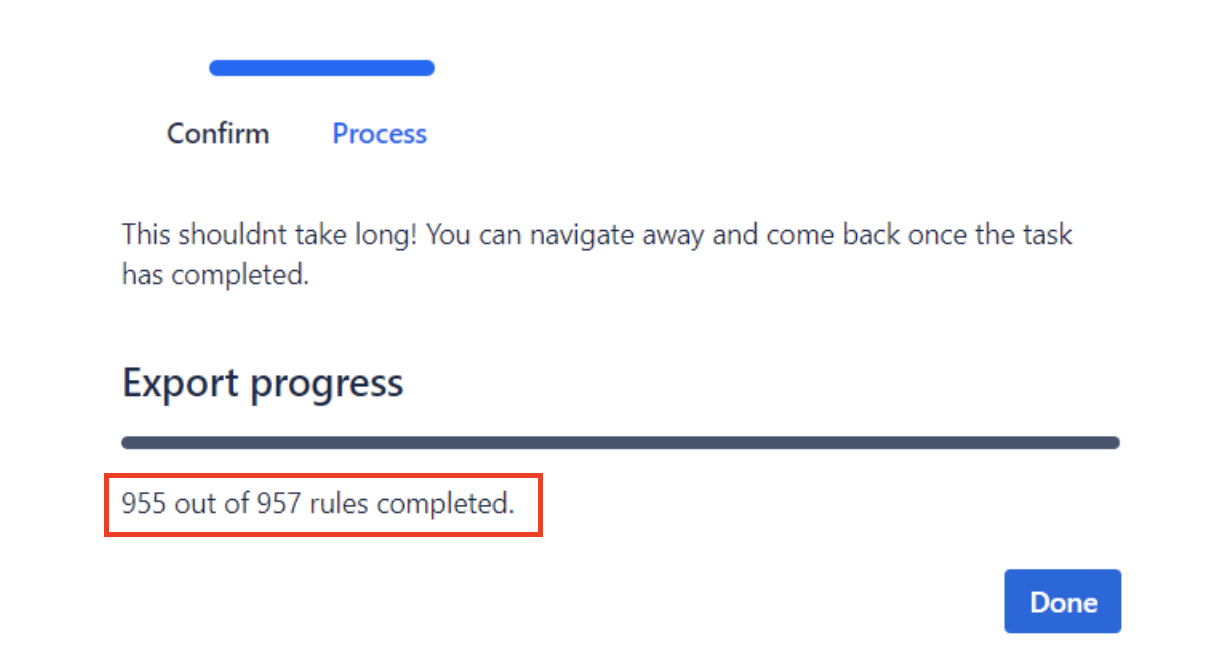
For few instances, during export we see less number of rules exported when compared to total number of rules available in site. It can be recognised by comparing the count on the export screen:
環境
Jira Cloud
原因
This happens if there are Jira Service Management projects available in Site. There are few rules that comes built-in with JSM projects which can't be exported.
ソリューション
To identify which rules are excluded from export, a search can be run in Automation rule for label "System rule". The difference between total rules and exported rules will match the number of rules available with label "System rule"

この内容はお役に立ちましたか?