How to customize the top navigation bar items in the Jira Align New Nav UI
要約
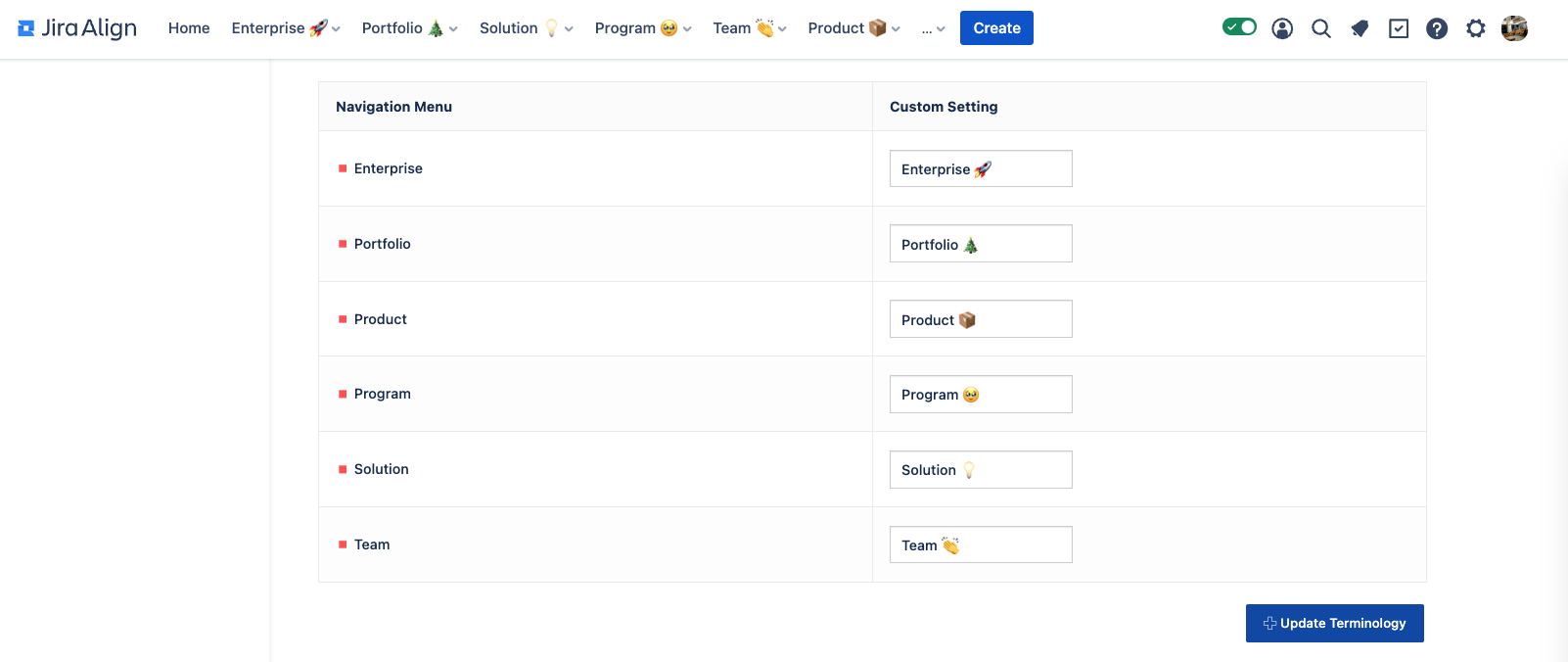
Some customers may want to modify the names of the sections (Portfolio, Solution, Program, etc.) on the top navigation bar in the new UI. They also may have switched to the new UI recently and are confused about why some of the menu items are showing differently than they expected.
環境
Jira Align
ソリューション
The top navigation bar items can be modified by going to Administration → Settings → Platform Terminology and scrolling down to the “Navigation Menu” section. Updates to this section will be reflected in the UI for all users.
更新日時: September 25, 2025
この内容はお役に立ちましたか?
さらにヘルプが必要ですか?
アトラシアン コミュニティをご利用ください。