Admin Console Not Showing
プラットフォームについて: Data Center のみ。 - This article only applies to Atlassian apps on the Data Center プラットフォーム。
この KB は Data Center バージョンの製品用に作成されています。Data Center 固有ではない機能の Data Center KB は、製品のサーバー バージョンでも動作する可能性はありますが、テストは行われていません。 Server* 製品のサポートは 2024 年 2 月 15 日に終了しました。Server 製品を実行している場合は、 アトラシアン Server サポート終了 のお知らせにアクセスして、移行オプションを確認してください。
*Fisheye および Crucible は除く
症状
When accessing to http://<host>:<port>/admin/, web browser not able to display the page. Indeed, this is showing:
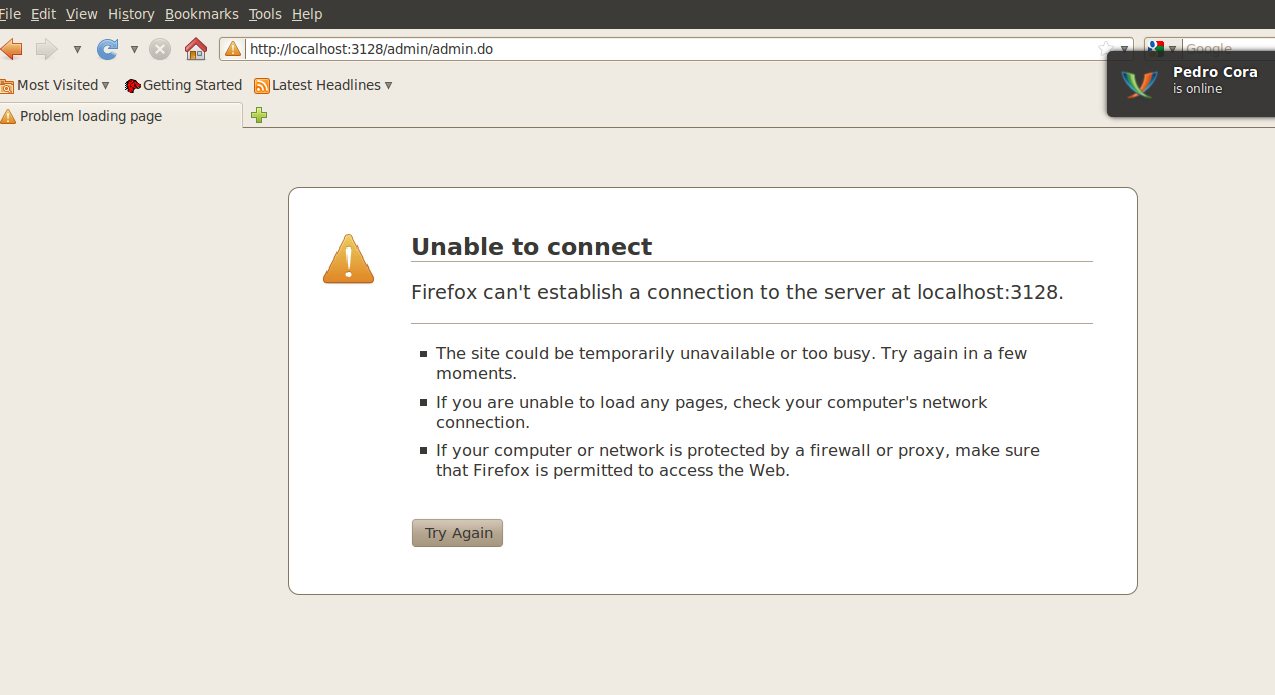
原因
It could be a misconfiguration in config.xml file.
ソリューション
Verify that the config.xml is configured properly. For example, changing the config.xml file from:
<svn-config/><web-server>

<http bind=":8060" proxy-port="3128"/>

</web-server>
宛先:
<svn-config/><web-server>

<http bind=":8060"/>

</web-server>
更新日時: September 25, 2025
この内容はお役に立ちましたか?
さらにヘルプが必要ですか?
アトラシアン コミュニティをご利用ください。