JIRA notifications are not included in the Confluence Workbox
プラットフォームについて: Cloud と Data Center - この記事は クラウド プラットフォームとデータセンター プラットフォームの両方に等しく当てはまります。
Server* 製品のサポートは 2024 年 2 月 15 日に終了しました。Server 製品を実行している場合は、 アトラシアン Server サポート終了 のお知らせにアクセスして、移行オプションを確認してください。
*Fisheye および Crucible は除く
要約
症状
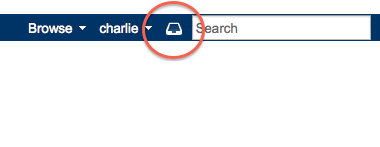
JIRA has been configured as an application link in Confluence according to this page but JIRA notifications are not included in the Confluence Workbox:
診断
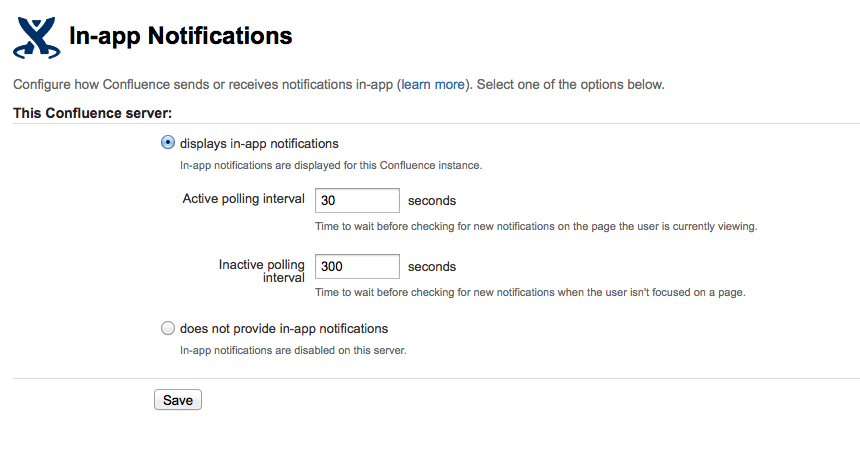
In Confluence Admin > In-app notifications you do not see JIRA as a linked application:
原因
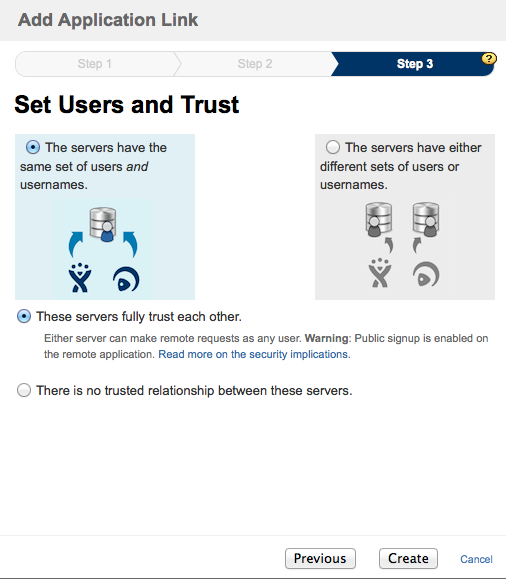
Confluence and JIRA need to fully trust each other in order for JIRA notifications to be shown in the Confluence Workbox.
ソリューション
ソリューション
You can recreate the application link and make sure that the two applications fully trust each other:
Alternatively, you edit your existing Application Link by going to Confluence Admin > Application Links and configure your Application Link with JIRA to include some kind of authentication.
この内容はお役に立ちましたか?