Atlassian Support Tools content not loading due to Javascript error
プラットフォームについて: Data Center のみ。 - This article only applies to Atlassian apps on the Data Center プラットフォーム。
この KB は Data Center バージョンの製品用に作成されています。Data Center 固有ではない機能の Data Center KB は、製品のサーバー バージョンでも動作する可能性はありますが、テストは行われていません。 Server* 製品のサポートは 2024 年 2 月 15 日に終了しました。Server 製品を実行している場合は、 アトラシアン Server サポート終了 のお知らせにアクセスして、移行オプションを確認してください。
*Fisheye および Crucible は除く
要約
症状
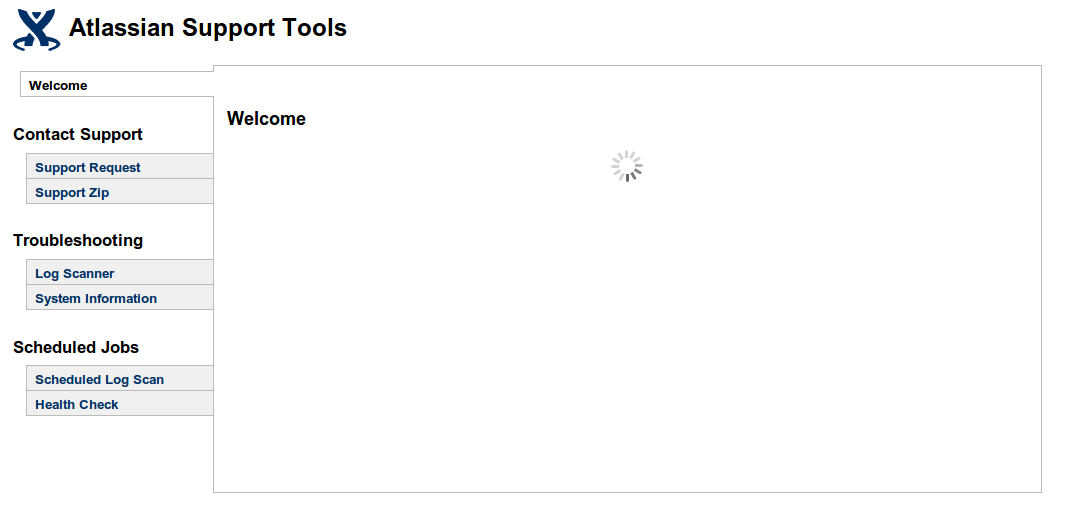
When an administrator navigates to Confluence Admin > Atlassian Support Tools, the sidebar tabs of the support tool function load properly, but the main content just keeps loading as seen on the screenshot below:
診断
No errors can be found in the logs, browser may display various Javascript-related errors.
原因
The cause is having the JavaScript served in header option disabled under Confluence Admin > General Configuration.
ソリューション
ソリューション
The solution is to enable the JavaScript served in header option disabled under Confluence Admin > General Configuration.
この内容はお役に立ちましたか?