After upgrading to Team Calendars 5.3 Calendars don't appear in related space
プラットフォームについて: Cloud と Data Center - この記事は クラウド プラットフォームとデータセンター プラットフォームの両方に等しく当てはまります。
Server* 製品のサポートは 2024 年 2 月 15 日に終了しました。Server 製品を実行している場合は、 アトラシアン Server サポート終了 のお知らせにアクセスして、移行オプションを確認してください。
*Fisheye および Crucible は除く
要約
問題
Calendars with a related space set, or embedded on only one page, haven't moved to the Calendars section in the sidebar of the relevant space.
You may also notice the following errors in the log:
EmbeddedCalendarsToSpaceMigrationTask.upgrade failed診断
該当有無の確認
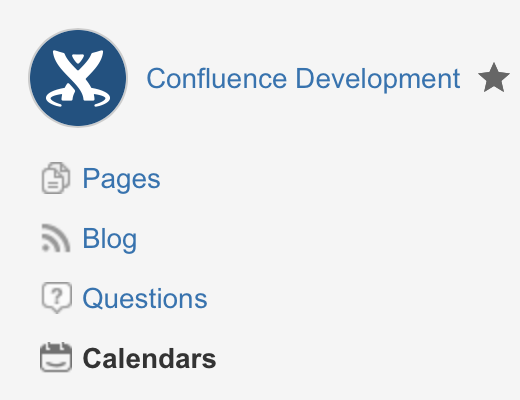
In Team Calendars 5.3, we launched calendars in spaces, adding a Calendars link to the space sidebar and allowing you to Create calendars in your Confluence spaces. We included an upgrade task that looked for any calendar with a Related space set, or any calendar that was embedded on only one page, and moved those calendars into the relevant space. If you've noticed that a calendar with a Related space set hasn't moved into that space – in other words, you can't see the calendar when you click Calendars in the space sidebar – then the migration of calendars into spaces has likely failed.
The other way to check is if you have a calendar that was created prior to upgrading to Team Calendars 5.3 that doesn't have a Related space set. If you're now using Team Calendars 5.3, set the Related space for the calendar then visit the Calendars link in the space sidebar to see if the calendar appears there. If the calendar doesn't appear, then you should rebuild space calendars as described below.
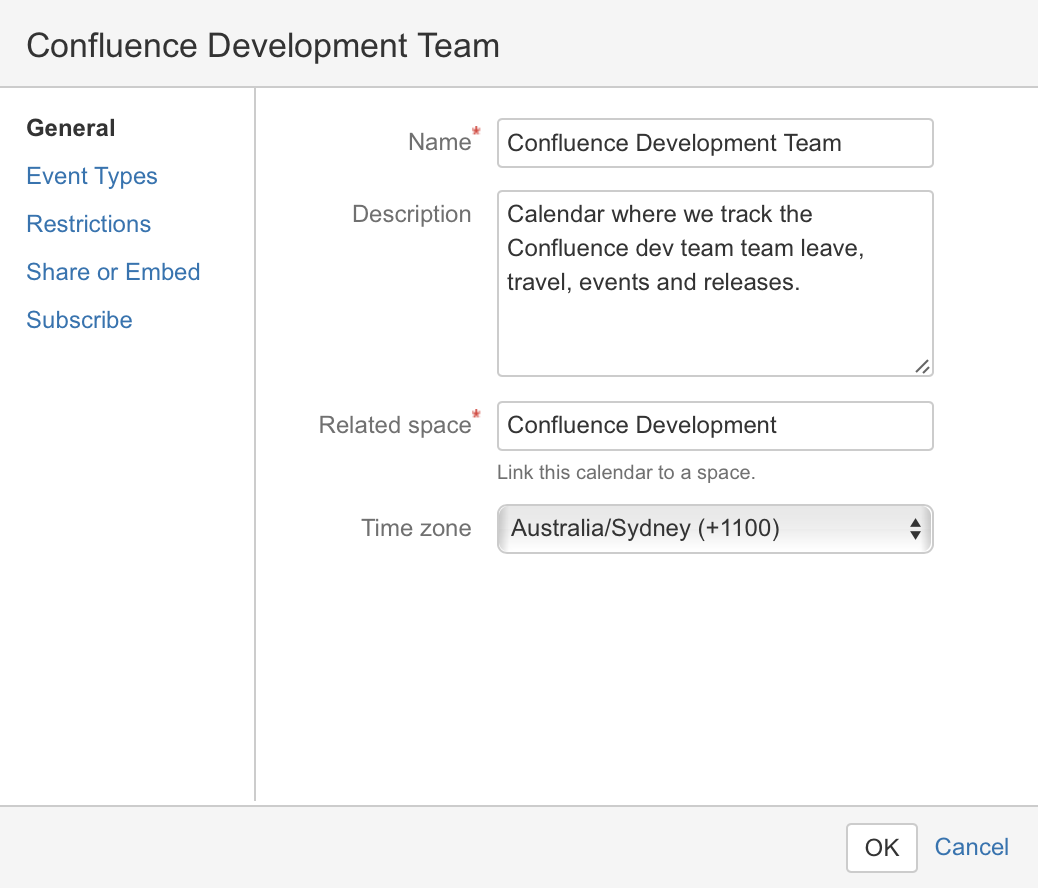
An example of a calendar with a 関連するスペース set
原因
The upgrade task to migrate of calendars into their related spaces hasn't succeeded.
ソリューション
ソリューション
移動

> General configuration > Team Calendars > Rebuild Space Calendars and click Rebuild.
この内容はお役に立ちましたか?