Updating add-ons by file upload hangs using UPM
プラットフォームについて: Data Center のみ。 - This article only applies to Atlassian apps on the Data Center プラットフォーム。
この KB は Data Center バージョンの製品用に作成されています。Data Center 固有ではない機能の Data Center KB は、製品のサーバー バージョンでも動作する可能性はありますが、テストは行われていません。 Server* 製品のサポートは 2024 年 2 月 15 日に終了しました。Server 製品を実行している場合は、 アトラシアン Server サポート終了 のお知らせにアクセスして、移行オプションを確認してください。
*Fisheye および Crucible は除く
要約
症状
Uploading a JAR just using UPM as described in Updating add-ons by file upload just hangs on the spinner. See image below for example:
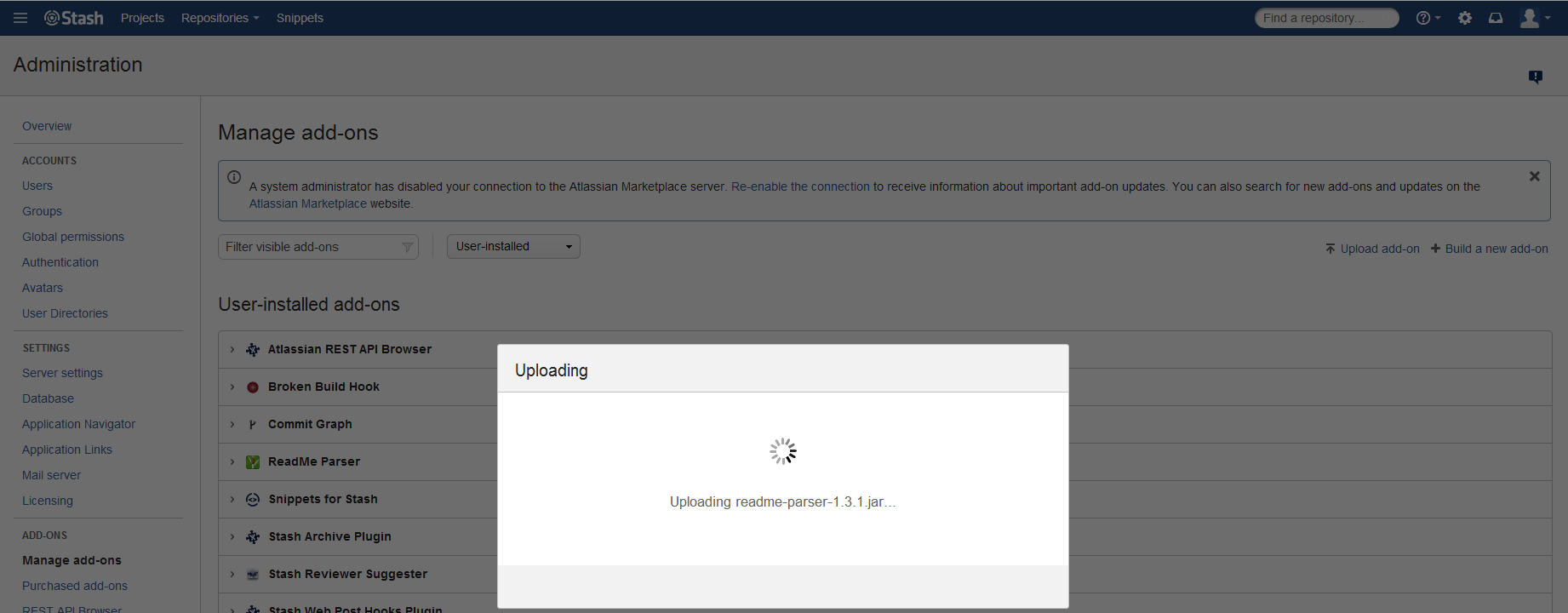
No specific error was shown in the logs atlassian-bitbucket.log.
診断
After inspecting the Javascript on the browser (An example on how to do that for Chrome can be found here), the root cause could be determined.
原因
The proxy was responding with 413 (Request Entity Too Large).
ソリューション
ソリューション
For the reported issue and proper illustration, the proxy was a nginx. The client_max_body_size parameter was set to 8m whilst the plugin JAR was 22mb large. After setting the ngnix client_max_body_size parameter to 50m the plugin installation was successfully completed.
この内容はお役に立ちましたか?