Users cannot log in due to length of active column
Platform Notice: Data Center Only - This article only applies to Atlassian apps on the Data Center platform.
Note that this KB was created for the Data Center version of the product. Data Center KBs for non-Data-Center-specific features may also work for Server versions of the product, however they have not been tested. Support for Server* products ended on February 15th 2024. If you are running a Server product, you can visit the Atlassian Server end of support announcement to review your migration options.
*Except Fisheye and Crucible
Summary
Problem
Users cannot log in.
This error is displayed in the UI:
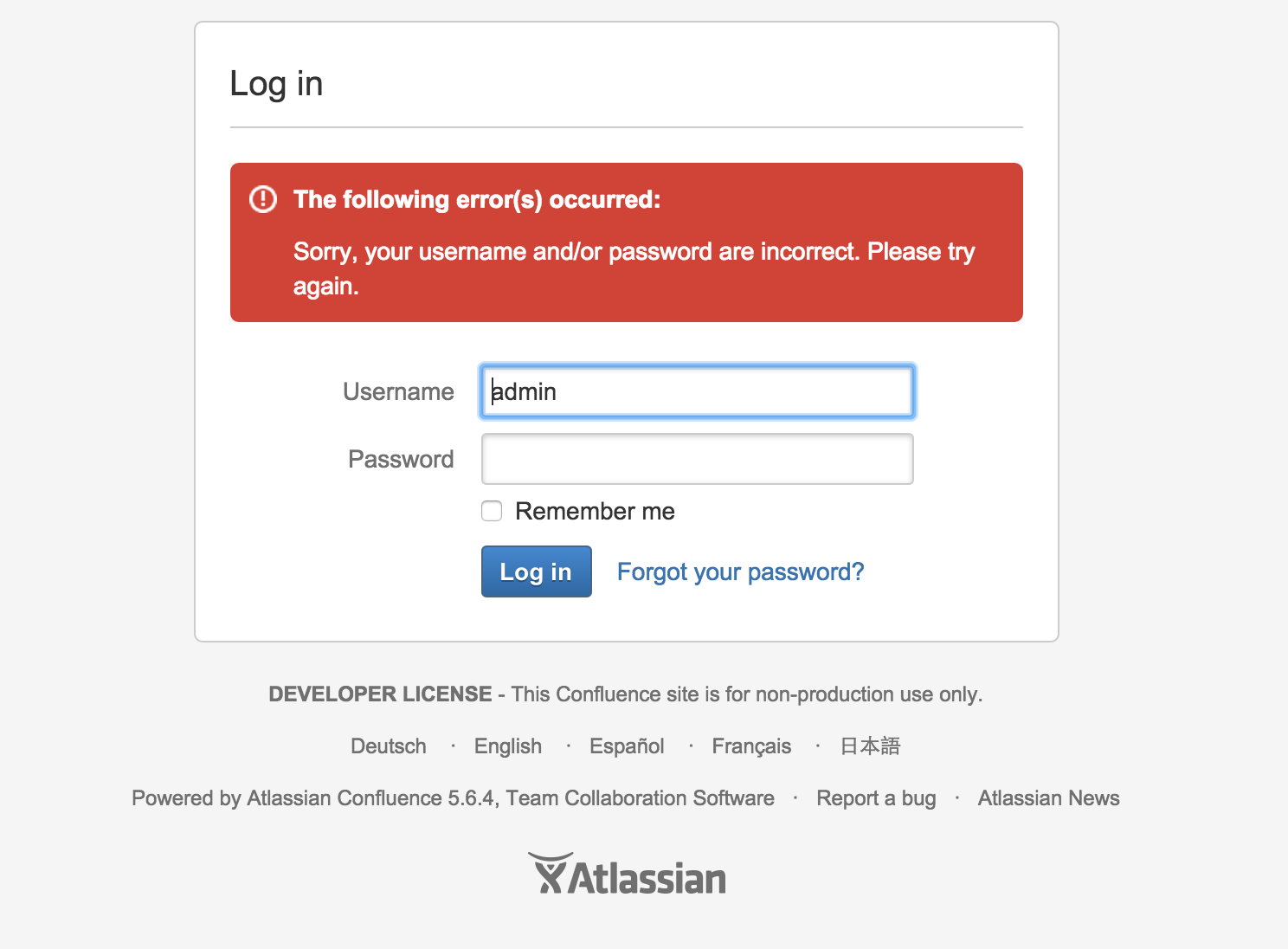
The following appears in the atlassian-confluence.log:
2015-03-04 16:54:38,535 WARN [http-bio-8564-exec-9] [atlassian.seraph.auth.DefaultAuthenticator] login login : 'admin' tried to login but they do not have USE permission or weren't found. Deleting remember me cookie.The following (or similar) may appear above the aforementioned error:
2015-03-05 22:32:22,843 INFO [read-only-transaction:thread-1] [atlassian.confluence.user.DefaultUserAccessor] getUserNamesWithConfluenceAccess Could not find group configured with USE permission: confluence-administrators
2015-03-05 22:32:22,843 INFO [read-only-transaction:thread-1] [atlassian.confluence.user.DefaultUserAccessor] getUserNamesWithConfluenceAccess Could not find group configured with USE permission: confluence-users
The user(s) and group(s) mentioned in the logs actually do exist in the database.
Diagnosis
Environment
SQL Server database
Data types on certain columns were changed to the recommended Unicode data types (e.g., char --> nchar)
Diagnostic Steps
Check the length of the
activecolumns in thecwd_userandcwd_directorytables:EXEC sp_help 'cwd_directory'; EXEC sp_help 'cwd_user';
Cause
By default, the length of the active column in the cwd_user and cwd_directory tables is one (1) character. If that column is increased to two characters, which can happen when changing the data type to one that supports Unicode (like nchar), that creates a situation where Confluence cannot find users or groups that have USE permission. As a result, users will not be able to log in, even though they exist in the database and have the necessary permissions.
Solution
Resolution
Modify the affected tables (
cwd_userorcwd_directoryor both) by changing the length of theactivecolumn back to one character:ALTER TABLE table_name ALTER COLUMN active nchar(1);Warning: Backup your database before proceeding.
Before running any SQL in this article, create a full backup of your Jira database. This is a database-level operation with no undo other than restoring from backup. Only proceed if you're comfortable running SQL directly against the Jira database, and test on a staging or cloned environment first, wherever possible.
Restart Confluence or flush the Confluence caches
Was this helpful?