Pages can not be copied or images not loaded on a page
Platform Notice: Data Center Only - This article only applies to Atlassian apps on the Data Center platform.
Note that this KB was created for the Data Center version of the product. Data Center KBs for non-Data-Center-specific features may also work for Server versions of the product, however they have not been tested. Support for Server* products ended on February 15th 2024. If you are running a Server product, you can visit the Atlassian Server end of support announcement to review your migration options.
*Except Fisheye and Crucible
Summary
☁️ Using Confluence Cloud?
This article's resolution requires direct access to the server filesystem (<Confluence Home>/attachments directory), which is not available in Confluence Cloud. If you're experiencing missing images or page copy failures on Cloud, the root cause is likely different from the Data Center scenario described here.
Next step: Atlassian Support — a support engineer can investigate your Cloud tenant's attachment storage directly.
Problem
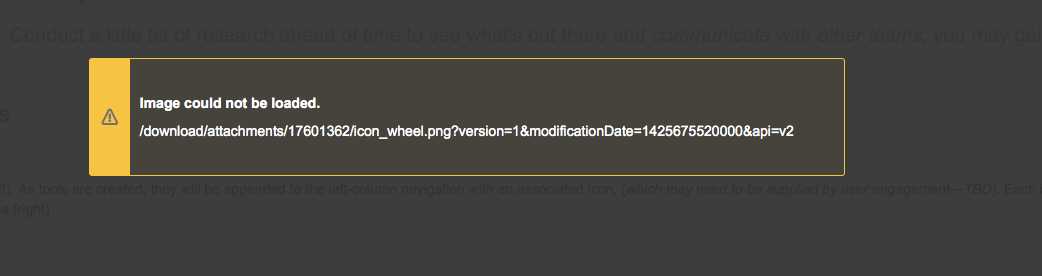
Images are unable to be loaded:
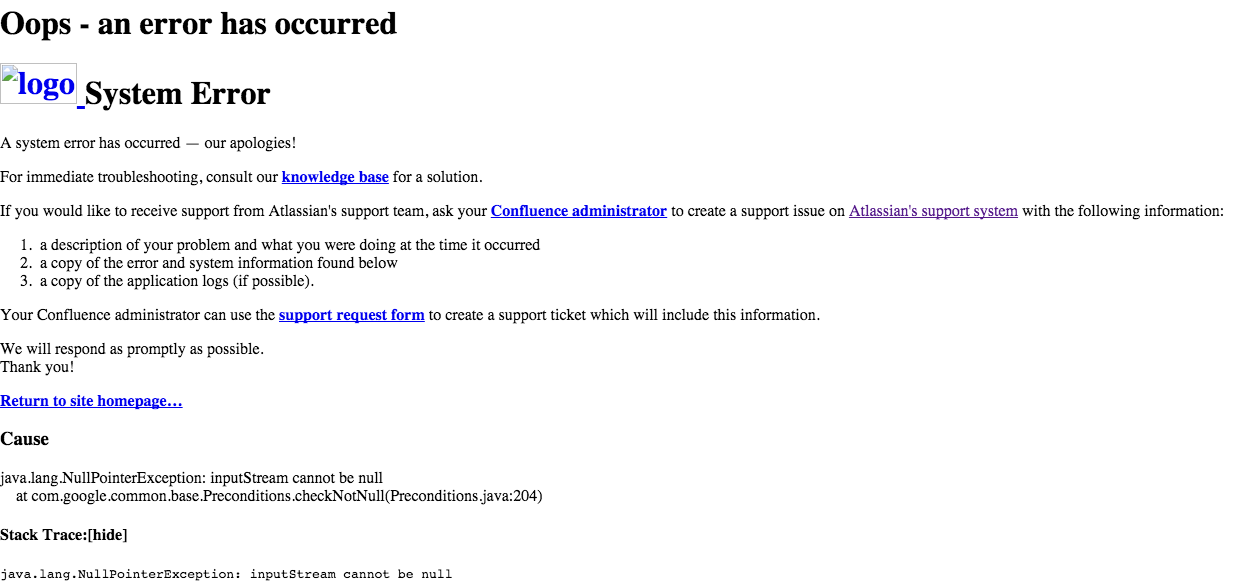
Or an error appears when trying to copy a page:
The following appears in the Atlassian-Confluence.log
2015-04-24 10:13:20,200 ERROR [http-bio-8090-exec-4611] [atlassian.confluence.pages.DefaultAttachmentManager] getAttachmentData Could not find data for attachment: Attachment: xxxxxxxx_xxxxxxx.jpg v.1 (xxxxxxxxxx) xxx.xxxxxxx - com.atlassian.confluence.pages.persistence.dao.filesystem.AttachmentDataFileSystemException: No such file for Attachment: xxxxxxxx_xxxxxxx.jpg v.1 (xxxxxxxxxxx) xxx.xxxxxxxDiagnosis
If you find the following in the <Confluence Home>Attachments directory, you are affected by this issue:
/data/confluence/attachments/ver003/16/131/13631516/112/101/17601362_moved_out_of_the_way

/data/confluence/attachments/ver003/16/131/13631516/116/153/21403366_moved_out_of_the_way

/data/confluence/attachments/ver003/16/131/13631516/116/153/21403366_moved_out_of_the_way/21596180

/data/confluence/attachments/ver003/16/131/13631516/116/153/21403366_moved_out_of_the_way/21596181

/data/confluence/attachments/ver003/16/131/13631516/116/153/21403366_moved_out_of_the_way/21596182

/data/confluence/attachments/ver003/16/131/13631516/116/153/21403366_moved_out_of_the_way/21596183

/data/confluence/attachments/ver003/16/131/13631516/116/153/21403366_moved_out_of_the_way/21596180/1

/data/confluence/attachments/ver003/16/131/13631516/116/153/21403366_moved_out_of_the_way/21596181/1

/data/confluence/attachments/ver003/16/131/13631516/116/153/21403366_moved_out_of_the_way/21596182/1

/data/confluence/attachments/ver003/16/131/13631516/116/153/21403366_moved_out_of_the_way/21596183/1

/data/confluence/attachments/ver003/16/131/13631516/132/153/21403382_moved_out_of_the_way

/data/confluence/attachments/ver003/16/131/13631516/132/153/21403382_moved_out_of_the_way/21596321

/data/confluence/attachments/ver003/16/131/13631516/132/153/21403382_moved_out_of_the_way/23003571

/data/confluence/attachments/ver003/16/131/13631516/132/153/21403382_moved_out_of_the_way/23003662
Cause
A failed attempt to move a page(s) that timed out.
Solution
Before restoring files: Take a backup of the affected attachment directories — including both the moved_out_of_the_way subdirectories and the original target directories — before copying any files. This allows you to reverse the operation if files are copied to incorrect paths. If possible, perform the recovery on a staging instance first.
Resolution
Copying the contents from the moved_out_of_the_way directories back to the original directory, the one without moved_out_of_the_way in its path, will ensure the images display correctly.
Please note, the missing attachment script should also be able to recover those attachments. More information available here.
For a broader missing-attachments recovery procedure beyond this specific moved_out_of_the_way scenario, see Troubleshoot missing attachments in Confluence Data Center | Confluence | Atlassian Support.
Verification: After restoring the files, reopen the affected page and confirm images render correctly, then retry the page-copy operation to confirm it completes without error.
Was this helpful?