Creating a space does not work
Platform Notice: Cloud Only - This article only applies to Atlassian apps on the cloud platform.
Summary
When you select Create to create a space, Confluence does not create the space and does not display a message.
Cause
This happens when the space key matches the key of a restricted space that you cannot see.
Solution
Contact an admin (Confluence admin or organization admin) and ask them to navigate to Settings (⚙️) > Space permissions under Confluence administration.
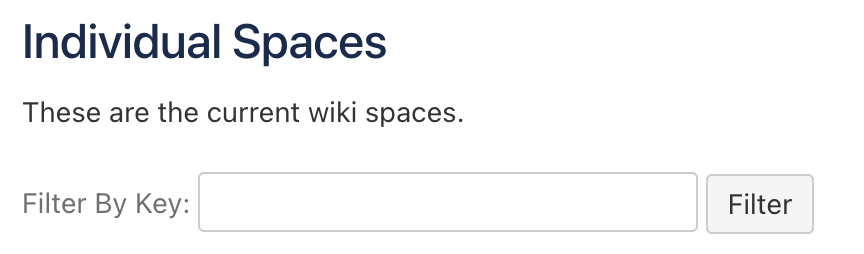
Ask the admin to search/filter the space list by the space key you are attempting to use.
If the key is already in use by an existing restricted space:
Choose a different space key when creating your new space, or
Have the admin grant you access to the existing space if it is the one you need.
Was this helpful?