Unable to see the option view all on your work page
Platform Notice: Cloud Only - This article only applies to Atlassian apps on the cloud platform.
Summary
Unable to see the option view all on your work page under the Assigned to me tab
Environment
Jira cloud — software projects
Diagnosis
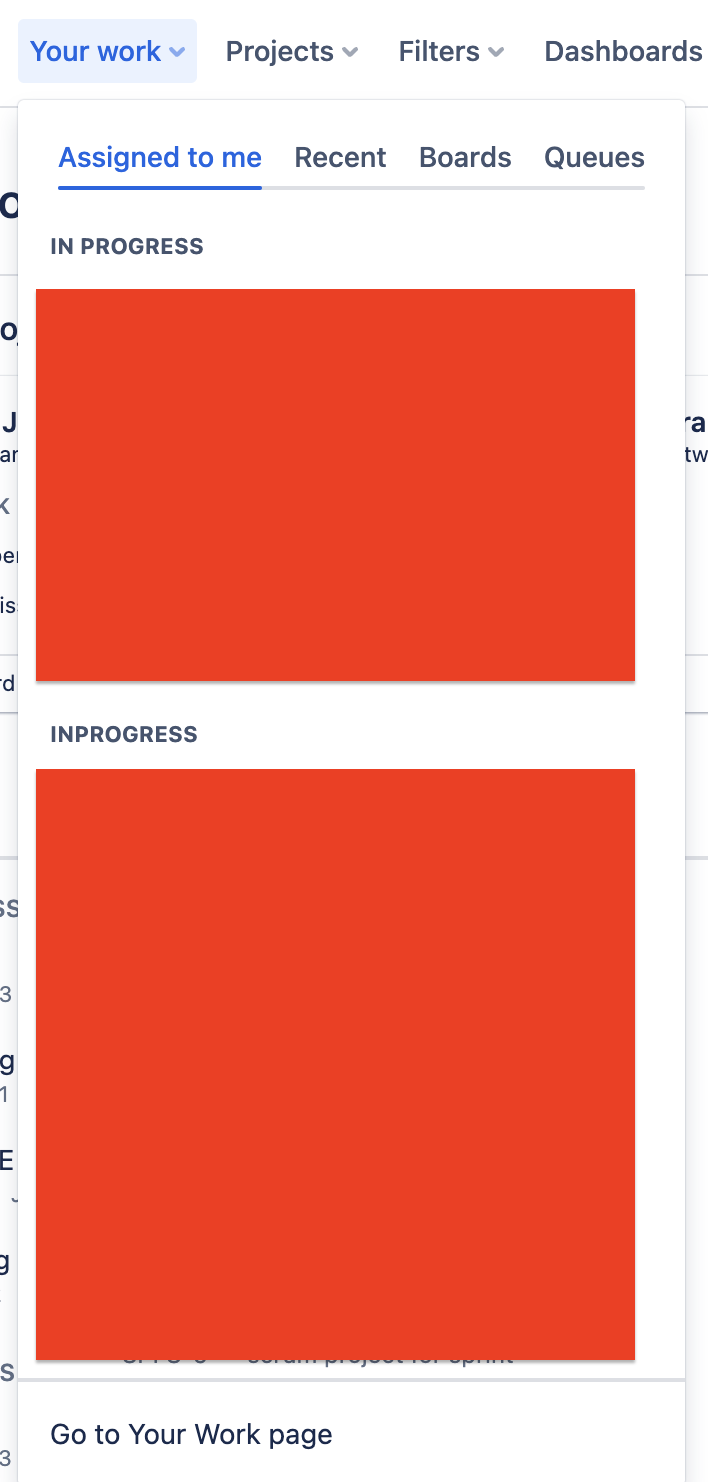
Navigate to Jira instance your work tab https://<domain>.atlassian.net/jira/your-work and click "Go to your work page"
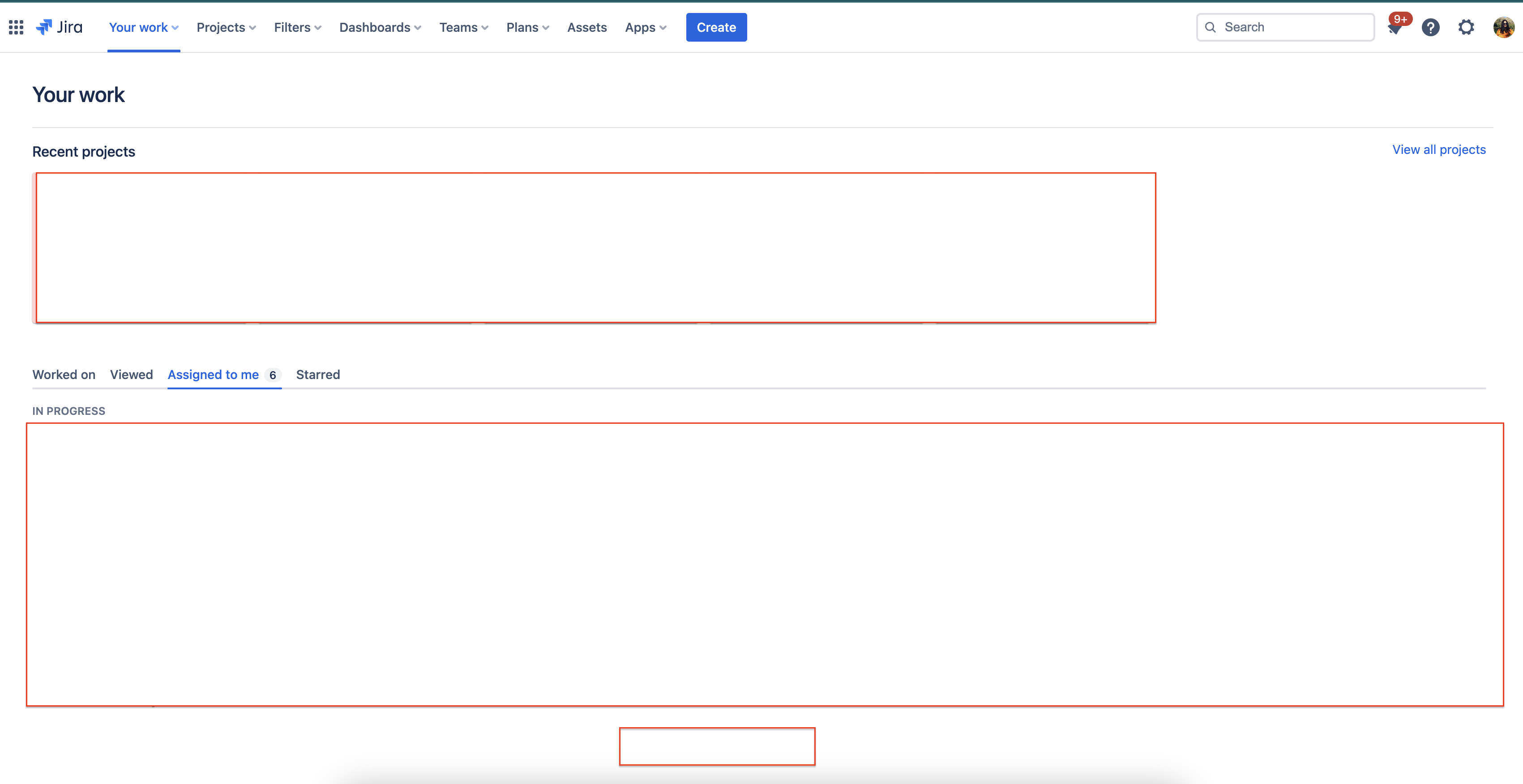
Here under Assigned to me tab, you will not see option "View all"
Cause
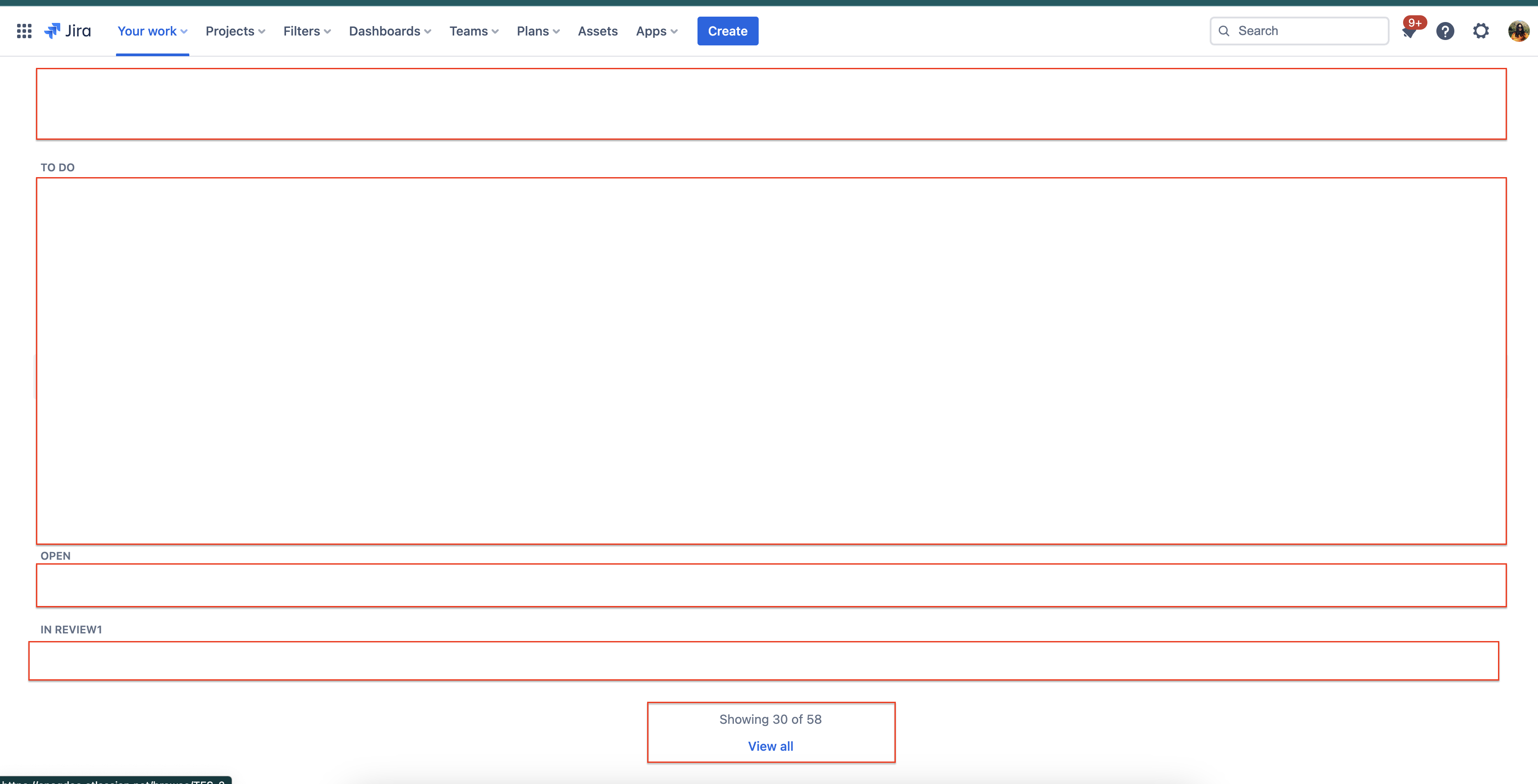
Only when the number of Assigned issue is greater than 30 issues this option appears.
Solution
This option appears when the number of assigned issues is greater than 30. This is expected behaviour from Jira.
Updated on September 26, 2025
Was this helpful?
Still need help?
The Atlassian Community is here for you.