Unable to access DVCS configuration page
Platform Notice: Cloud Only - This article only applies to Atlassian apps on the cloud platform.
Summary
Unable to access the DVCS configuration page due to "Exception rendering velocity file" error
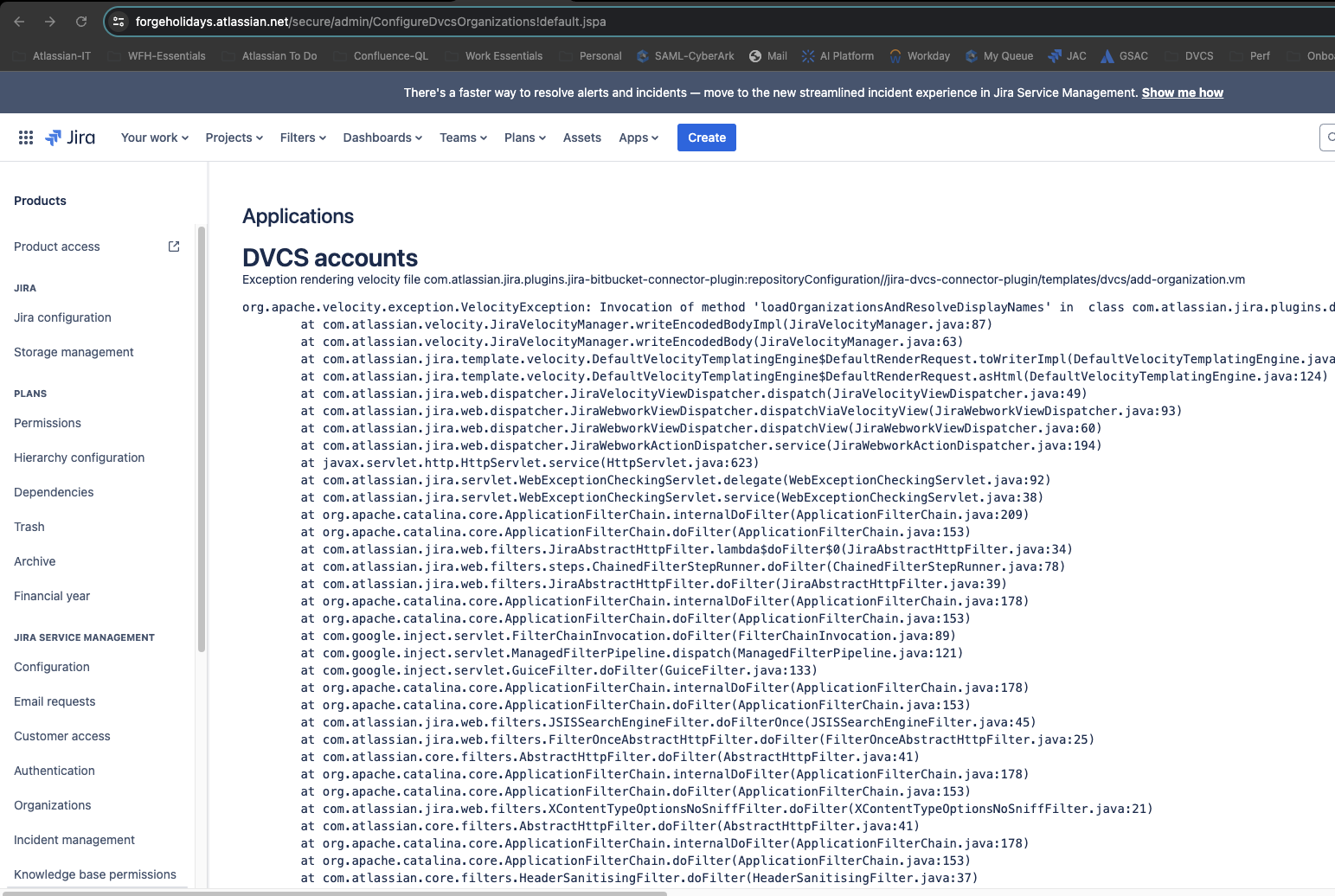
Environment
Jira cloud
Cause
This can occur due to a corrupted plugin installation between Jira and DSS. Jira can see the existing BBC installation (for the workspace) but it will be missing the equivalent installation recorded managed by DSS, hence error.
Solution
Access the below link
https://bitbucket.org/<enter your work space name here >/workspace/settings/addon-management/
Remove the Jira app.
Once its removed, then connect it from Jira DVCS page again.
Note: Existing BBC repos for this tenant will need to be reconnected
Updated on September 25, 2025
Was this helpful?
Still need help?
The Atlassian Community is here for you.