Request types not available in JSM Chat integration for Jira Service Management Cloud
Platform Notice: Cloud Only - This article only applies to Atlassian apps on the cloud platform.
Summary
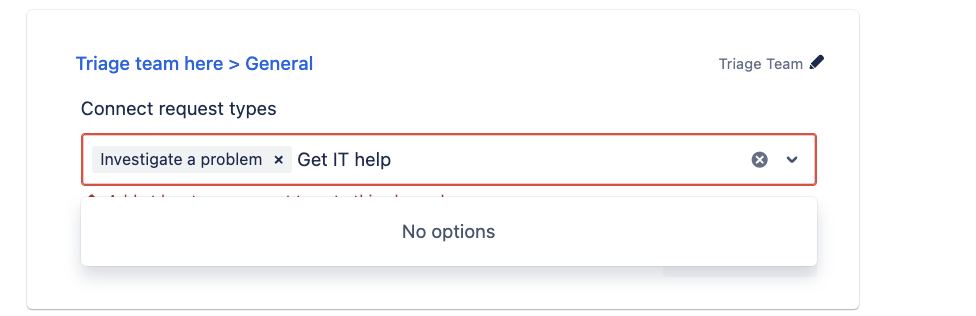
After connecting JSM Chat to MS Teams or Slack, some Request types are not available to be selected for the integration.
Cause
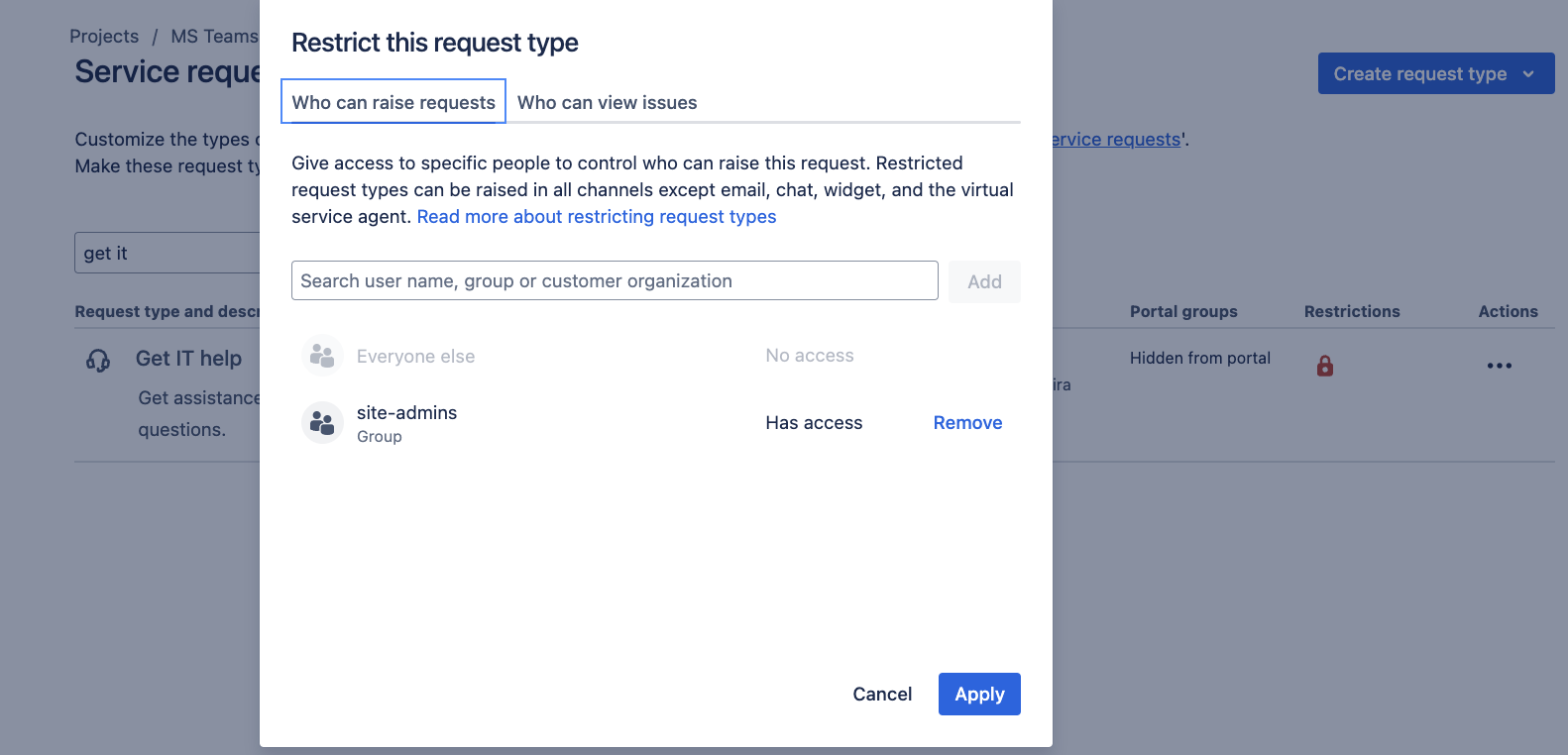
This behavior occurs when the affected Request type has restrictions on Who can raise requests tab.
To validate this setting see the steps below:
Access the project
Go to Project settings > Request types
Find the affected Request type and click on Restrictions (the “Lock” icon)
Check the Who can raise requests tab
Solution
Remove any restrictions from the affect Request type, so that any customer from the project can raise requests.
If the restrictions cannot be removed, it’s recommended that a different Request type be used for the JSM Chat integration.
Was this helpful?