In Jira Align, a permission error is displayed when loading the Objectives grid
Summary
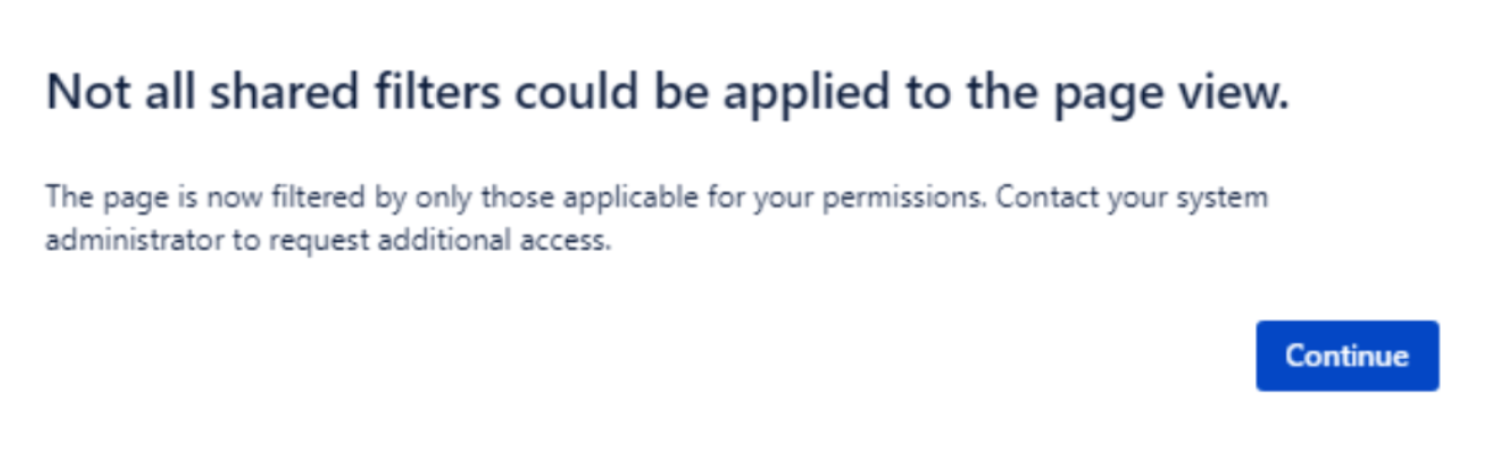
While trying to load the Objectives grid, a permissions message relating to shared filters is shown (as provided in the following image)
Environment
Jira Align
Diagnosis
Verified the role of the User logged in and the issue occurred even for a user with the Super Admin Role.
The objective's owner was also a Super admin user, and the owner saw the error.
Cause
The logged-in user was not a member of Portfolio where the Objective is, but as the role of logged-in user has full access, we still can see the Objective record. We see the error "Not all shared filters could be applied to the page view." behind the Objective.
Solution
Go to Settings/Administration > Portfolio and find the portfolio where the Objective is mapped.
Open the Portfolio details and go to the Members tab
Find the affected users and add them to the list
Get the affected users to logout and log back into Jira Align.
Re-open the page where the permissions message was displayed.
Was this helpful?