How to find inactive & deactivated users in Jira Align
Summary
Inactive and deactivated users are not easily visible in the People view. Use a filter for Inactive users to find them.
Environment
Jira Align
Solution
Solution 1
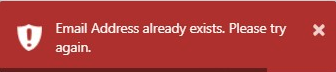
Attempting to add a user may result in the error “Email Address already exists. Please try again”. However, attempting to search the user's email address returns no results. Often times this is due to the user being marked as Inactive.
Solution 2
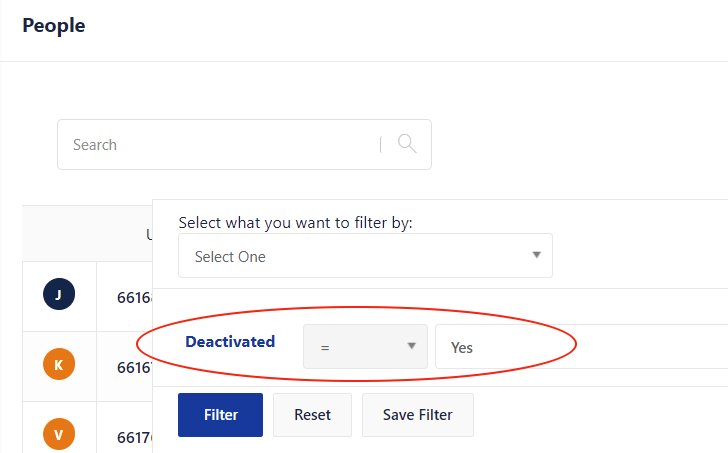
Inactive users are not visible from the People view by default. To find them, click on "Apply Filters" and choose Deactivated = Yes. Then repeat the search.
Updated on September 25, 2025
Was this helpful?
Still need help?
The Atlassian Community is here for you.