How to enable e-mail notification for Dependencies in Jira Align
Summary
This article describes how to enable and view e-mail notifications for dependencies in Jira Align.
Environment
Jira Align
Solution
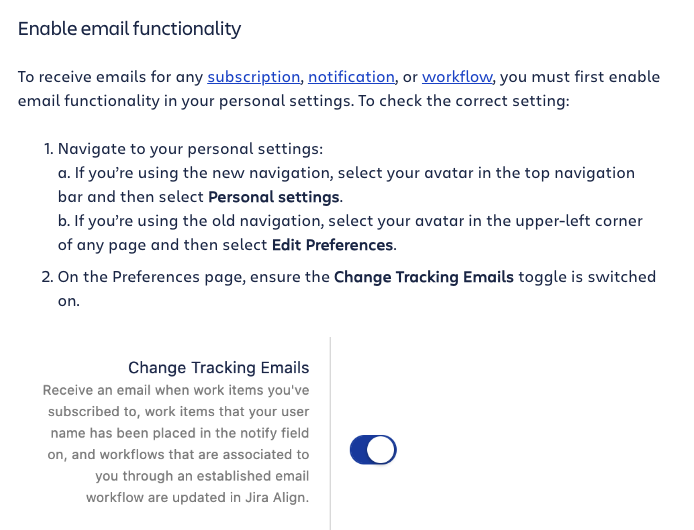
Enable "Change Tracking Emails" under user settings
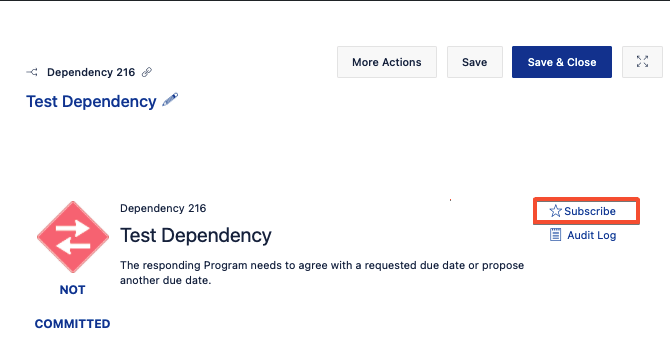
Subscribe to work items
(A user may subscribe to a single work item from its slide-out details panel. When subscribed, they will receive an email notification each time an update is made to any of the item’s fields.)
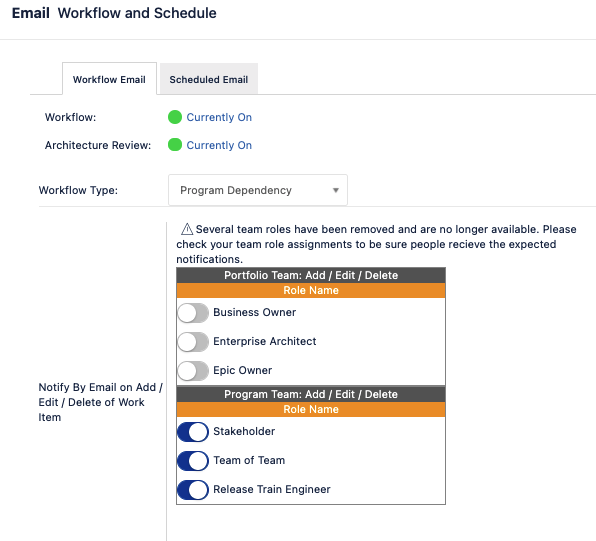
Notifications can also be enabled to team roles using email workflows
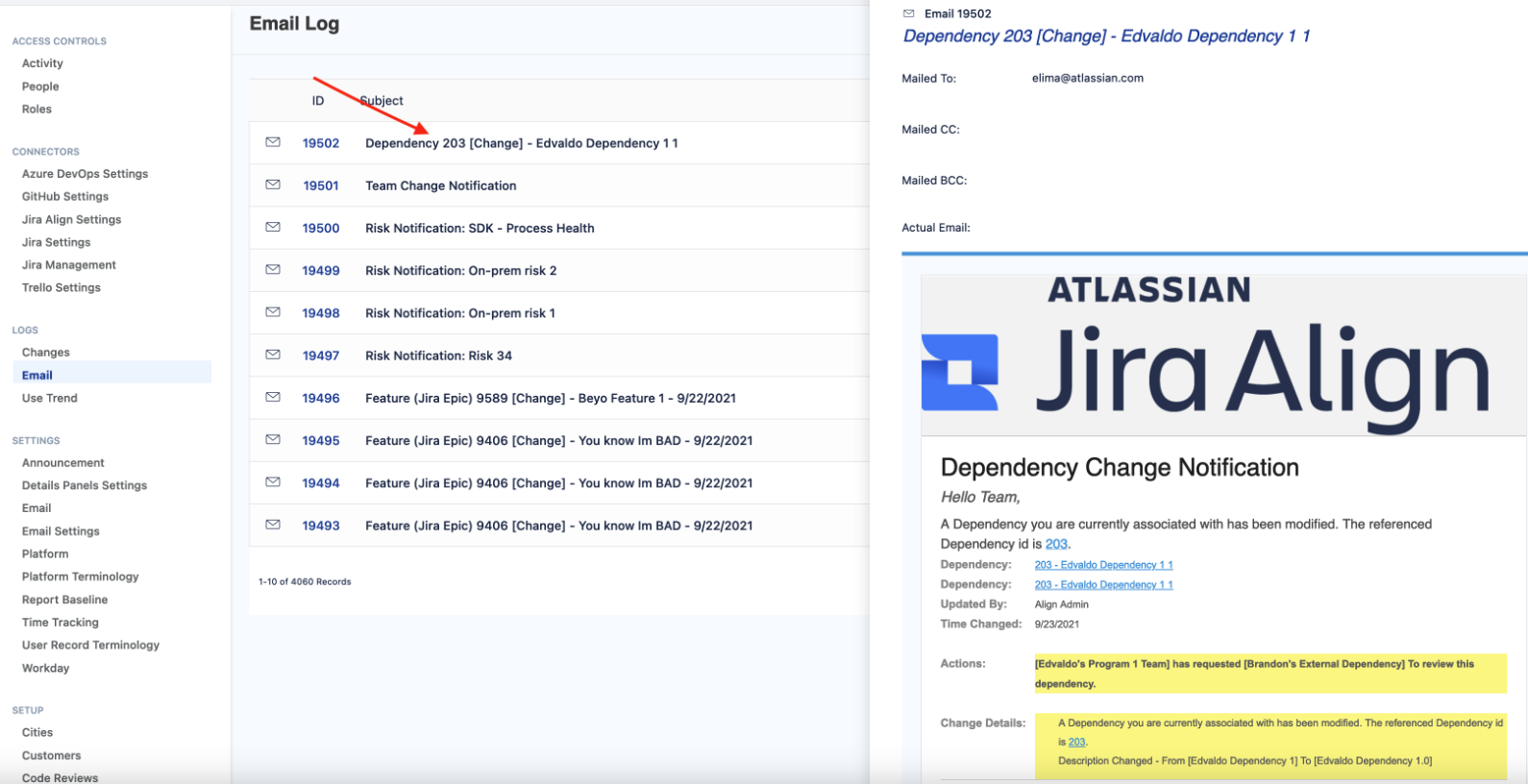
Jira Align Administrators can confirm that a notification is sent to a particular user by reviewing the email logs under: Administration | Settings > Logs Email
Updated on September 25, 2025
Was this helpful?
Still need help?
The Atlassian Community is here for you.