Admin Console Not Showing
Platform Notice: Data Center Only - This article only applies to Atlassian apps on the Data Center platform.
Note that this KB was created for the Data Center version of the product. Data Center KBs for non-Data-Center-specific features may also work for Server versions of the product, however they have not been tested. Support for Server* products ended on February 15th 2024. If you are running a Server product, you can visit the Atlassian Server end of support announcement to review your migration options.
*Except Fisheye and Crucible
Symptoms
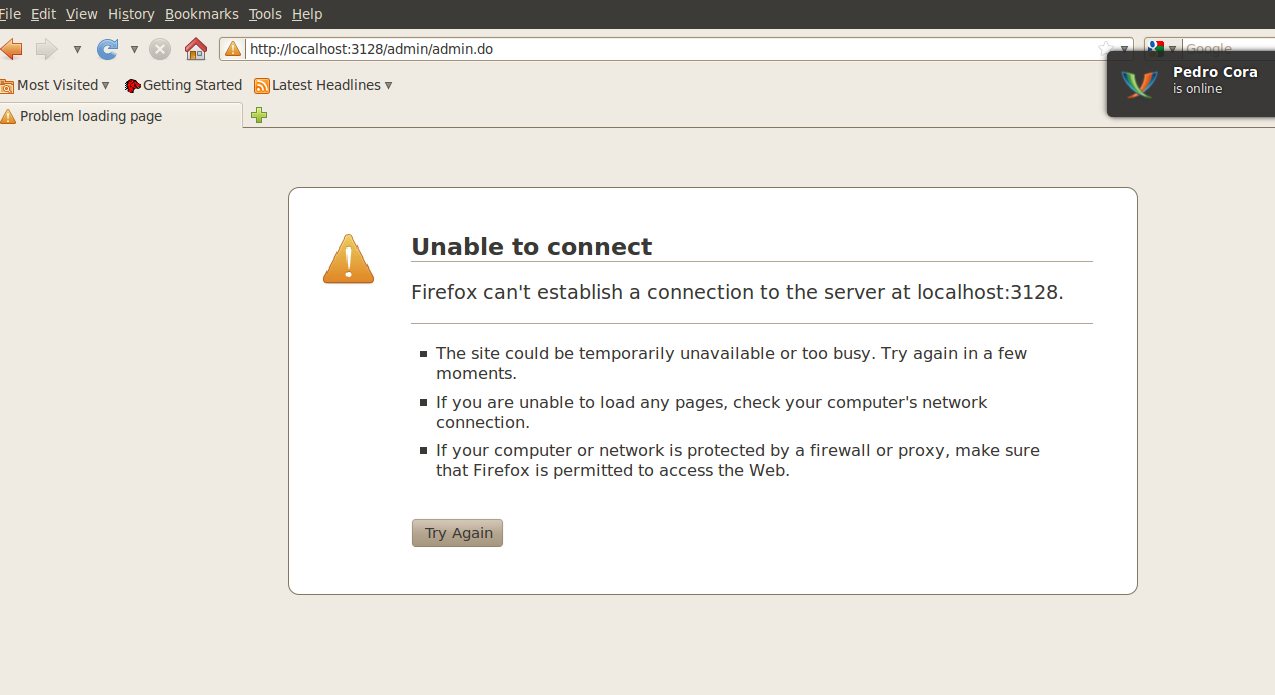
When accessing to http://<host>:<port>/admin/, web browser not able to display the page. Indeed, this is showing:
Cause
It could be a misconfiguration in config.xml file.
Resolution
Verify that the config.xml is configured properly. For example, changing the config.xml file from:
<svn-config/><web-server>

<http bind=":8060" proxy-port="3128"/>

</web-server>
To:
<svn-config/><web-server>

<http bind=":8060"/>

</web-server>
Was this helpful?