HowTo: Add Issue Links to a JIRAIssue Macro
Platform Notice: Data Center Only - This article only applies to Atlassian apps on the Data Center platform.
Note that this KB was created for the Data Center version of the product. Data Center KBs for non-Data-Center-specific features may also work for Server versions of the product, however they have not been tested. Support for Server* products ended on February 15th 2024. If you are running a Server product, you can visit the Atlassian Server end of support announcement to review your migration options.
*Except Fisheye and Crucible
Objective:
We're going to enhance the JIRAIssues macro display by adding in a column to show Issue Links.
Prerequisites:
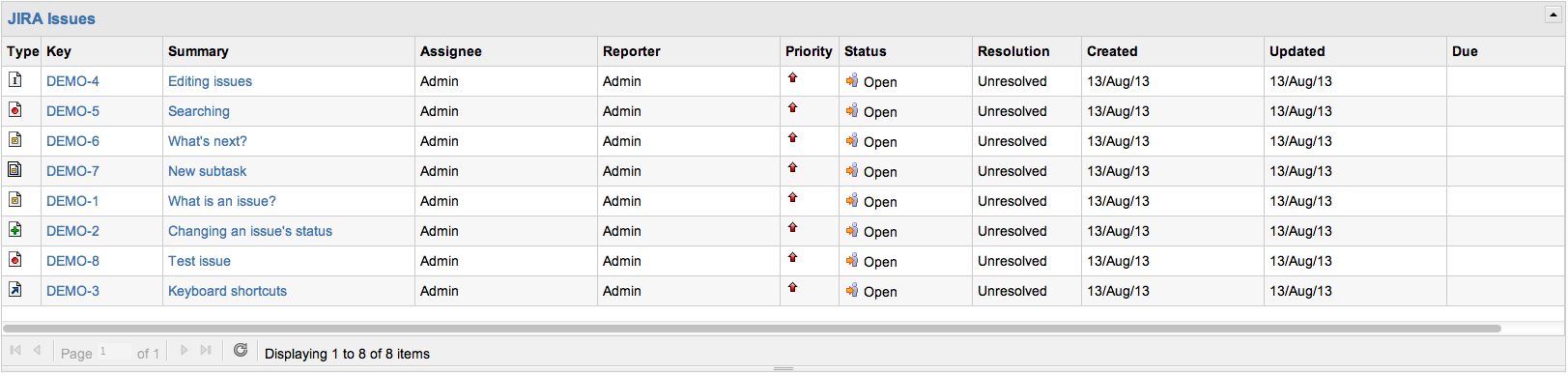
We have JIRA and Confluence online, sharing issues through an Application Link. We have a JQL query set up, and an Issue Macro configured to show the query results. Our results look like this:
Procedure:
Open the Confluence page for editing and click on the macro's placeholder:
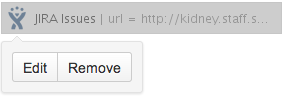
Click on the edit button that appears.
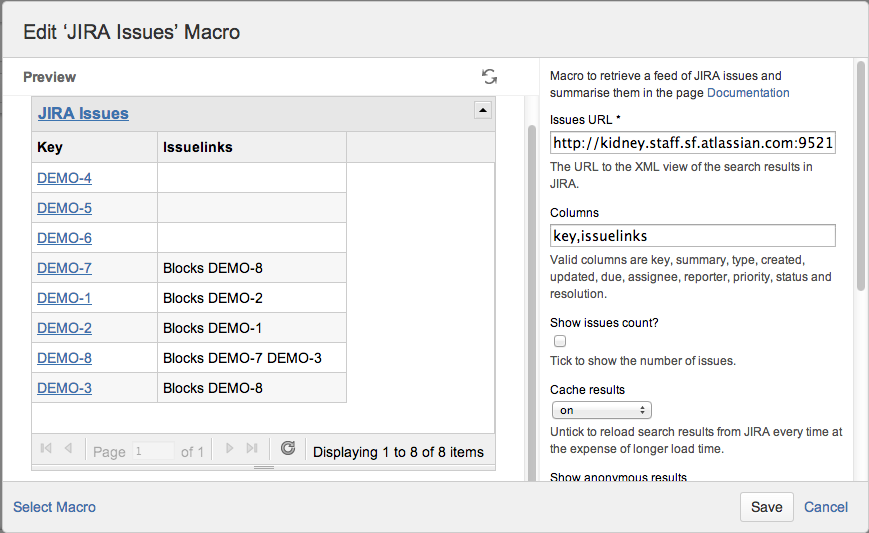
Add the label issuelinks to the list of available columns, as seen here. Once you've added any custom columns, only the custom columns will be displayed. Here, we're limiting the display to only Issue Key and Issue Links:
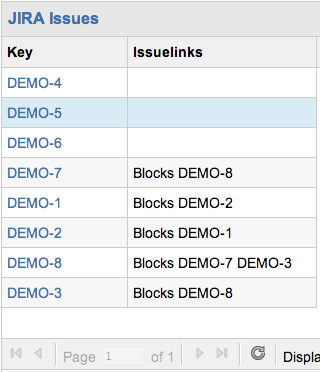
Success!
We see the Issue Links that belong to each issue in the table:
Was this helpful?