After upgrading to Team Calendars 5.3 Calendars don't appear in related space
Platform Notice: Cloud and Data Center - This article applies equally to both cloud and data center platforms.
Support for Server* products ended on February 15th 2024. If you are running a Server product, you can visit the Atlassian Server end of support announcement to review your migration options.
*Except Fisheye and Crucible
Summary
Problem
Calendars with a related space set, or embedded on only one page, haven't moved to the Calendars section in the sidebar of the relevant space.
You may also notice the following errors in the log:
EmbeddedCalendarsToSpaceMigrationTask.upgrade failedDiagnosis
Does this apply to you?
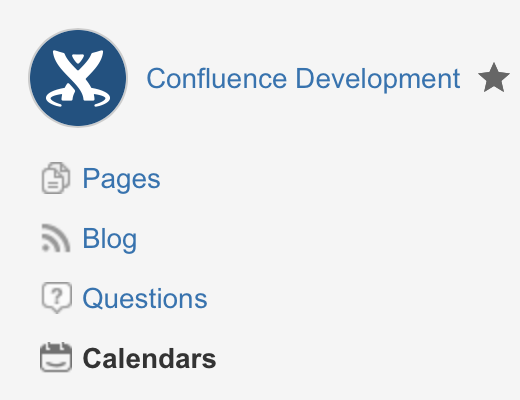
In Team Calendars 5.3, we launched calendars in spaces, adding a Calendars link to the space sidebar and allowing you to Create calendars in your Confluence spaces. We included an upgrade task that looked for any calendar with a Related space set, or any calendar that was embedded on only one page, and moved those calendars into the relevant space. If you've noticed that a calendar with a Related space set hasn't moved into that space – in other words, you can't see the calendar when you click Calendars in the space sidebar – then the migration of calendars into spaces has likely failed.
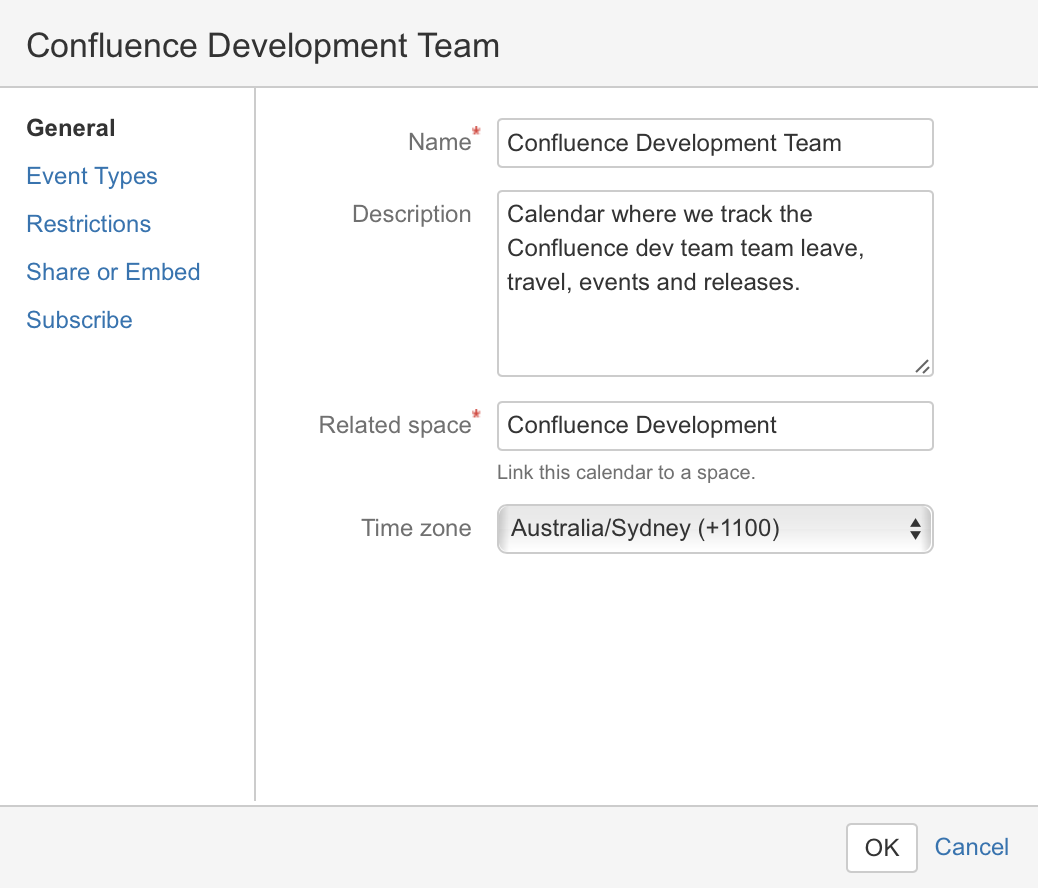
The other way to check is if you have a calendar that was created prior to upgrading to Team Calendars 5.3 that doesn't have a Related space set. If you're now using Team Calendars 5.3, set the Related space for the calendar then visit the Calendars link in the space sidebar to see if the calendar appears there. If the calendar doesn't appear, then you should rebuild space calendars as described below.
An example of a calendar with a Related space set
Cause
The upgrade task to migrate of calendars into their related spaces hasn't succeeded.
Solution
Resolution
Go to

> General configuration > Team Calendars > Rebuild Space Calendars and click Rebuild.
Was this helpful?